5.12 Power
Reboot and Power Off — /power
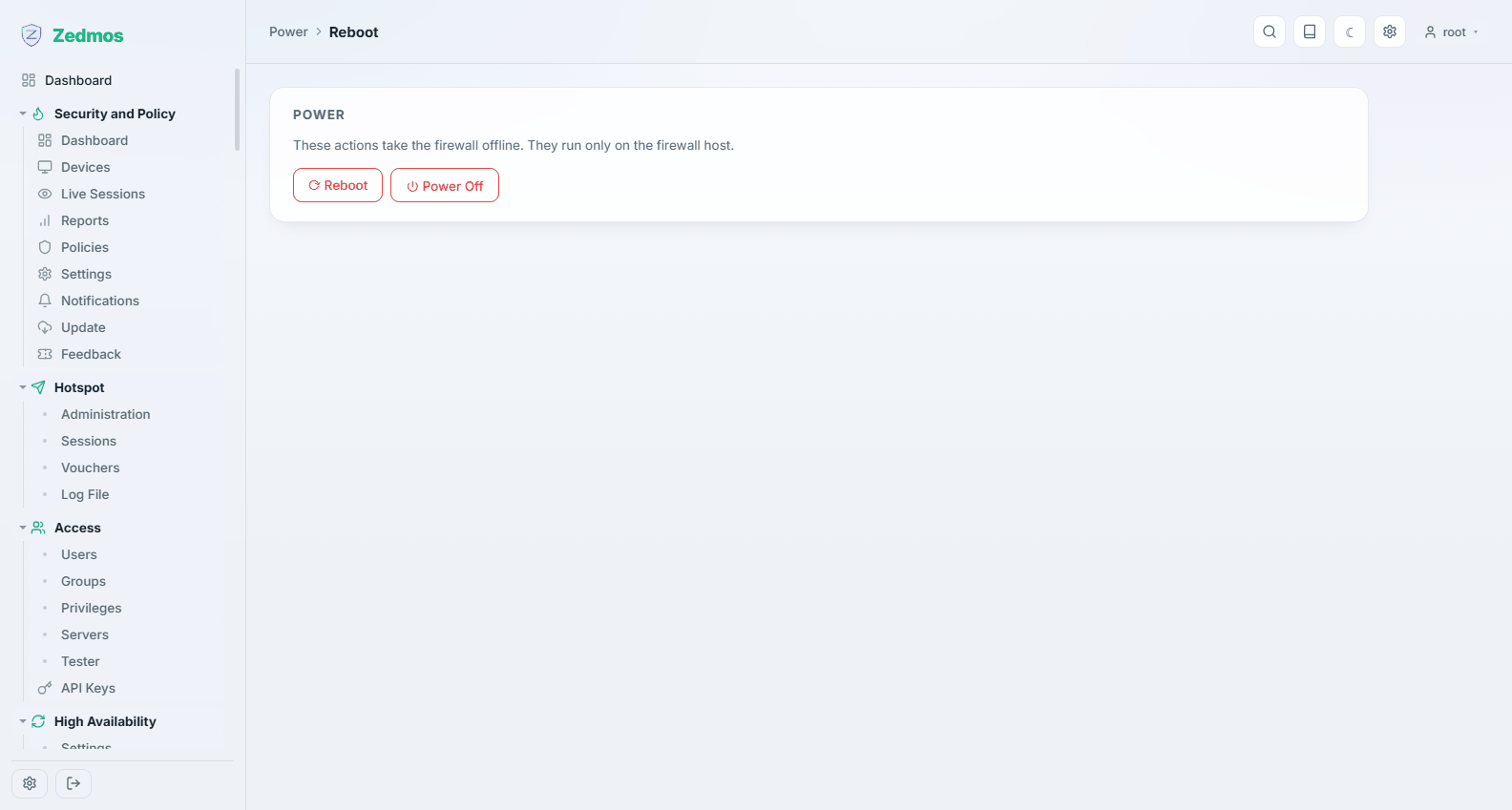
Restarts or shuts the appliance down. Both ask for confirmation first, because both take the network down with them.
Reboot is the right answer far less often than people expect. The appliance applies configuration changes as they are saved, and services can be restarted individually from System → Diagnostics → Services. Reboot when you have changed something that genuinely needs it — a kernel tunable, a firmware update that asks for it — or when you want to prove the box comes back up cleanly before you leave the site.
Power off stops the system so it can be switched off safely. An appliance that is simply unplugged can leave its filesystem needing a check on the next boot, which turns a two-minute restart into something longer.
After a reboot, give it a minute before deciding something is wrong: the appliance brings interfaces up, applies the firewall ruleset and starts its services in order, and the last of them can be a little behind the first ping. System → Log Files → Boot records what happened, in order, if it did not come back the way you expected.