5.2 Security and Policy
This group is the security engine: the deep-inspection layer that sits beside the firewall and looks inside traffic rather than only at its headers. The firewall decides whether a packet may pass; the engine decides what the traffic is — which application, which device, which user, whether it carries a known threat or a file worth scanning — and applies policy to that.
The group appears only when the engine is installed. On a fresh appliance it is installed but not configured: its pages will say so plainly instead of showing empty graphs.
Dashboard — /plugin/engine/dashboard
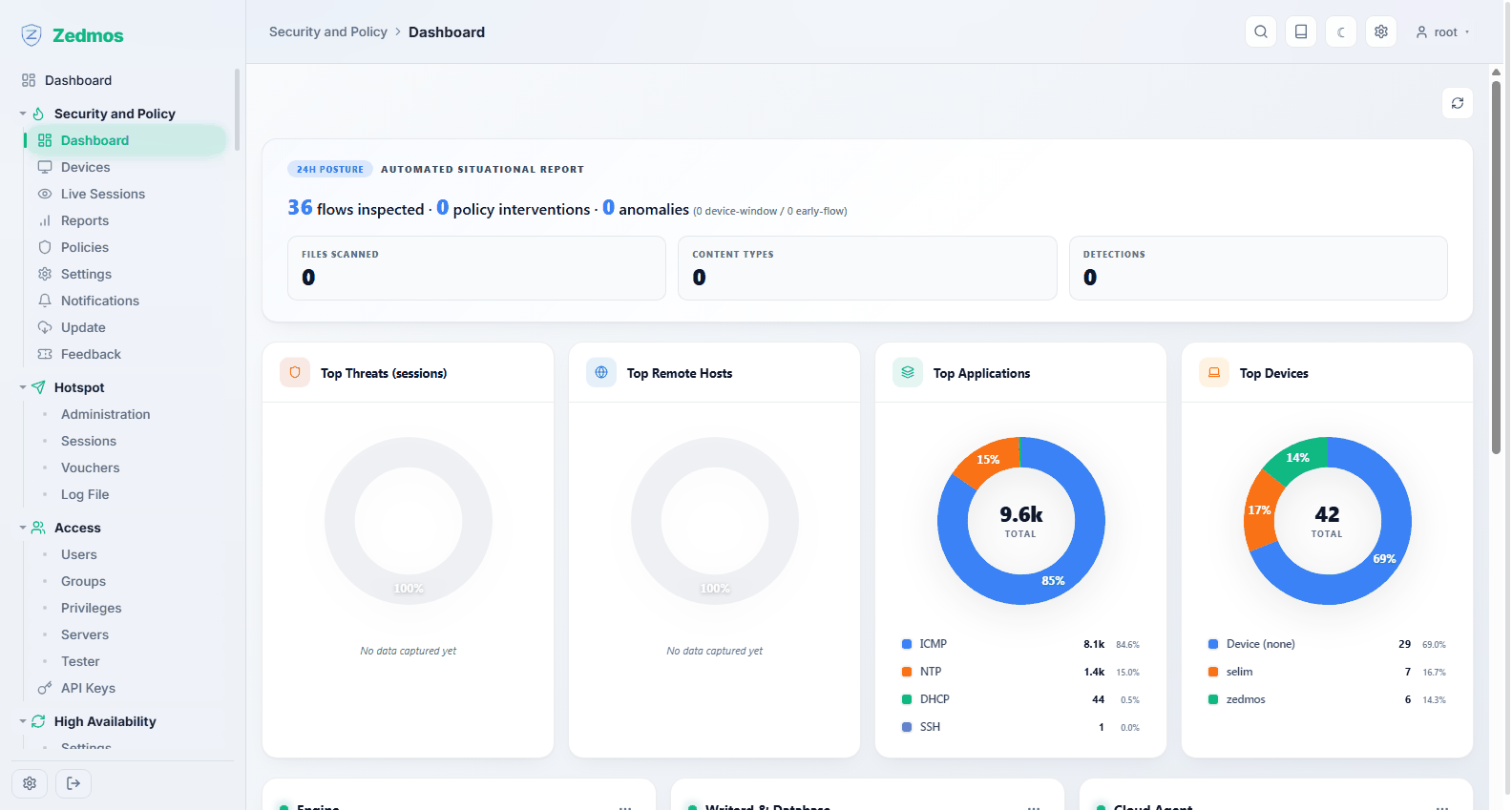
The engine's own overview: Feature Status (which of its capabilities are active and which are off), Top Threats, Top Remote Hosts, Top Applications, Top Devices, and the health of its three processes — the engine itself, Writerd & Database (the component that writes events to the local database) and the Cloud Agent.
Every one of these cards is also available as a widget on the main dashboard, so you can keep the two or three you care about in front of you without leaving the firewall's own board.
Devices — /plugin/engine/devices
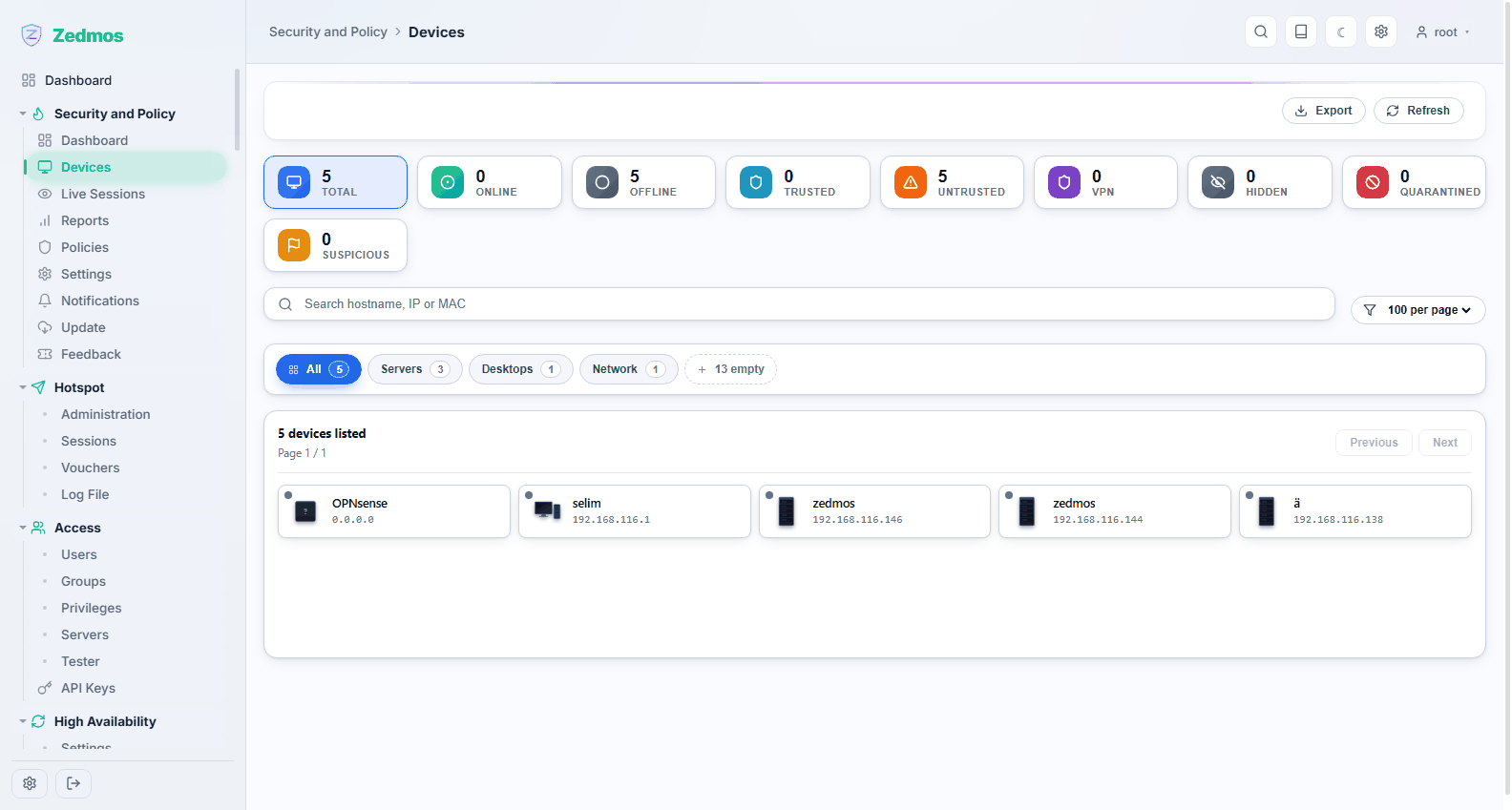
The inventory of everything the engine has seen on the network, identified by hostname, address and MAC, and classified by kind — servers, desktops, network equipment, and so on.
The counters across the top are the quick read: how many devices are online right now, how many are trusted against untrusted, how many are coming in over VPN, and whether anything is suspicious or quarantined.
Trusted is not cosmetic: policies can treat trusted and untrusted devices differently, and Block Untrusted Devices in a policy is exactly this flag. Search accepts a hostname, an address or a MAC; Export takes the list away as a file for an asset inventory.
Live Sessions — /plugin/engine/live
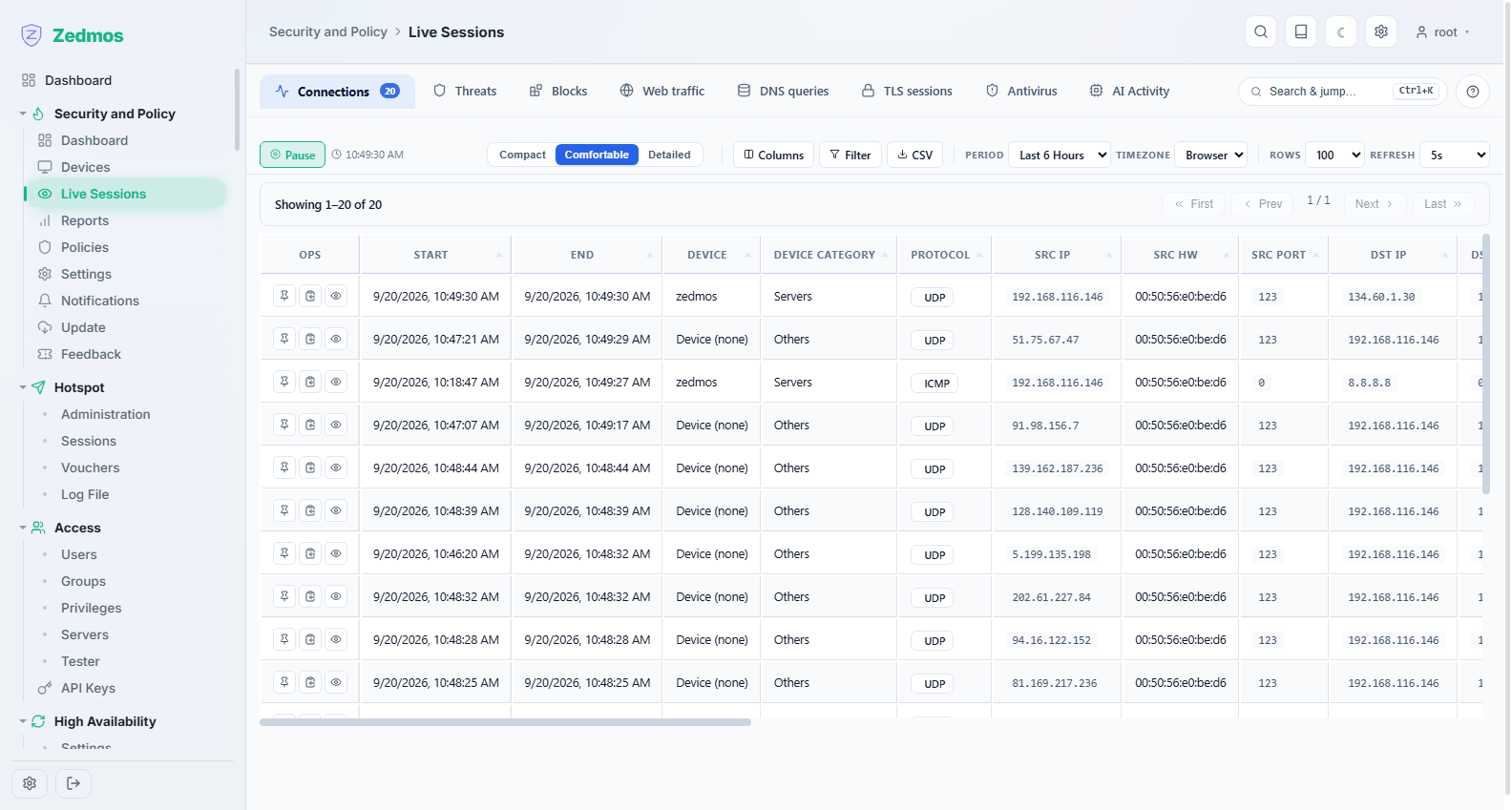
Connections as they happen, with the engine's identification attached: which device, which application, which destination. This is the page to open when somebody says "the internet is slow" — it answers who is doing what right now, which the firewall's own state table cannot.
Reports — /plugin/engine/reports
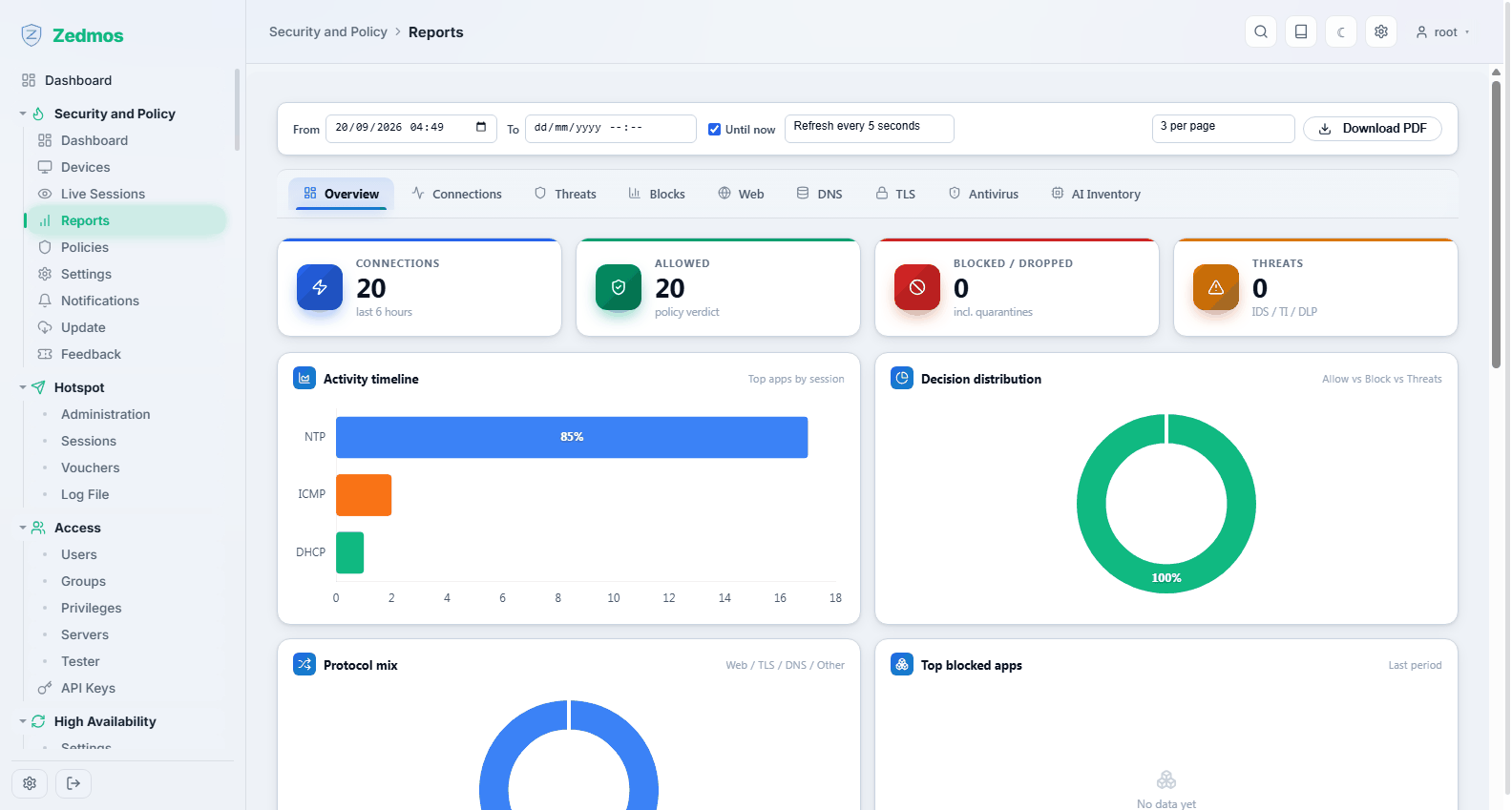
The same data over time rather than right now: traffic and threat history by device, application and destination, for a period you choose. Use it for the monthly conversation ("what is actually consuming the line?") and for after-the-fact investigation.
Policies — /plugin/engine/policies
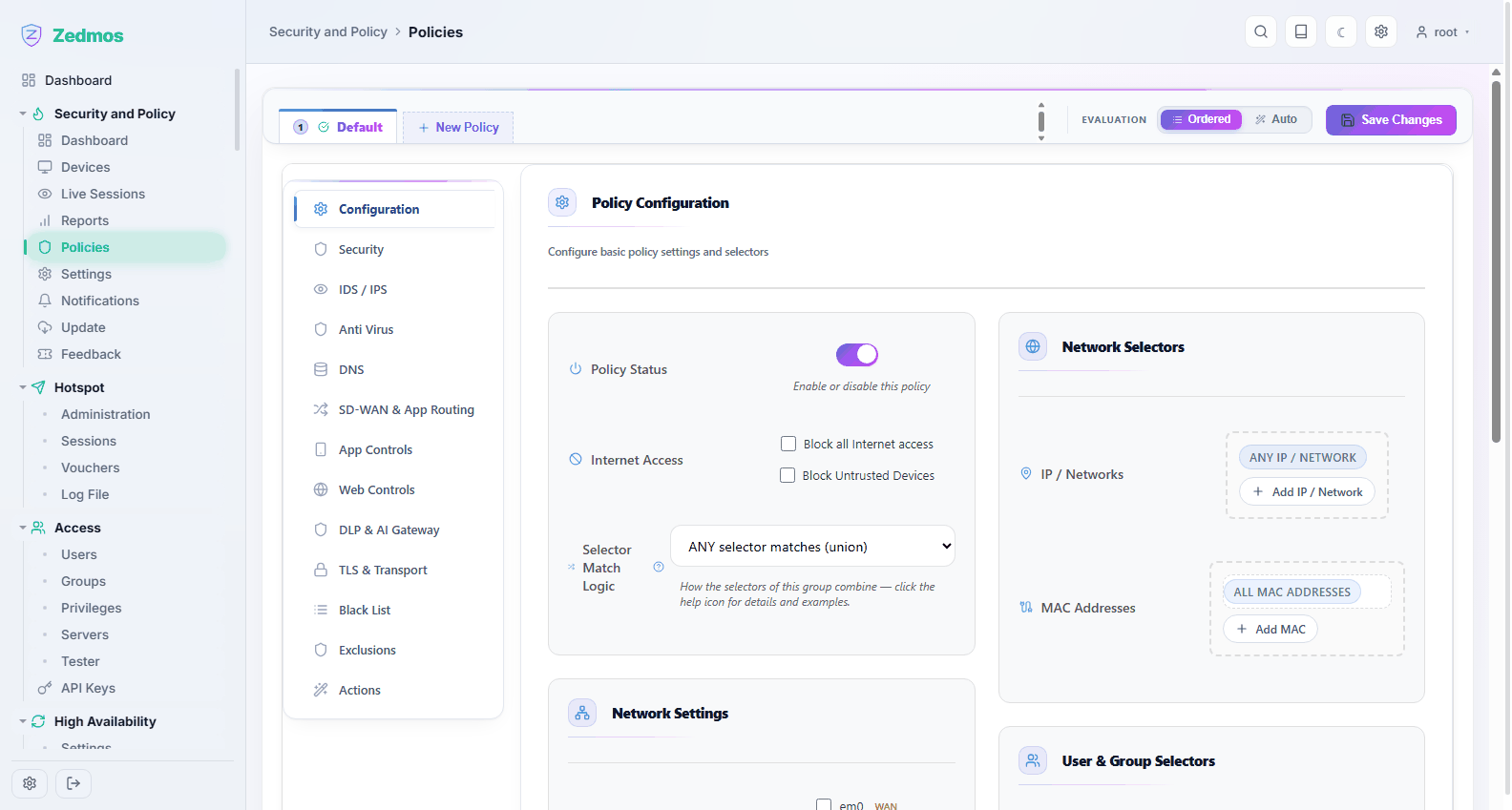
The heart of the engine. A policy answers: for this set of devices, users and networks, what is allowed, what is inspected, and what happens when something is found?
Policies are listed as tabs across the top; New Policy adds one. The appliance starts with a single Default policy that applies to everything, and that is deliberately where you should start: get the default right, then add narrower policies above it for the cases that differ.
Evaluation decides how several policies combine:
- Ordered — policies are evaluated top to bottom and the first match wins. Predictable, and what most deployments want.
- Auto — the engine picks the most specific match.
Each policy has two halves.
Selectors (right) decide who the policy applies to: IP addresses and networks, MAC addresses, users and groups, and which interfaces it watches. Selector Match Logic controls how they combine — ANY selector matches (union) is the permissive reading, and the alternative requires all of them. Leaving a selector at ANY means "do not narrow by this".
Sections (left rail) decide what the policy does:
| Section | What it controls |
|---|---|
| Configuration | Whether the policy is on, whether it blocks all internet access or untrusted devices, and the selector logic above. |
| Security | The general protection level applied to matching traffic. |
| IDS / IPS | Intrusion detection and prevention: which rule sets apply and whether a match is logged or dropped. |
| Anti Virus | File scanning of downloads passing through. |
| DNS | DNS-level controls for matching devices. |
| SD-WAN & App Routing | Steering an application over a chosen uplink. |
| App Controls | Allowing or blocking specific applications the engine identifies. |
| Web Controls | Category and URL filtering. |
| DLP & AI Gateway | Watching for data leaving that should not, including traffic to AI services. |
| TLS & Transport | Whether encrypted traffic is inspected, and how. Read Use cases → TLS inspection before switching this on: it needs a certificate the clients trust. |
| Black List | Destinations always denied for this policy. |
| Exclusions | Traffic this policy must never touch — the escape hatch for the payment terminal that must not be inspected. |
| Actions | What happens on a match: log, block, quarantine, notify. |
Changes are collected and written with Save Changes; until then nothing on the box has moved.
Start permissive, then tighten. Switch a section on in log-only mode, look at Reports for a day, and only then let it block. A policy that blocks something essential looks exactly like a broken network to everyone else.
Settings — /plugin/engine/settings
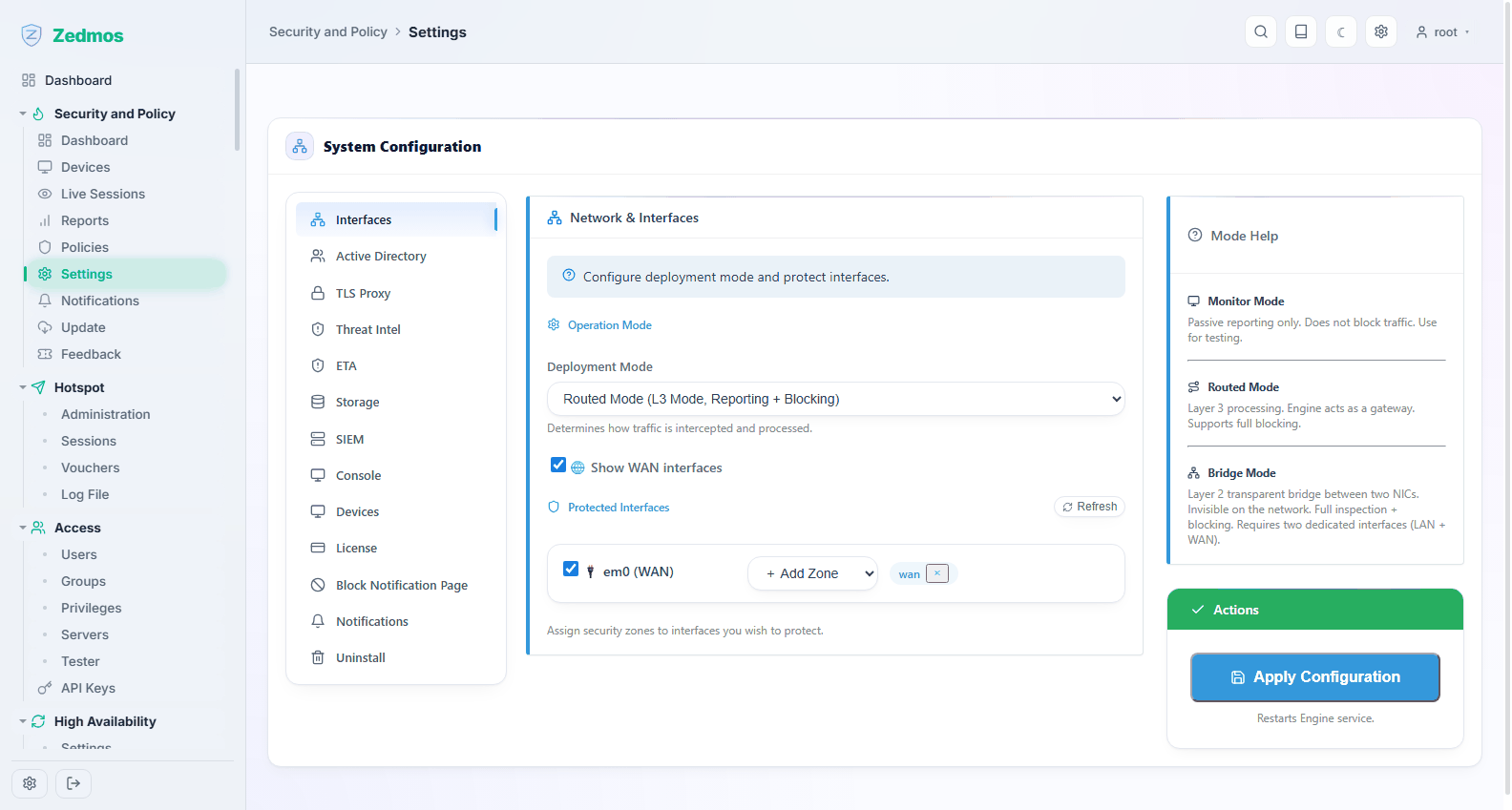
Engine-wide configuration, as tabs down the left:
| Tab | For |
|---|---|
| Interfaces | Which interfaces the engine inspects, and its deployment mode. |
| Active Directory | Binding to a directory so policies can name users and groups instead of addresses. |
| TLS Proxy | The inspection proxy: the certificate it presents and the port it runs on. |
| Threat Intel | Threat-intelligence feeds and how often they refresh. |
| ETA | Encrypted-traffic analysis. |
| Storage | How long events are kept. |
| SIEM | Forwarding events to an external SIEM or syslog collector. |
| Console | The link to the management hub (see also Console and SASE). |
| Devices | Device-recognition settings. |
| License | The licence this engine runs under; Activate License enters a key. |
| Block Notification Page | What a blocked user sees. Make it say who to call. |
| Notifications | Where alerts go — mail, Slack, webhook. |
| Uninstall | Removes the engine, optionally keeping its data. |
Each tab saves itself with its own button.
Notifications — /plugin/engine/notifications
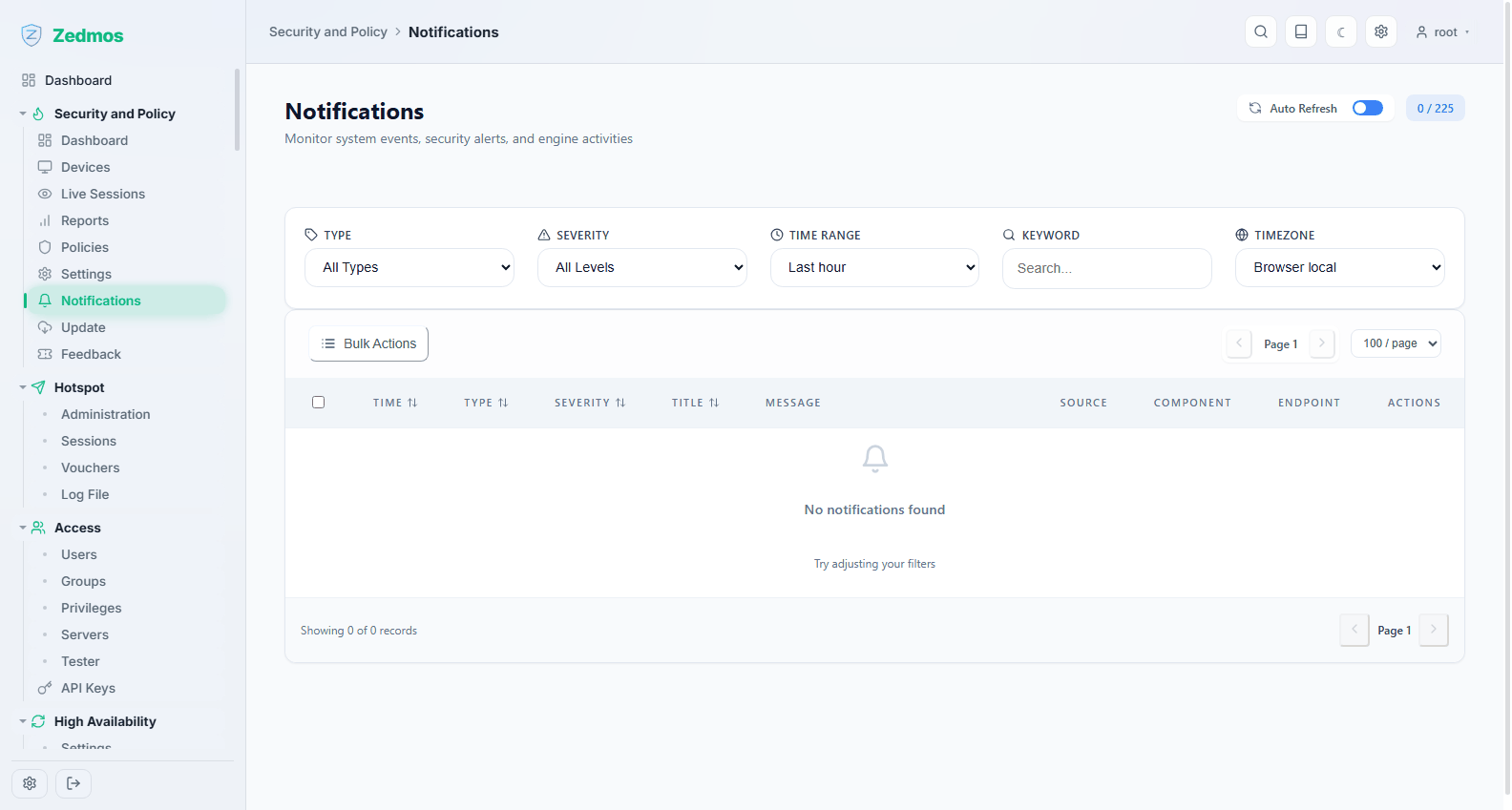
The alert history: what the engine considered worth telling you about, and whether the delivery succeeded. If mail alerts "do not work", check here first — a failed send is recorded rather than silently dropped.
Update — /plugin/engine/update
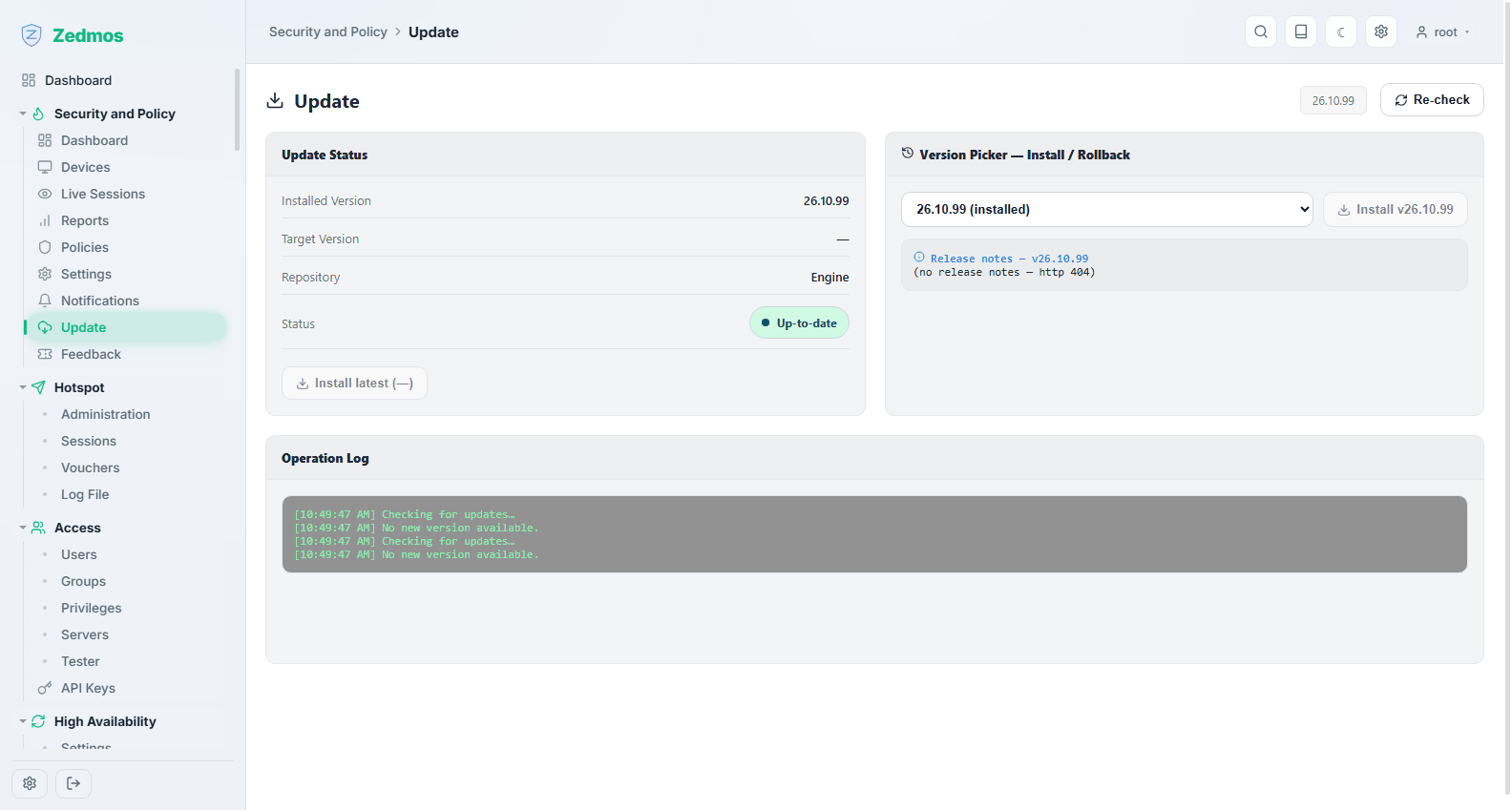
Updates the engine's own components and its content — rule sets, threat feeds and virus signatures. This is distinct from System → Firmware, which updates the appliance.
Feedback — /plugin/engine/feedback
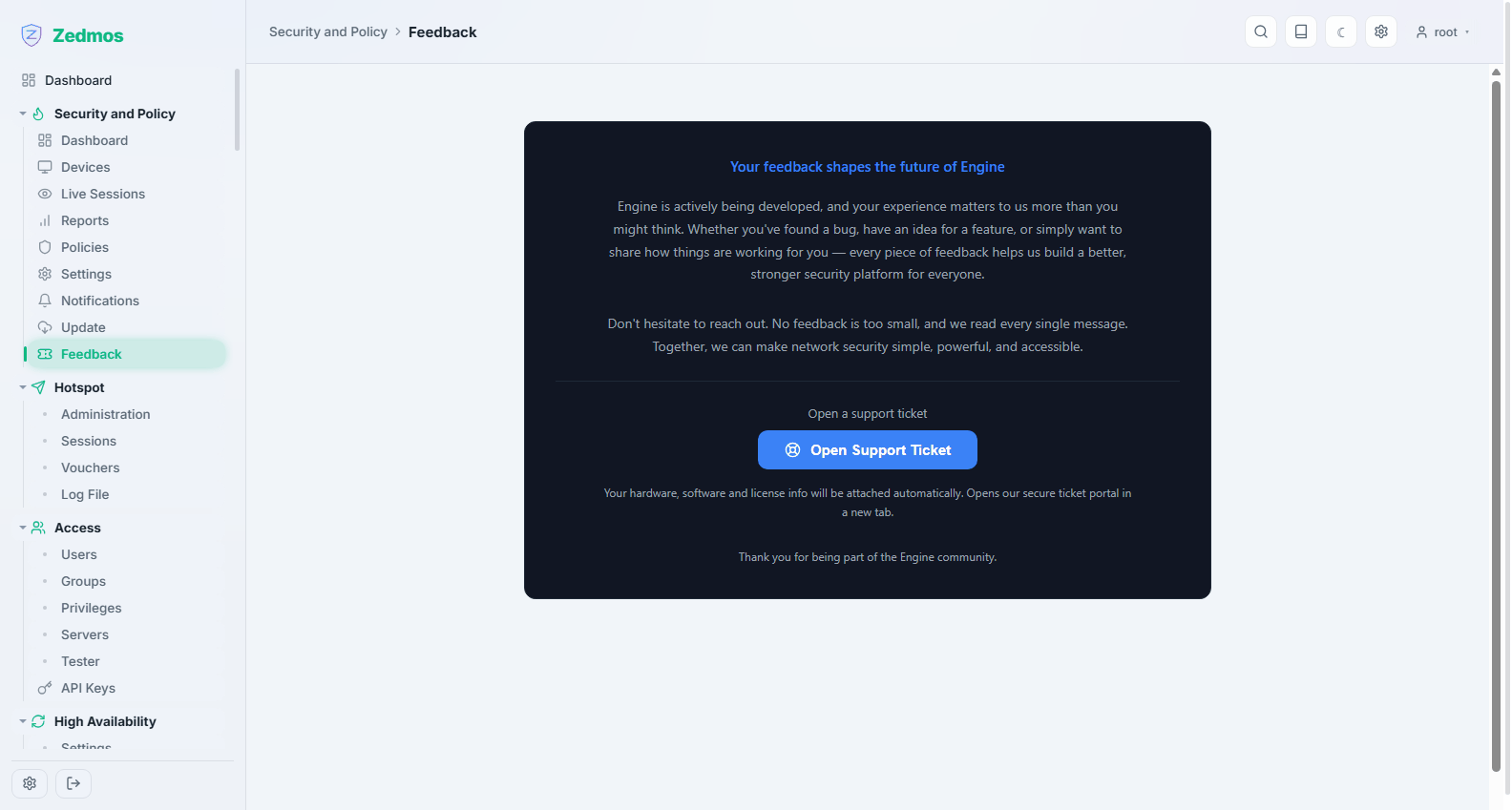
Sends a report to the vendor: a false positive, a misidentified application, or a fault. Include what you expected and what happened; the page collects the technical context with it.