5.4 Firewall
The packet filter and everything around it: the rules, the address translation, the names you write rules with, traffic shaping, and the pages that show what the filter is actually doing.
Rules — /firewall-rules
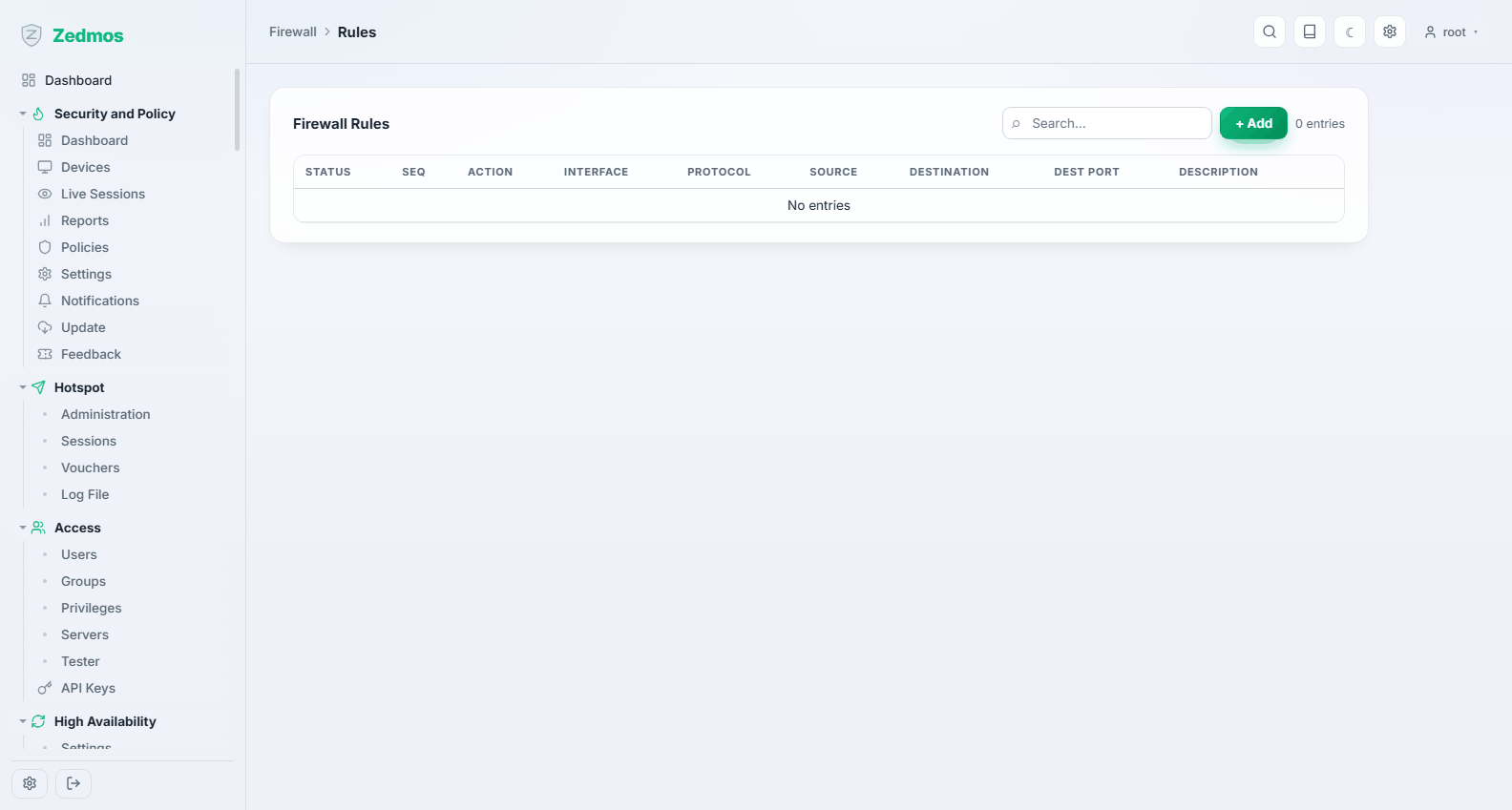
The ruleset, in the order the firewall evaluates it. Rules are grouped the way pf applies them: floating rules first (rules on several interfaces, or on none), then rules on an interface group, then rules on a single interface; within a group the sequence number decides, and the first matching rule wins — nothing below a match is examined. The selector at the top narrows the list to one interface (including the group rules that cover it), to the floating rules, or shows everything.
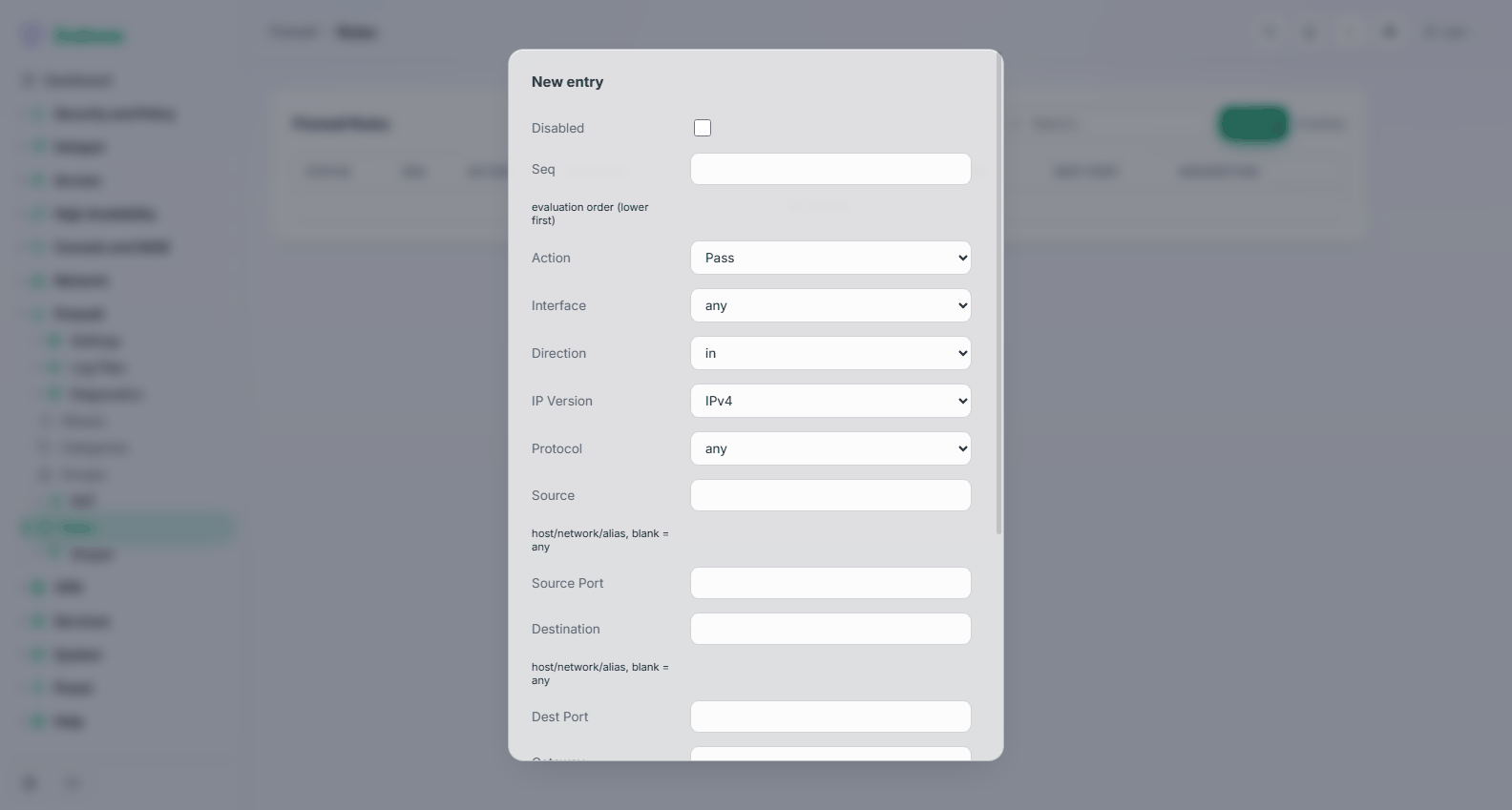
| Field | Meaning |
|---|---|
| Enabled | Off keeps the rule in the list without applying it; it is written into the ruleset as a comment. The safe way to test whether a rule is the cause of something. |
| Sequence | Evaluation order among rules of the same kind, lower first. Moving a rule with the arrow button renumbers it. |
| Action | Pass lets the traffic through, Block drops it silently, Reject drops it and tells the sender. Reject inside your own network (faster failures for users); block towards the internet (tells a scanner nothing). |
| Interface | Where the rule applies; an interface group can be chosen too. Several interfaces make the rule floating. Rules are evaluated on the interface the traffic enters. |
| Direction | Normally in — traffic arriving on that interface. |
| Version | IPv4, IPv6, or both. A ruleset that only covers IPv4 on a dual-stack network is a common and quiet mistake. |
| Protocol | any, TCP, UDP, TCP/UDP, ICMP and every other protocol pf knows, from a list. |
| Source / Source Port | Who sent it. any, an interface's network or address, an alias, or a host or network in CIDR form. |
| Destination / Destination Port | Where it is going, same formats. |
| Gateway | Send matching traffic out through a specific gateway or gateway group instead of the routing table — this is policy-based routing, and how you steer one department over a second uplink. |
Further fields (under Show advanced) cover logging, scheduling, categories, state handling, rate limits, traffic shaping and packet tagging.
Every rule is checked when it is saved against what pf itself accepts: an unknown protocol, an ICMP type on a non-ICMP rule, a gateway of the wrong address family, a port on a protocol that has none, an inverted list. The refusal appears under the field. This matters because pf loads the ruleset as a whole: one rule it cannot parse would keep every change from taking effect.
Classic rules. A configuration from an earlier version, or imported from another firewall, may carry rules in the older format. They still apply and are listed read-only, marked classic, with a banner offering to migrate them. Migration converts each rule into this ruleset after the same checks; a rule the checks refuse stays where it is with its reason, so nothing is lost half-way.
Read the ruleset like the firewall does. Traffic is filtered where it enters: a rule that allows the LAN to reach the internet belongs on the LAN interface, not on WAN. The reply comes back on its own, because the filter keeps state.
The factory ruleset lets the LAN out and blocks unsolicited traffic arriving from the WAN. That is a working default; add to it rather than replacing it, and keep the anti-lockout rule until you are certain you have another way in.
Aliases — /m/firewall/alias
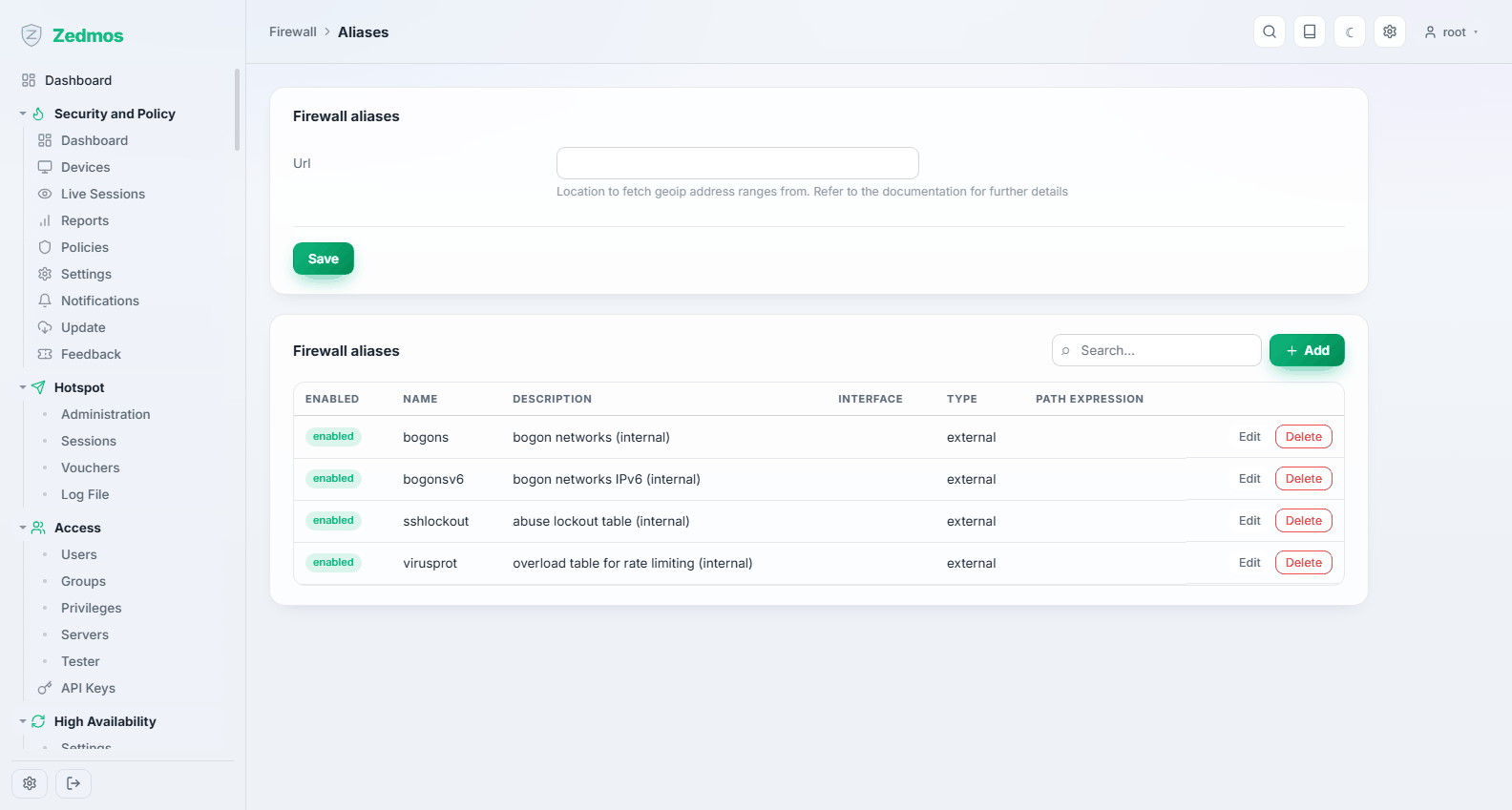
Names for things rules refer to: a group of hosts, a set of networks, a list of ports, a URL table that refreshes itself, a country, or a MAC list. Write rules against WEB_SERVERS rather than three addresses, and the day a fourth server appears you change the alias, not four rules.
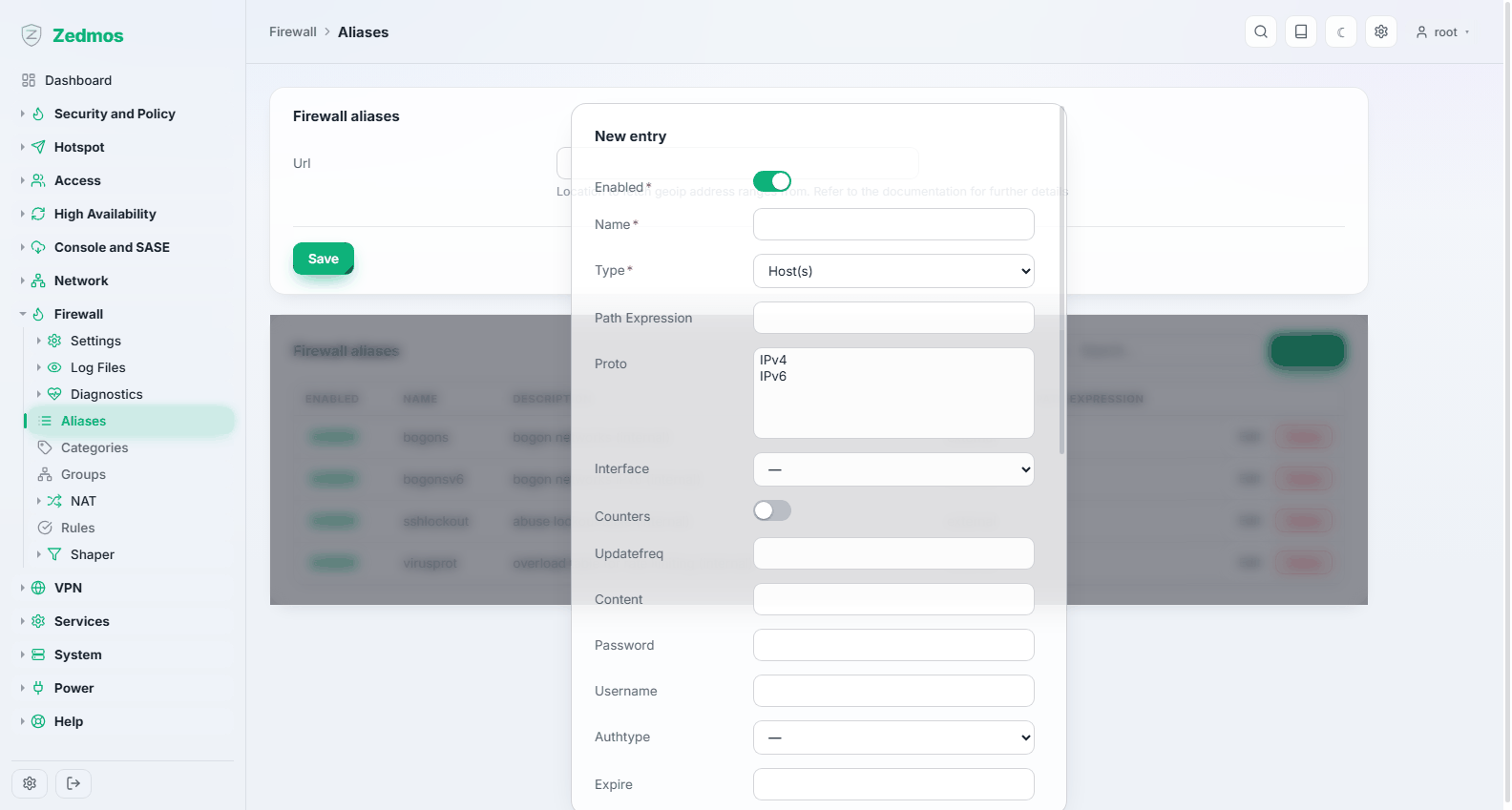
Aliases resolve into real firewall tables; the contents can be inspected live on Firewall → Diagnostics → Aliases.
Categories — /m/firewall/category
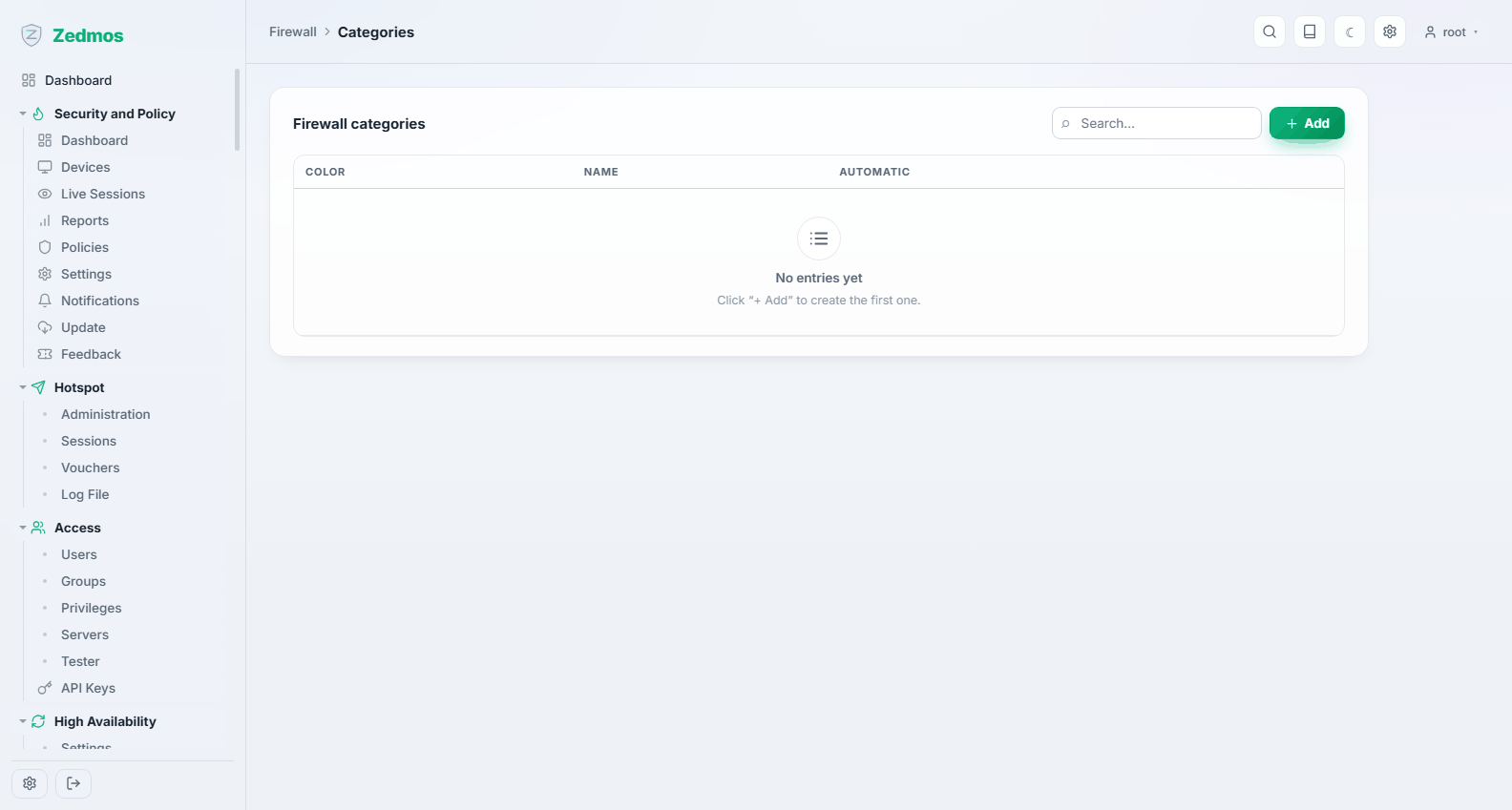
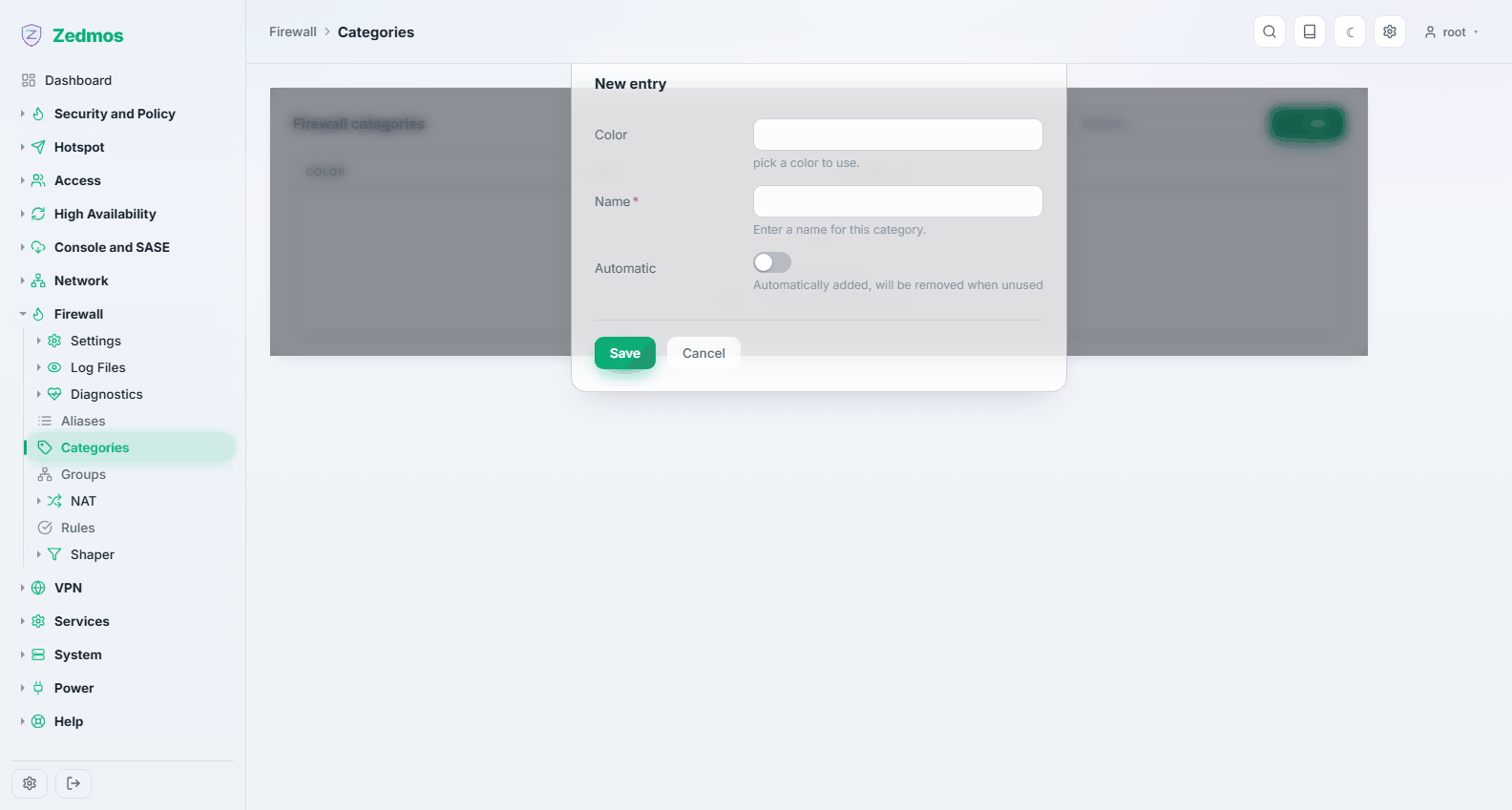
Colour-coded labels for rules. On a ruleset of a dozen rules they are decoration; at a hundred rules they are how you find the five that belong to one project.
Groups — /m/firewall/ifgroups
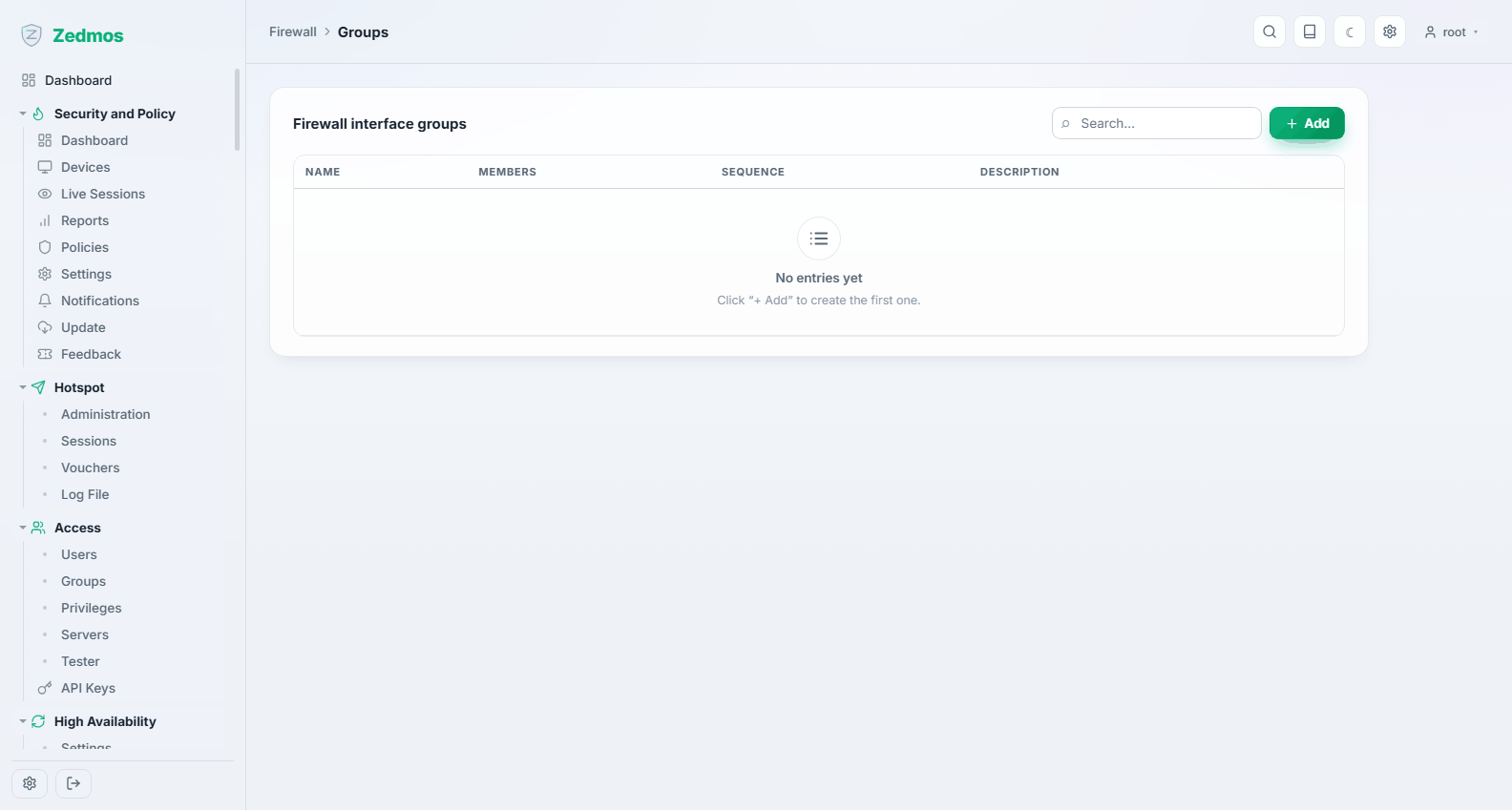
An interface group lets one rule apply to several interfaces at once — write the guest policy once and attach it to every guest VLAN. The group becomes a kernel interface group on its members (visible in ifconfig as groups:), appears in the interface list of the rule dialogs, and its rules form their own bucket on the Rules page, evaluated after the floating rules and before the per-interface ones. A group name is up to 15 letters, digits or underscores and must not end in a digit.
NAT
Address translation, split into the four kinds rather than hidden in one page.
Source NAT — /nat/source_nat
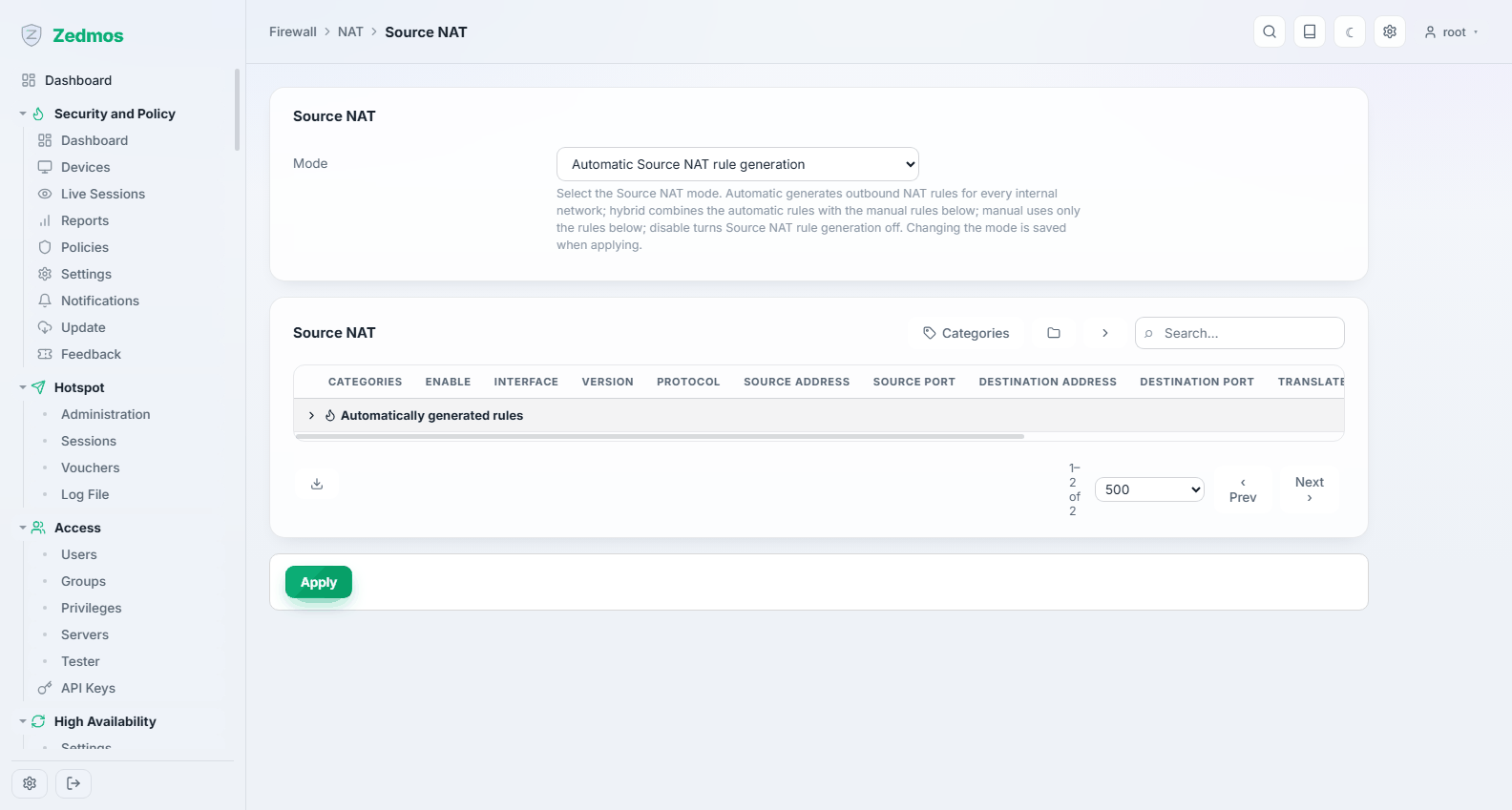
Outbound translation: which internal addresses are rewritten to which external one on the way out. The appliance generates these rules automatically for a normal setup, and this page is where you take over when "normal" is not enough — a second public address for one department, or a specific source address for a VPN tunnel.
Destination NAT — /nat/d_nat
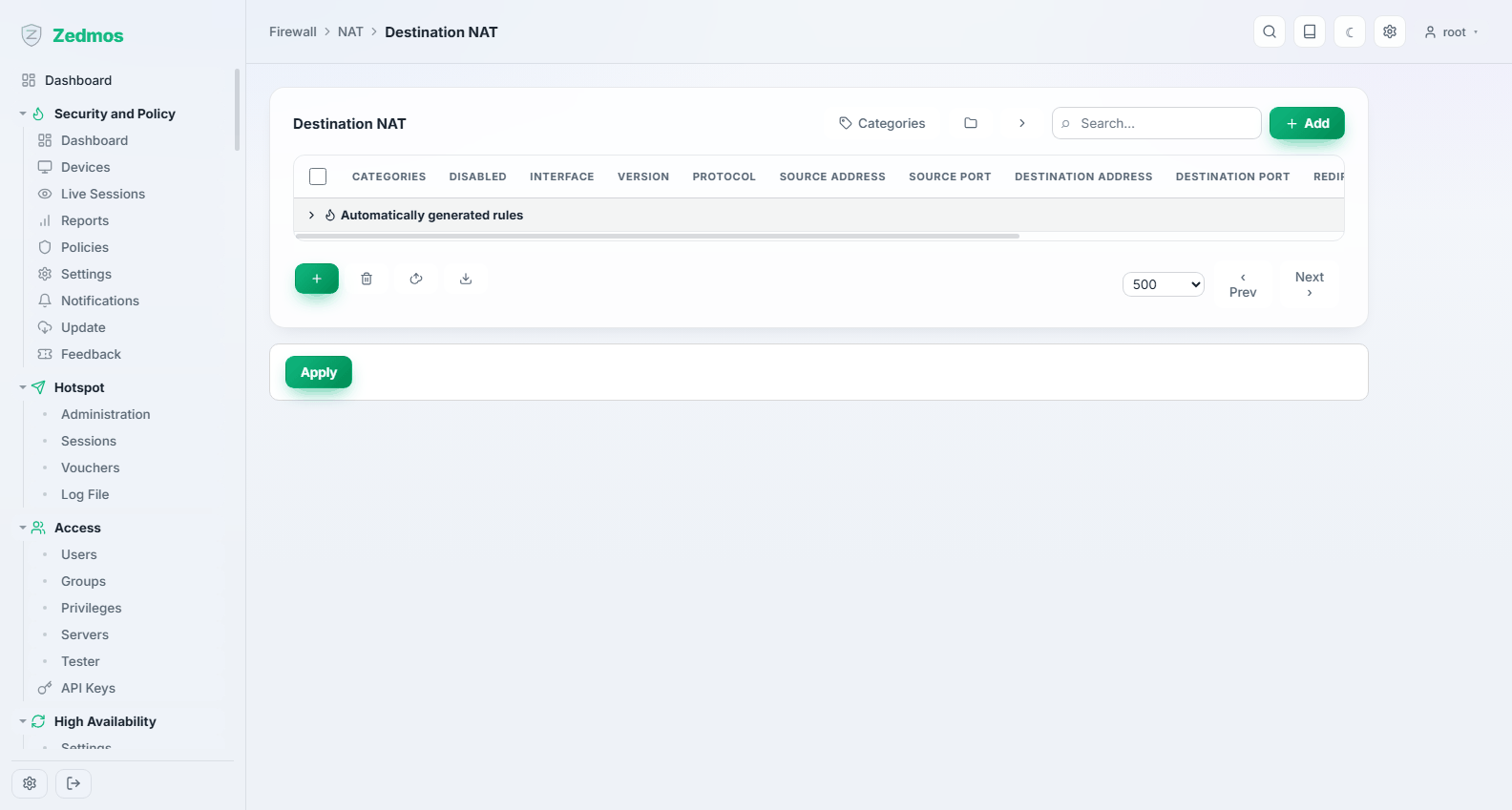
Port forwarding: traffic arriving at the appliance on a given address and port is redirected to a host inside. This is how you publish a server.
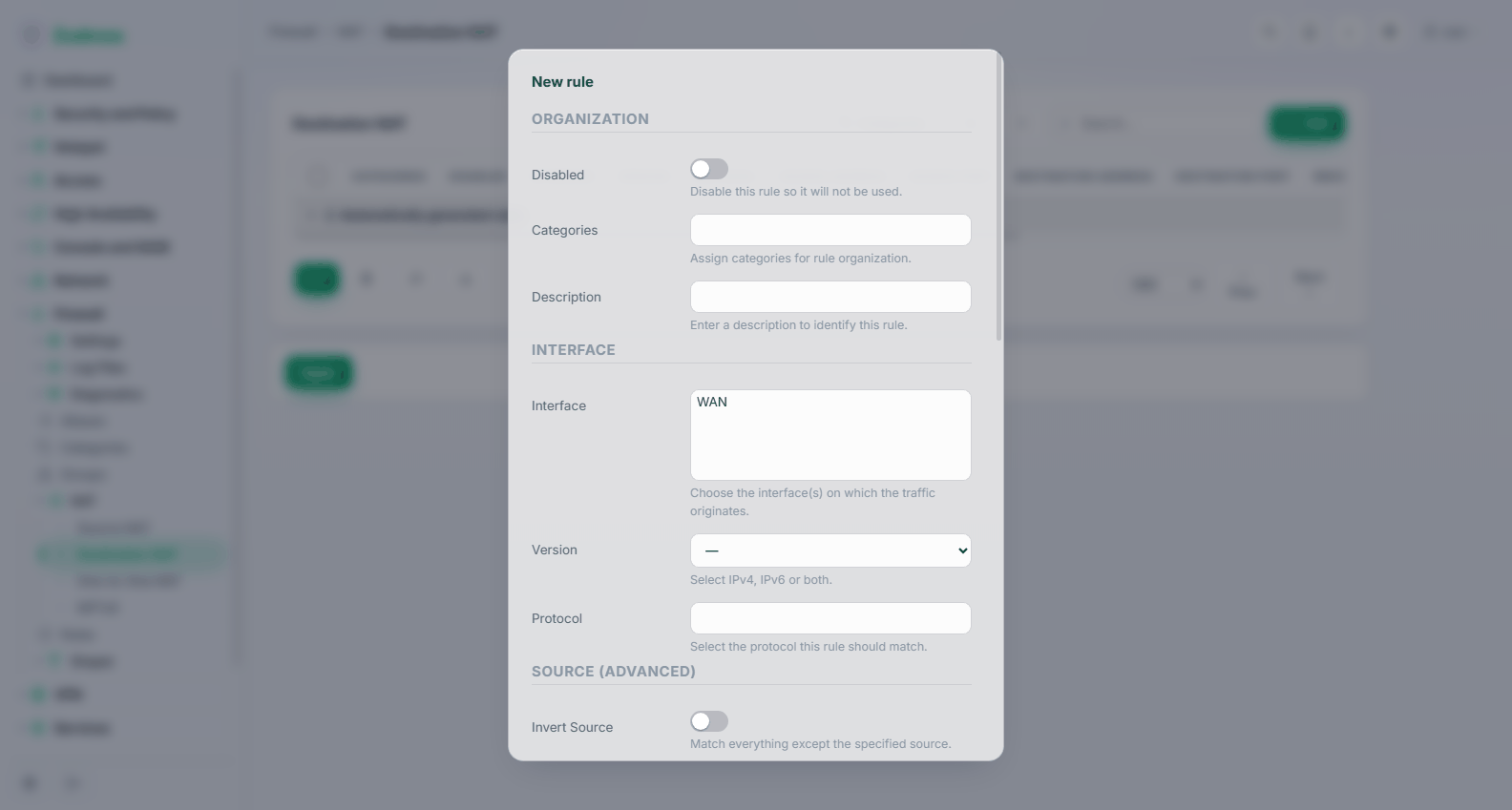
Give the interface the traffic arrives on, the protocol, the destination address and port as seen from outside, and the internal target and port. The matching firewall rule can be created with it — a forward without a rule to permit the traffic does nothing, and that is the most common reason a port forward "does not work".
Publishing a service to the whole internet is a decision, not a step. Narrow the source where you can, and read Use cases → Publishing a server.
One-to-One NAT — /nat/one_to_one
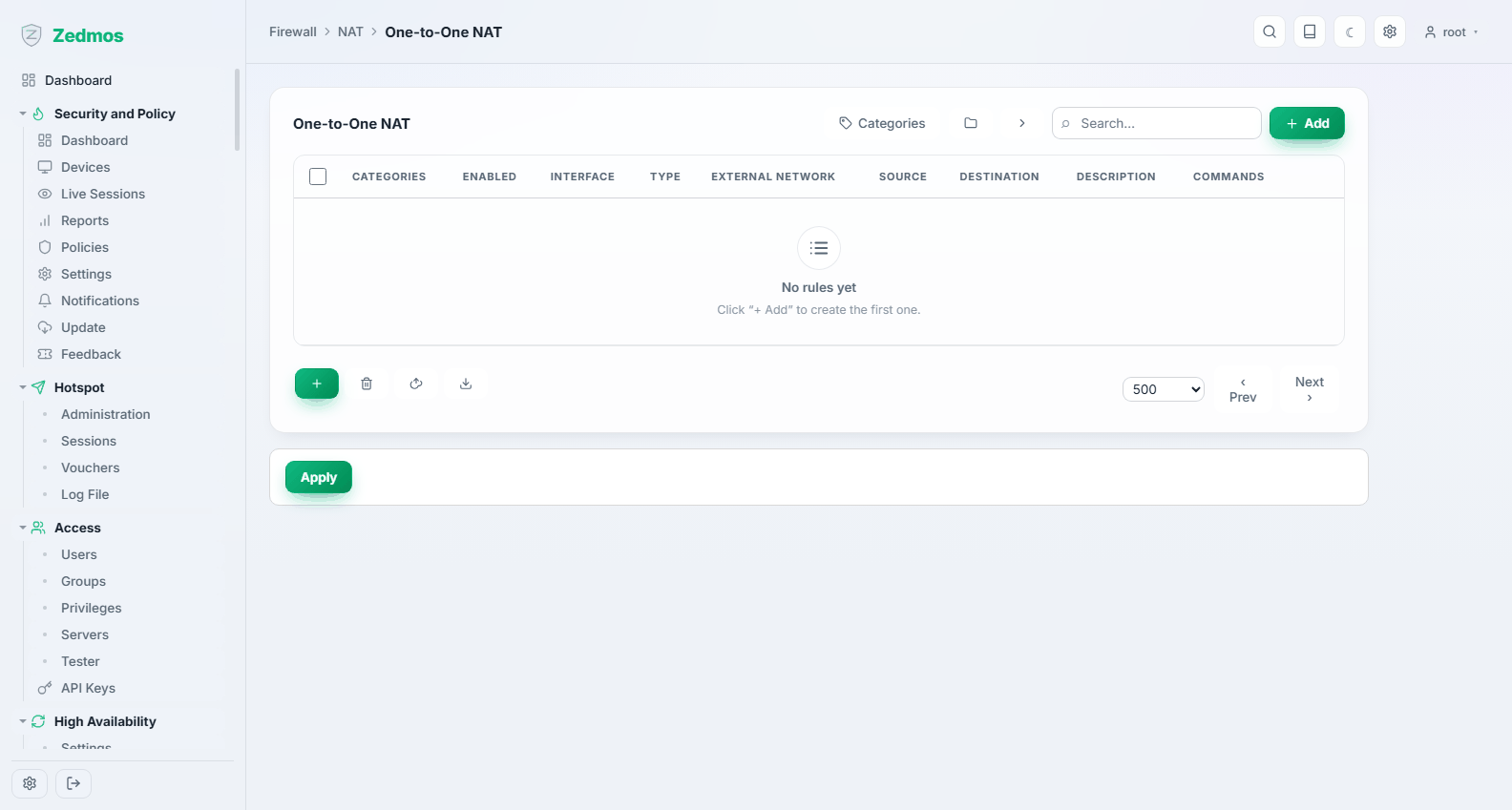
Maps a whole external address onto a whole internal one, in both directions. Used when a server needs its own public address rather than a shared one with forwarded ports.
NPTv6 — /nat/npt
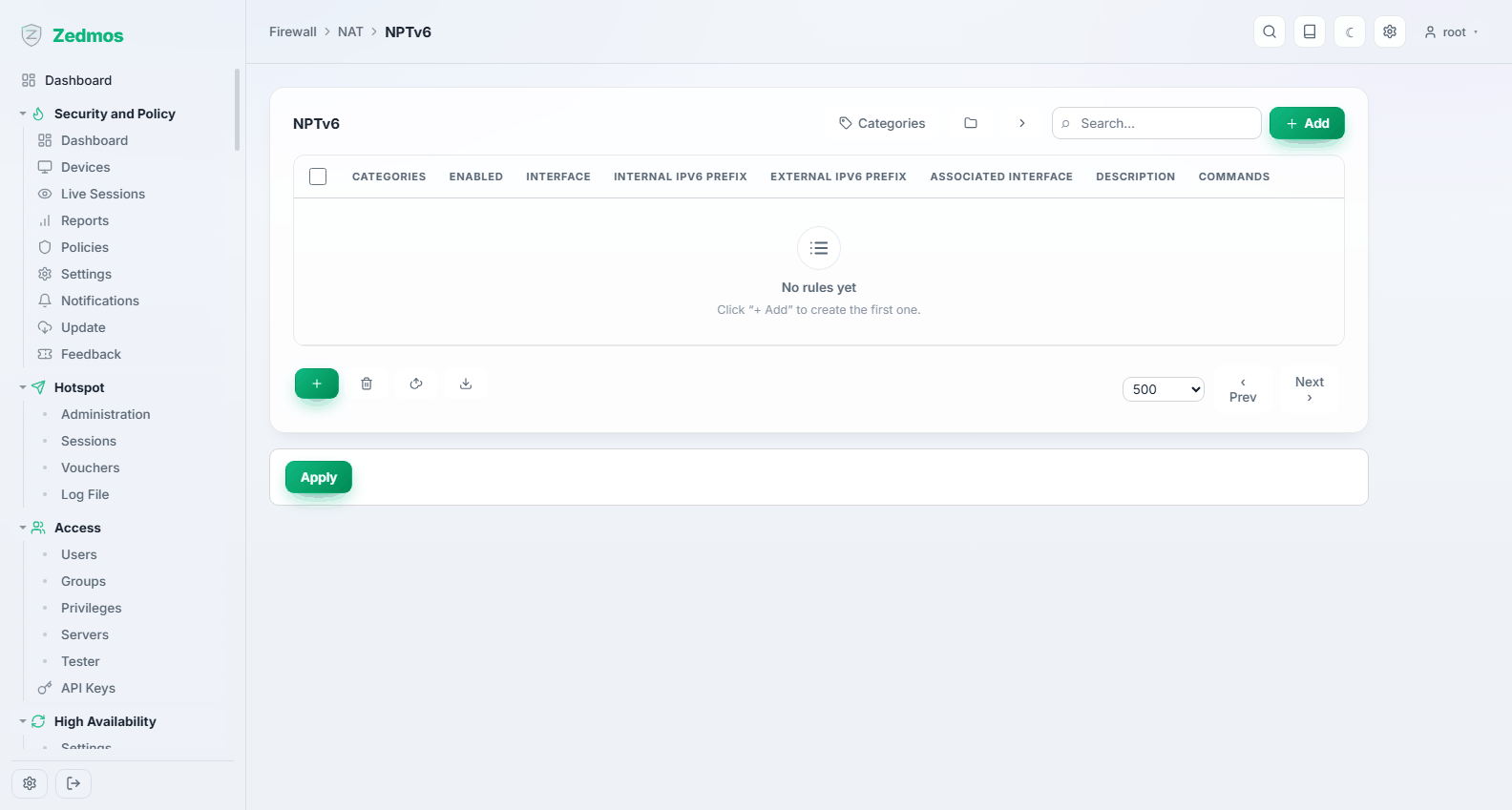
Network prefix translation for IPv6: rewrites one prefix to another without touching the host part. The IPv6 answer to renumbering, where classic NAT is neither needed nor wanted.
Settings
Advanced — /system-firewall
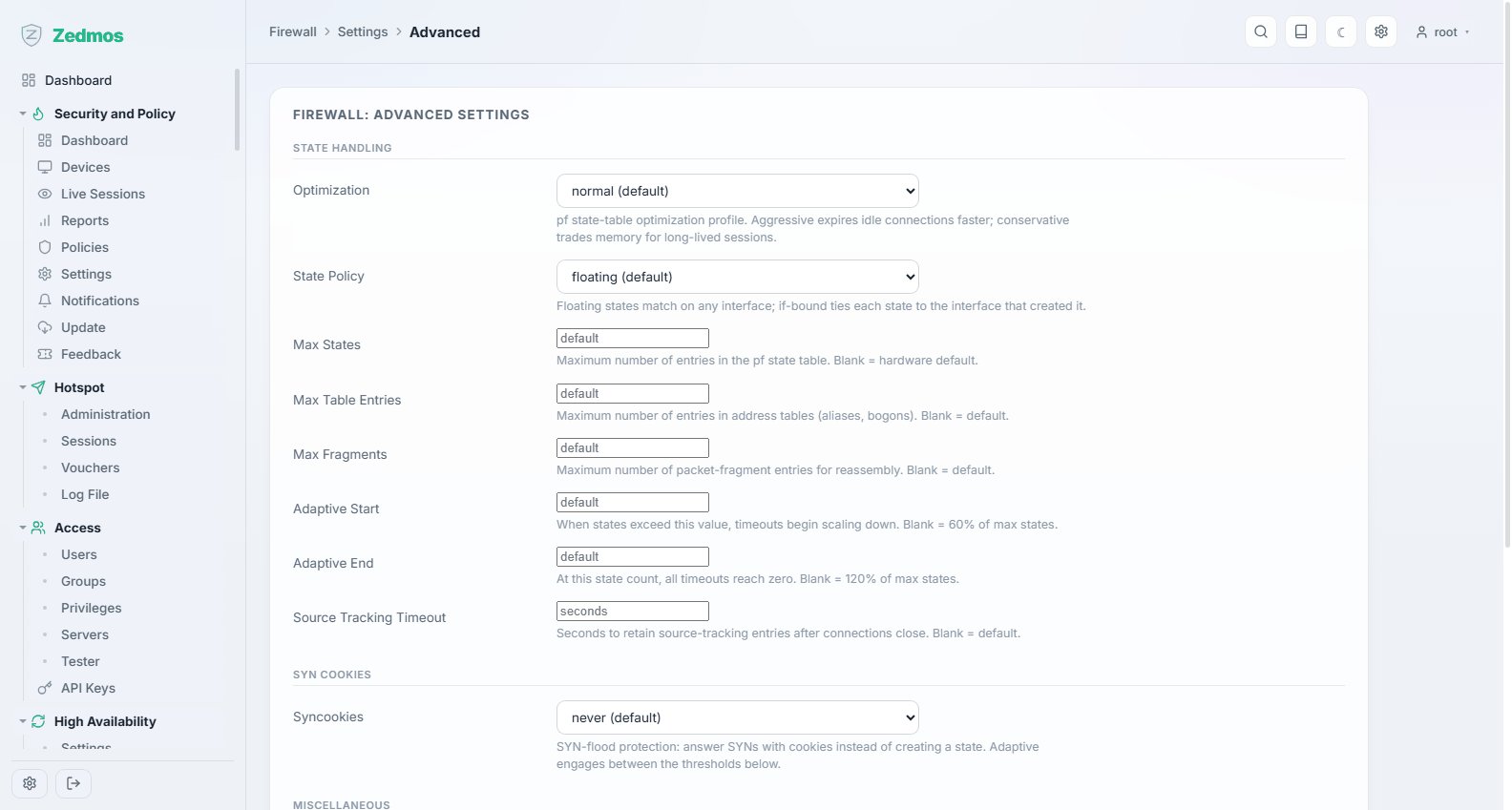
The packet filter's own tuning: state table limits, optimisation and timeout policy, fragment handling, and whether the filter is bypassed for certain traffic.
These settings change how every rule behaves. The defaults are right for almost every appliance; change them when you have a measurement that says so, and write down what you changed.
Normalization — /legacy?p=filter/scrub/rule
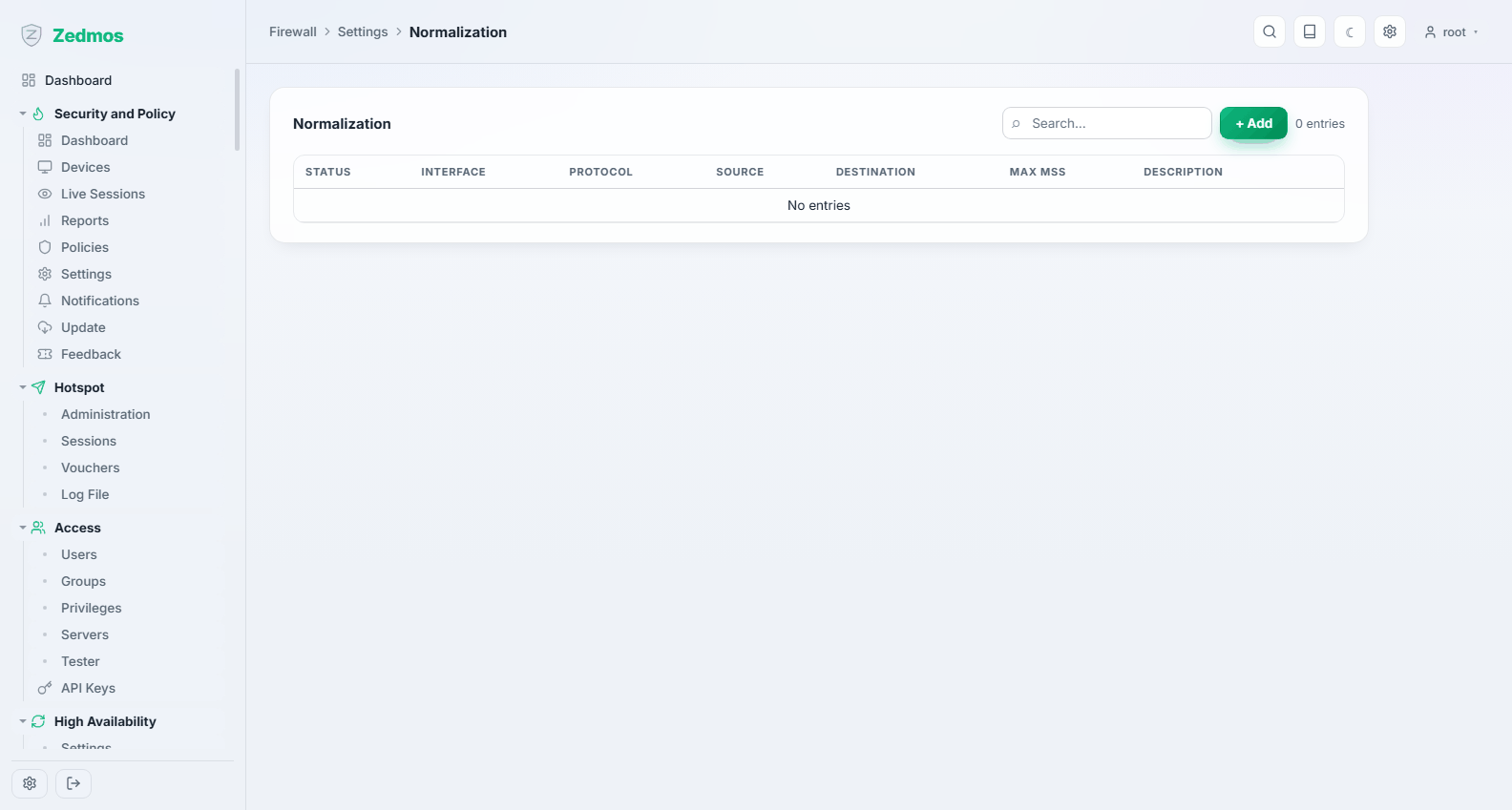
Scrub rules: reassembling fragments, clamping the maximum segment size, and normalising traffic before the ruleset sees it. The usual reason to come here is an MSS clamp for a tunnel where large packets vanish.
Schedules — /firewall-schedules
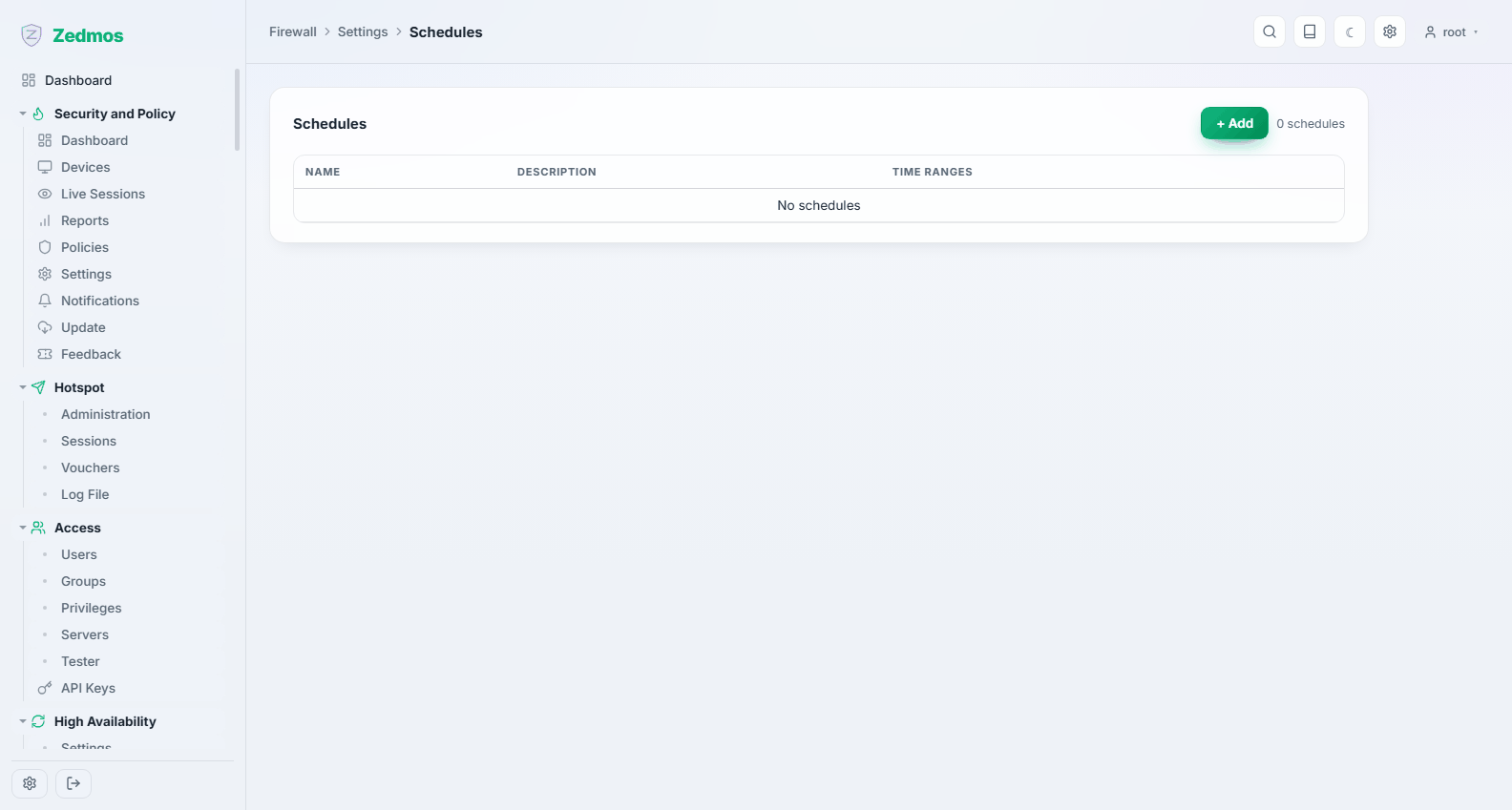
Named time ranges a rule can be attached to — "office hours", "weekend". A rule with a schedule is active only inside it.
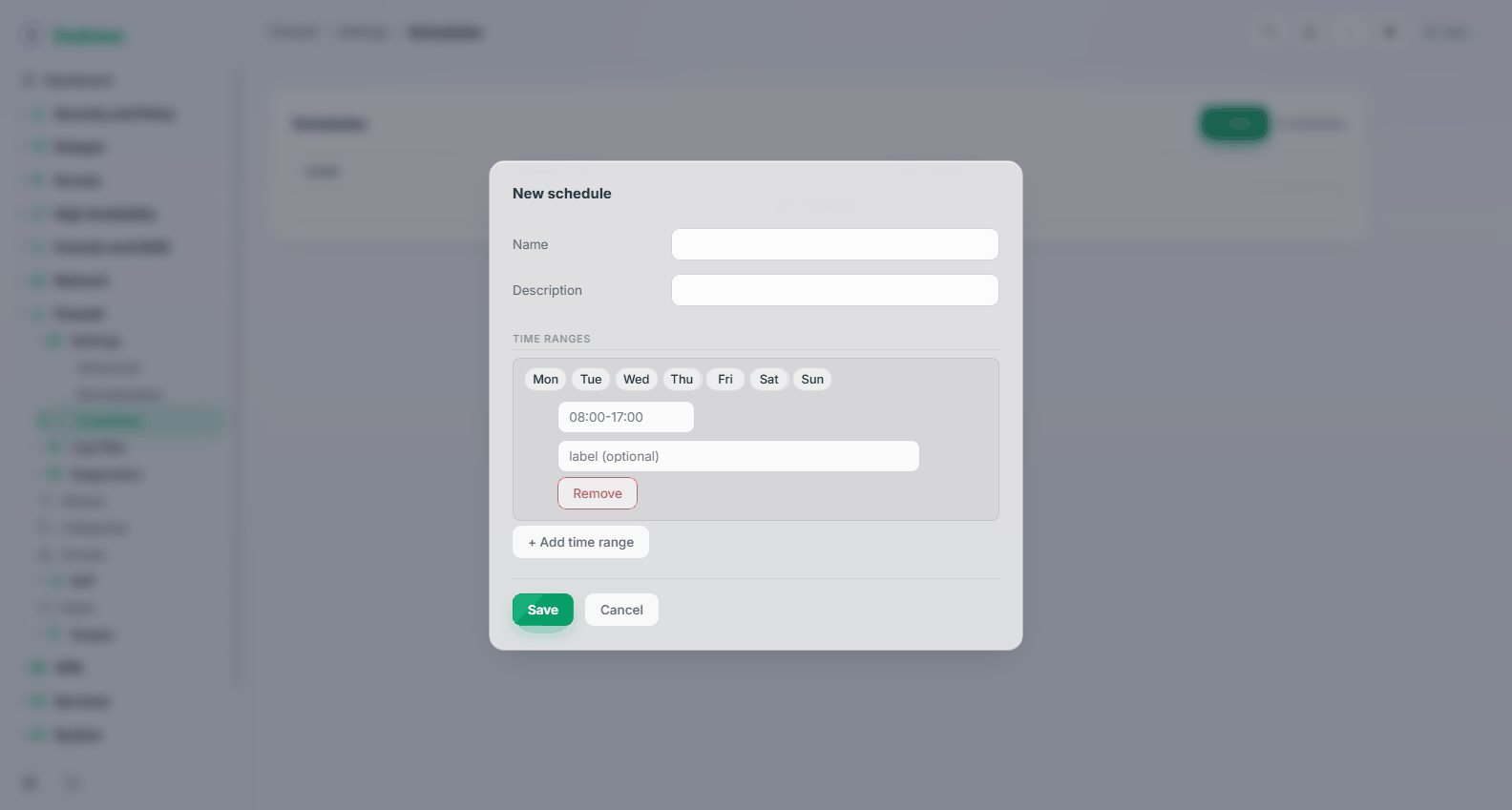
A schedule holds several time ranges, so "Mon–Fri 08:00–18:00 plus Saturday morning" is one schedule, not three.
Log Files
Live View — /fwlog/live
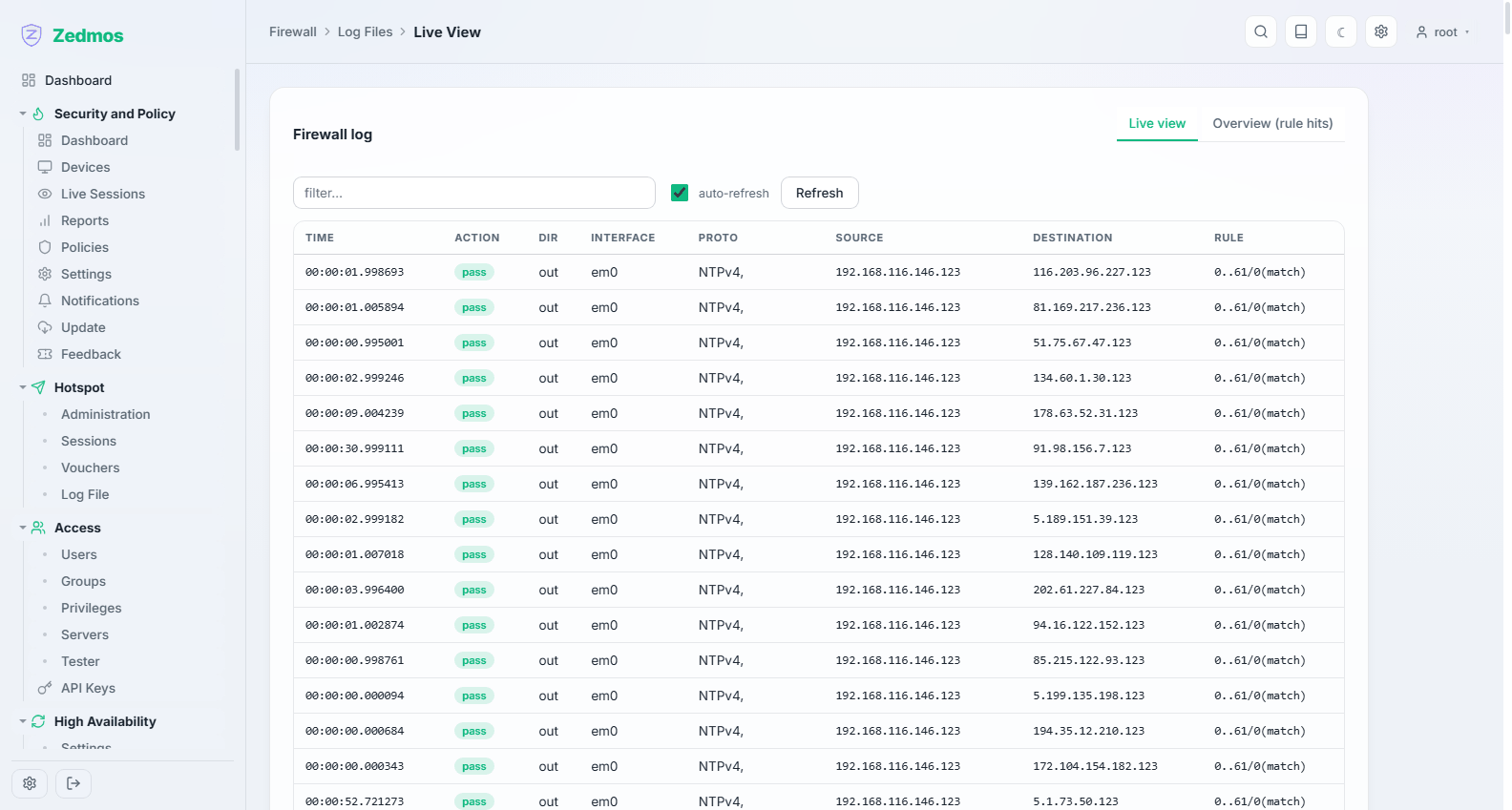
Packets as the filter logs them, updating continuously, with the rule that matched. This is the page to have open while testing a rule. Filter it by interface, address or port to cut the noise.
Overview — /fwlog/overview
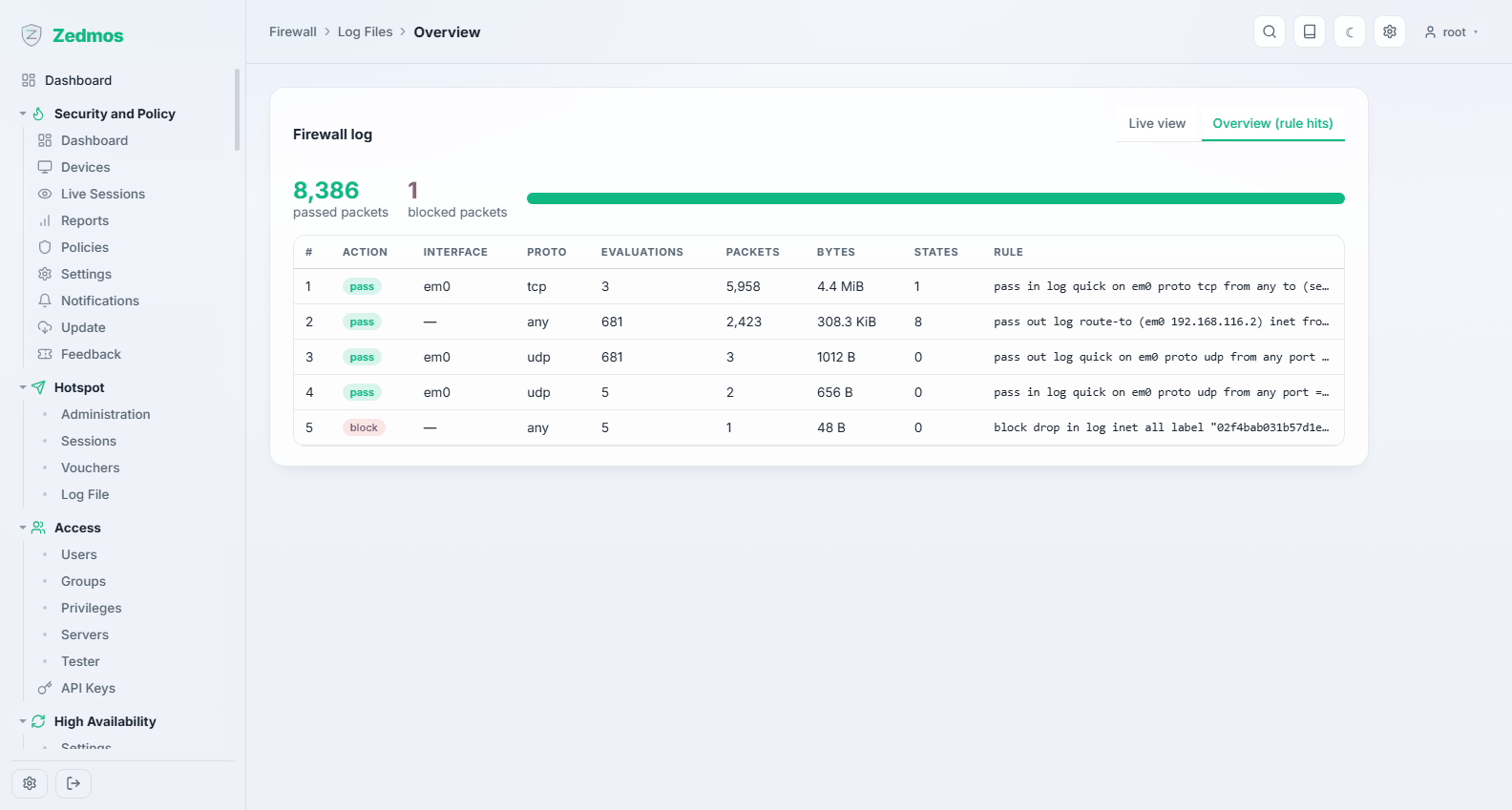
The same data aggregated: which rules matched most, what was blocked most. Good for spotting a rule that is firing far more than you expected.
General / Plain View — /log/core/firewall, /log/core/filter
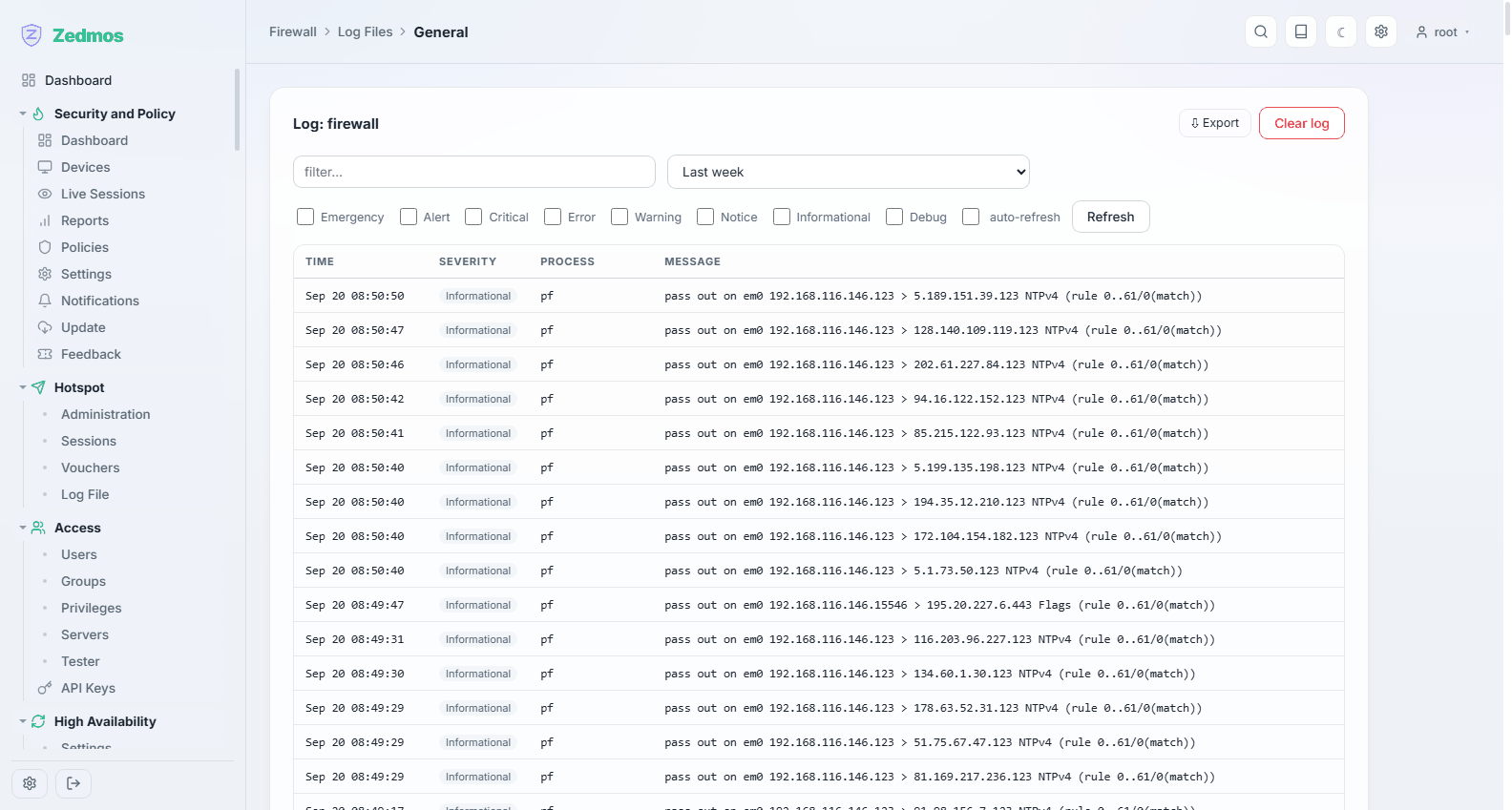
The filter's textual log. Plain View is the raw file, which is what you copy into a support ticket.
Diagnostics
States — /fwdiag/states
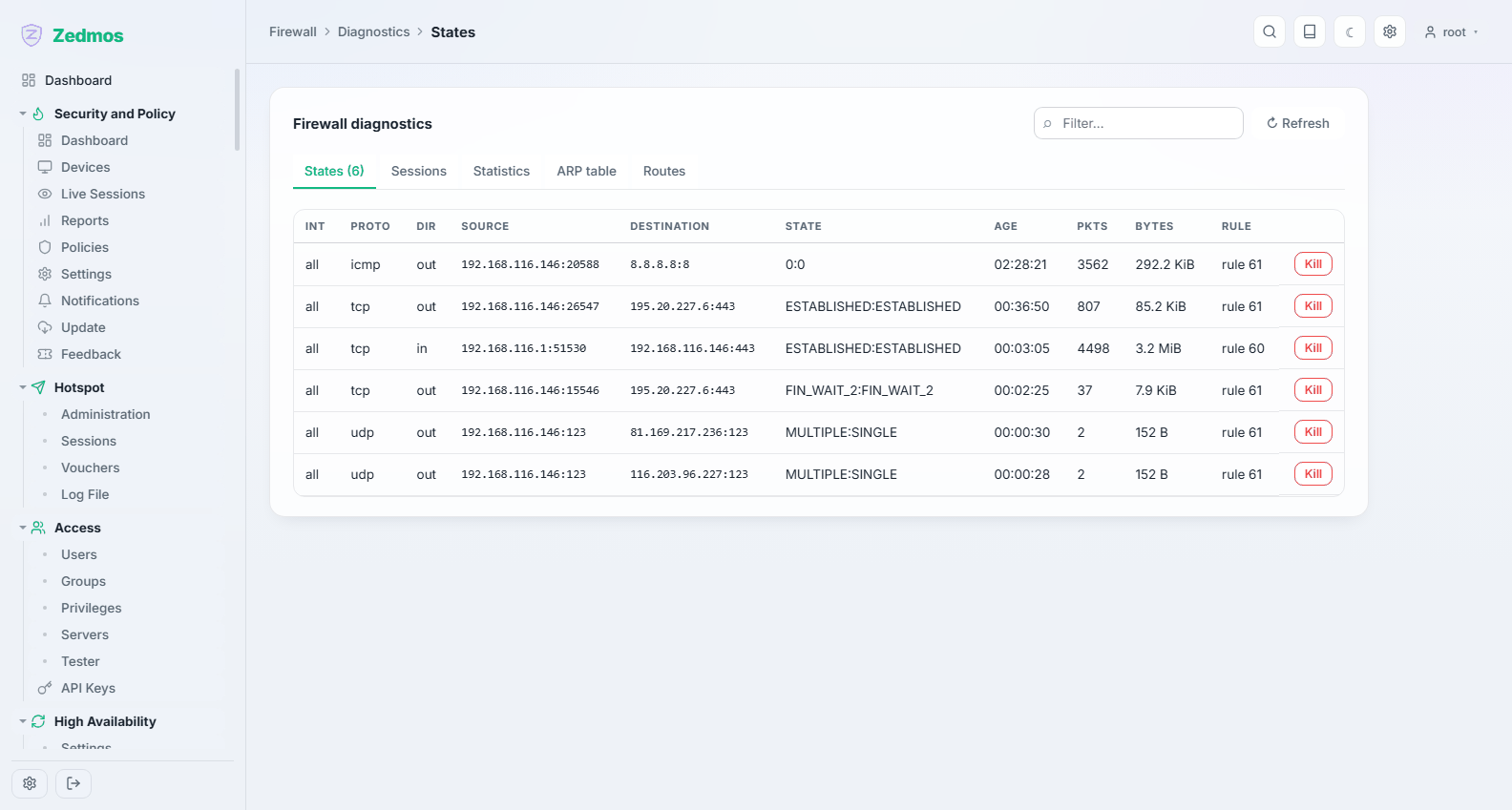
Every connection the filter is currently tracking, searchable, with the option to kill one. Killing a state is how you force a stuck session to re-establish after a rule change — existing connections keep flowing under the rule that admitted them.
Sessions — /fwdiag/sessions
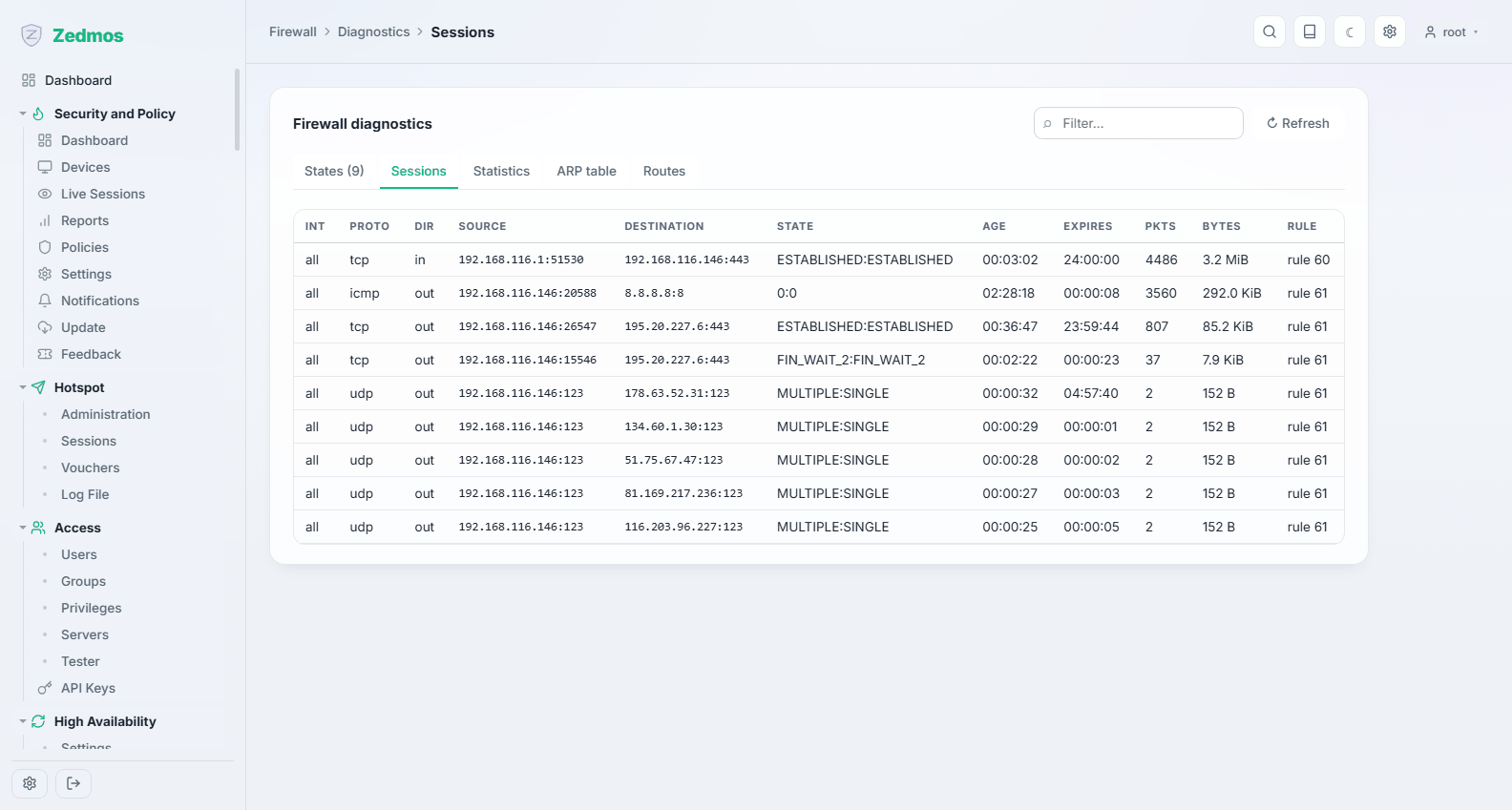
The busiest connections right now, ordered by traffic — the "who is using the line" view.
Statistics — /fwdiag/statistics
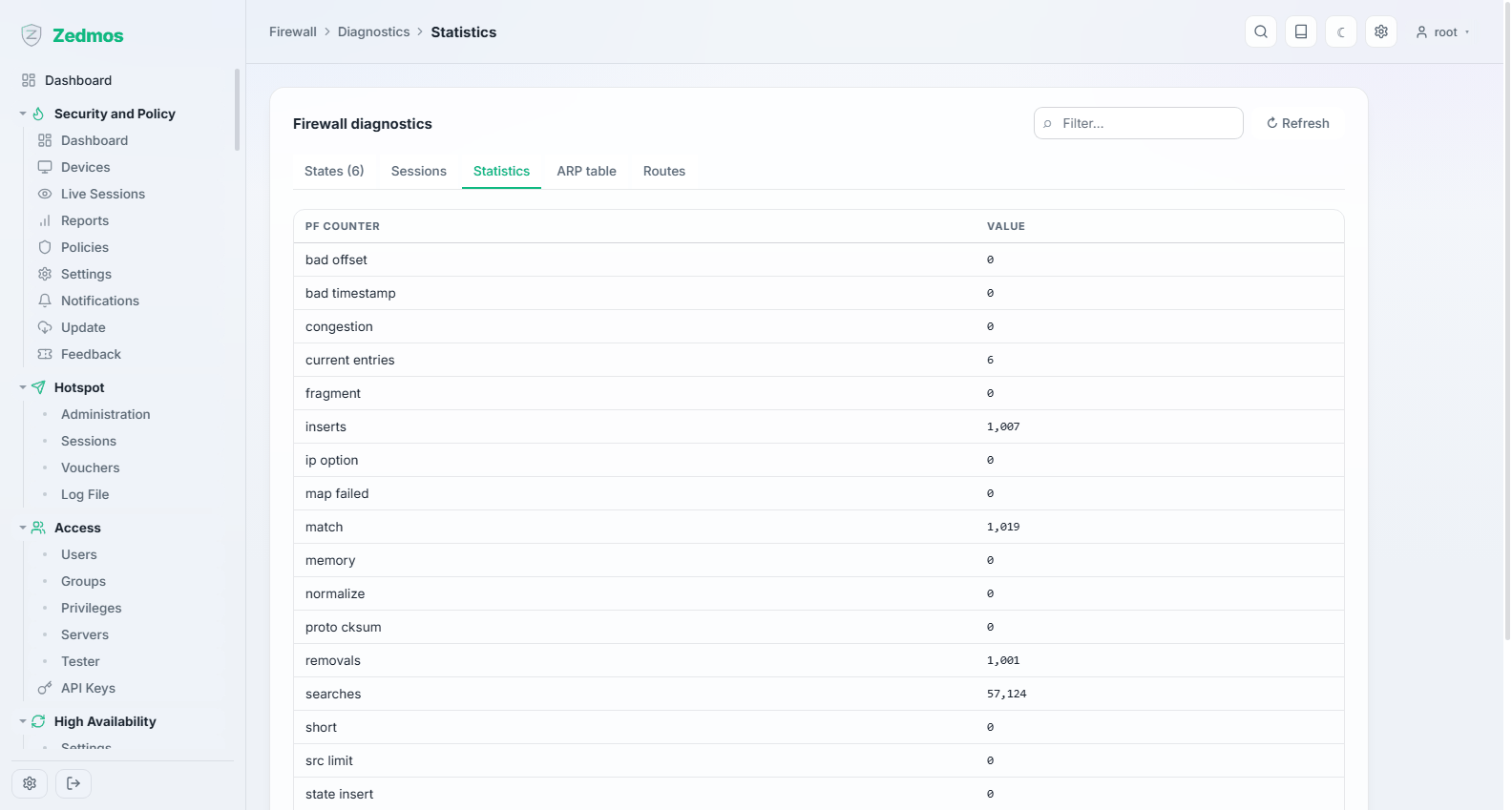
The filter's own counters: states in use against the limit, packets passed and blocked, memory. A state count approaching the limit explains connections that fail under load.
Aliases — /firewall-aliases
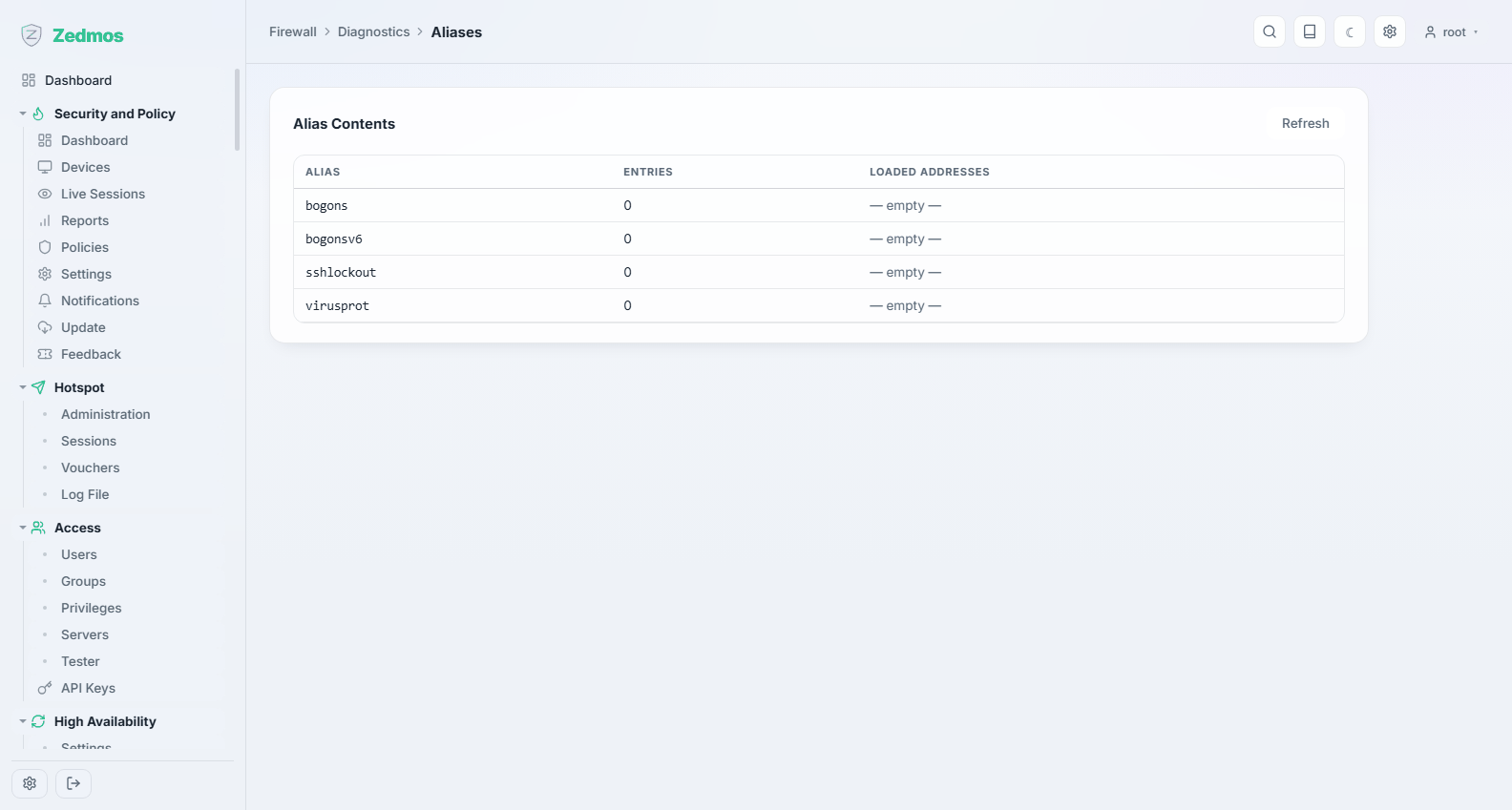
What each alias currently contains, as the firewall sees it. A URL-table alias that failed to refresh shows up here as an empty or stale table, which otherwise looks like a mysteriously ineffective rule.
Shaper
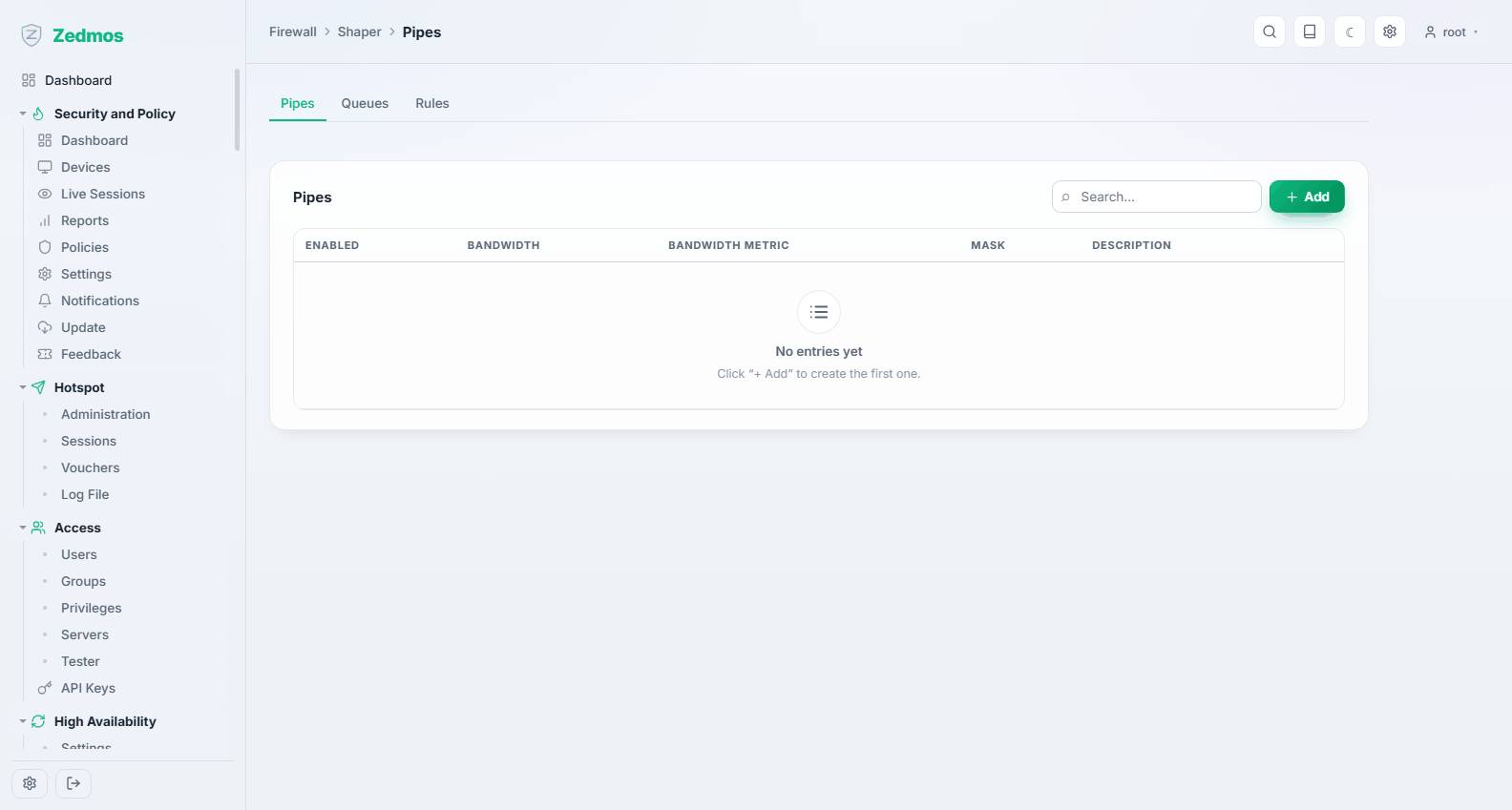
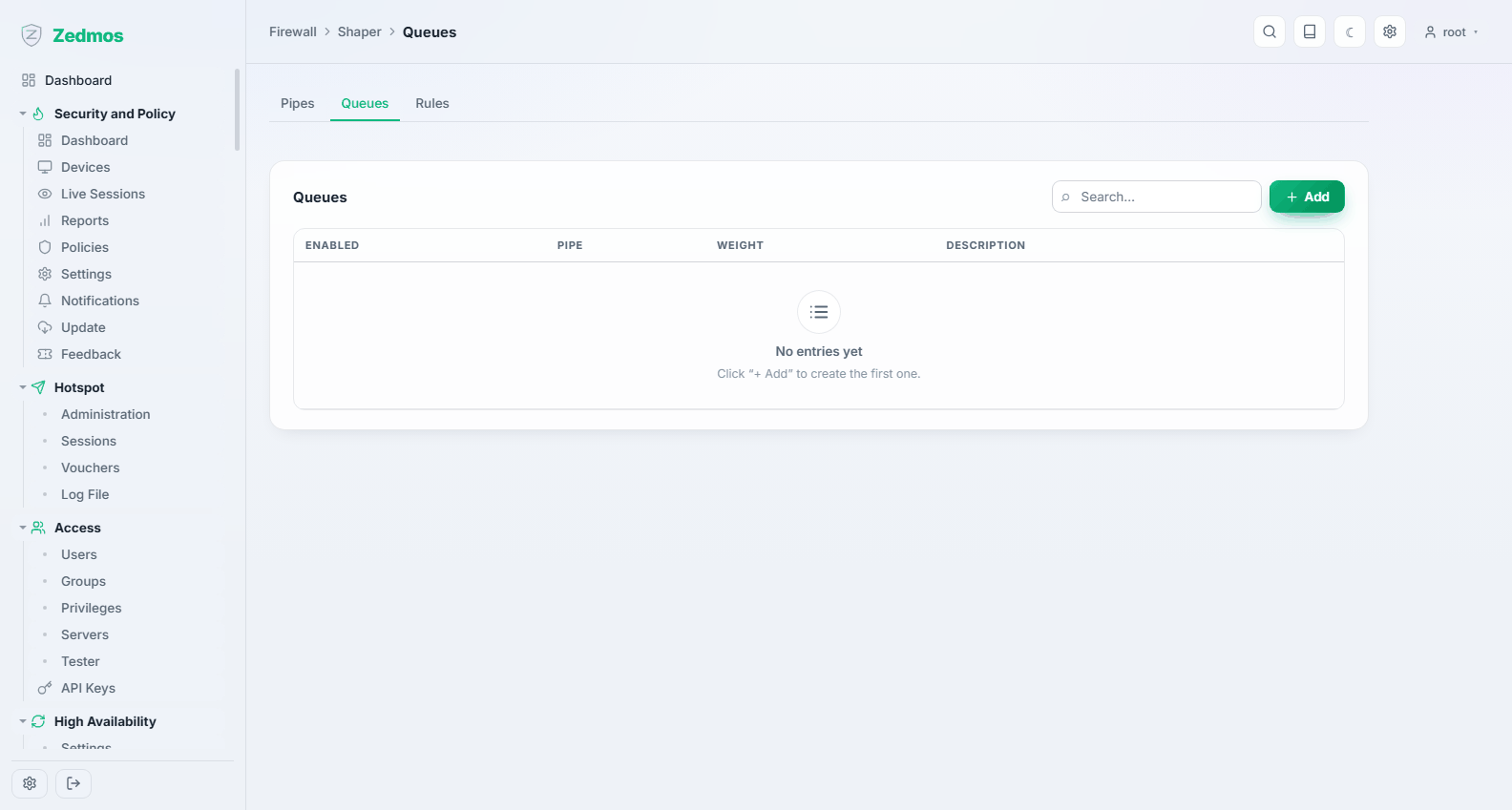
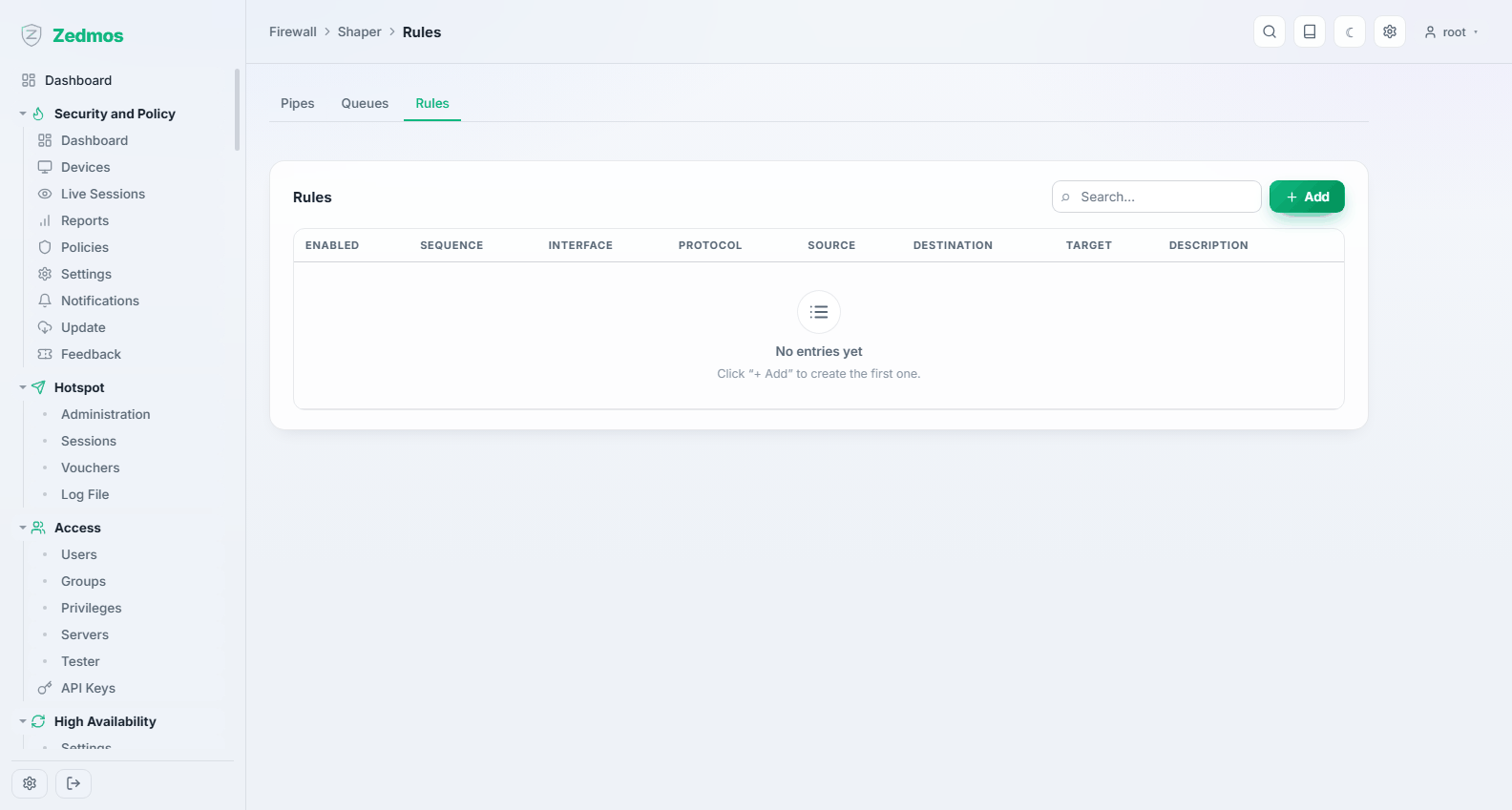
Traffic shaping in three parts, configured in this order:
- Pipes —
/m/trafficshaper/trafficshaper#pipes— a bandwidth limit. A pipe is the pipe's width. - Queues —
#queues— shares within a pipe, weighted, so one class of traffic yields to another under contention. - Rules —
#rules— which traffic goes into which pipe or queue.
Status — /shaper-stats
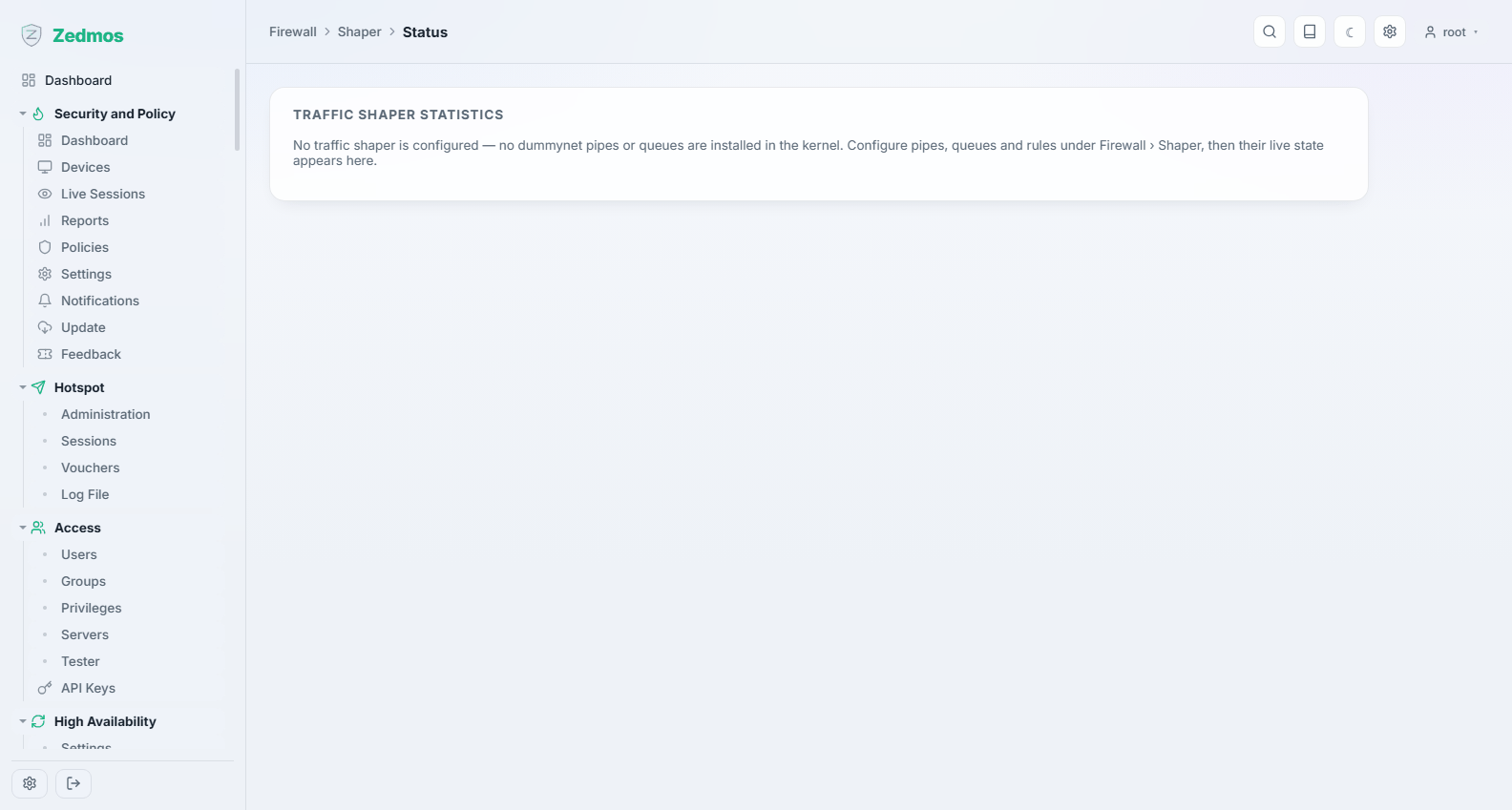
The live pipes and queues with their counters — the proof that shaping is happening, and where you see a queue dropping packets.