5.8 Access
Who may sign in, what they may do, and where their credentials are checked.
Users — /m/auth/user
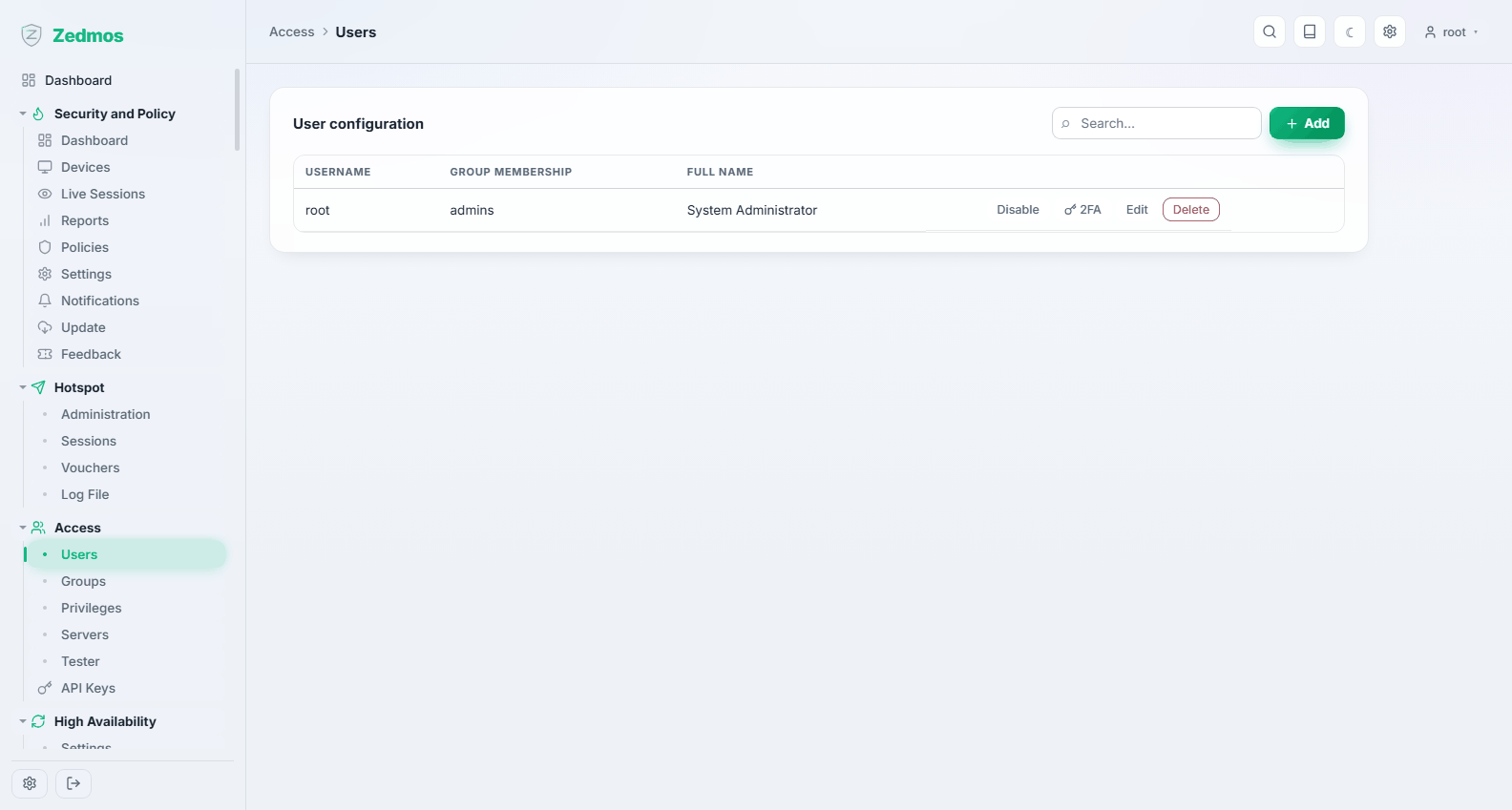
Local accounts. root exists from the start and cannot be removed; everything else you create.
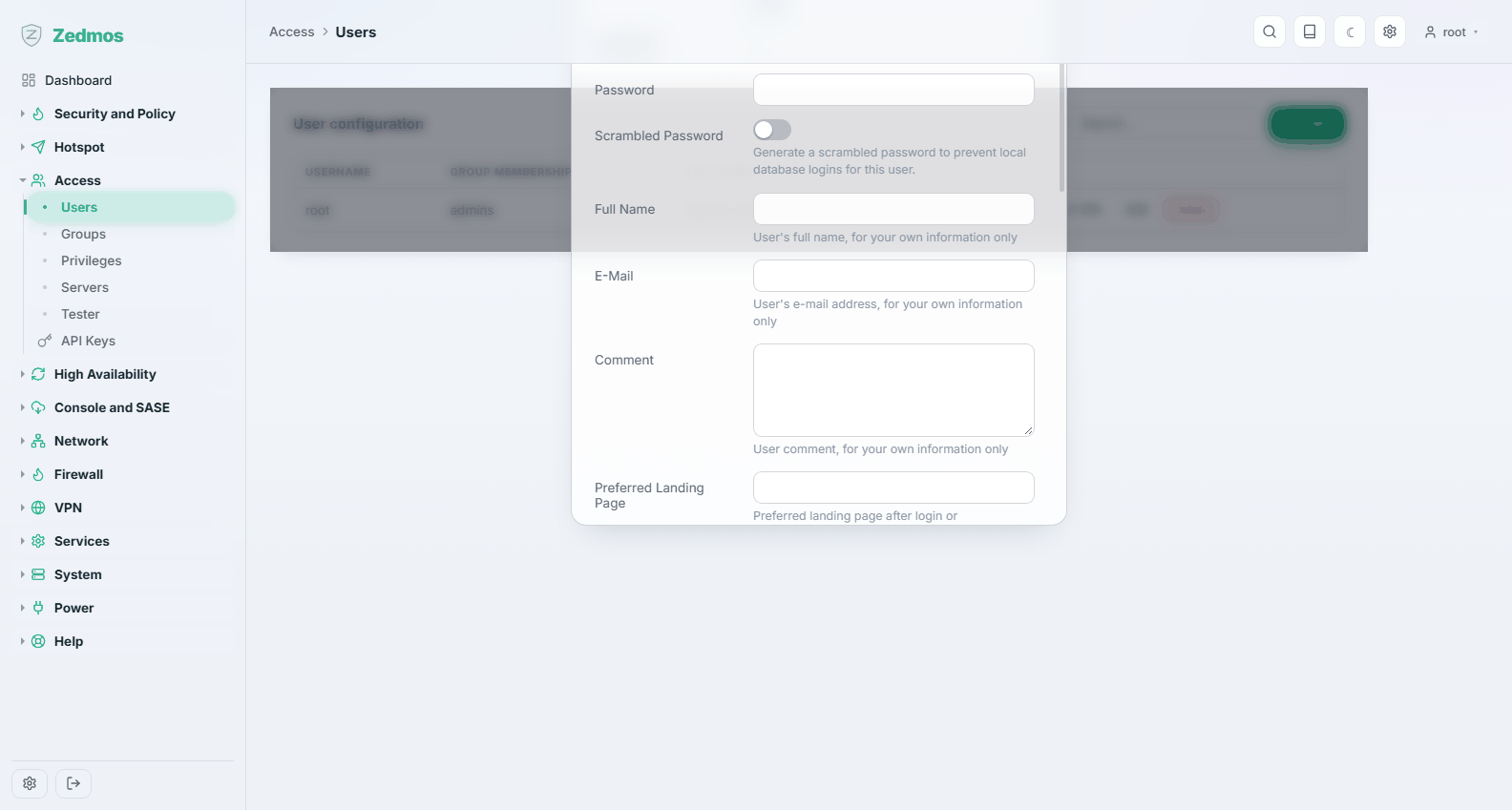
For each account: the login name and full name, the password, group membership, an optional expiry date, and the account's own privileges. An account can also carry an SSH public key and a one-time-password seed where those are enabled.
Give people their own accounts. Shared logins make the audit log useless: System → Log Files → Audit records who changed what, and "root" is not a who. Create an account per administrator and keep
rootfor recovery.
Groups — /m/auth/group
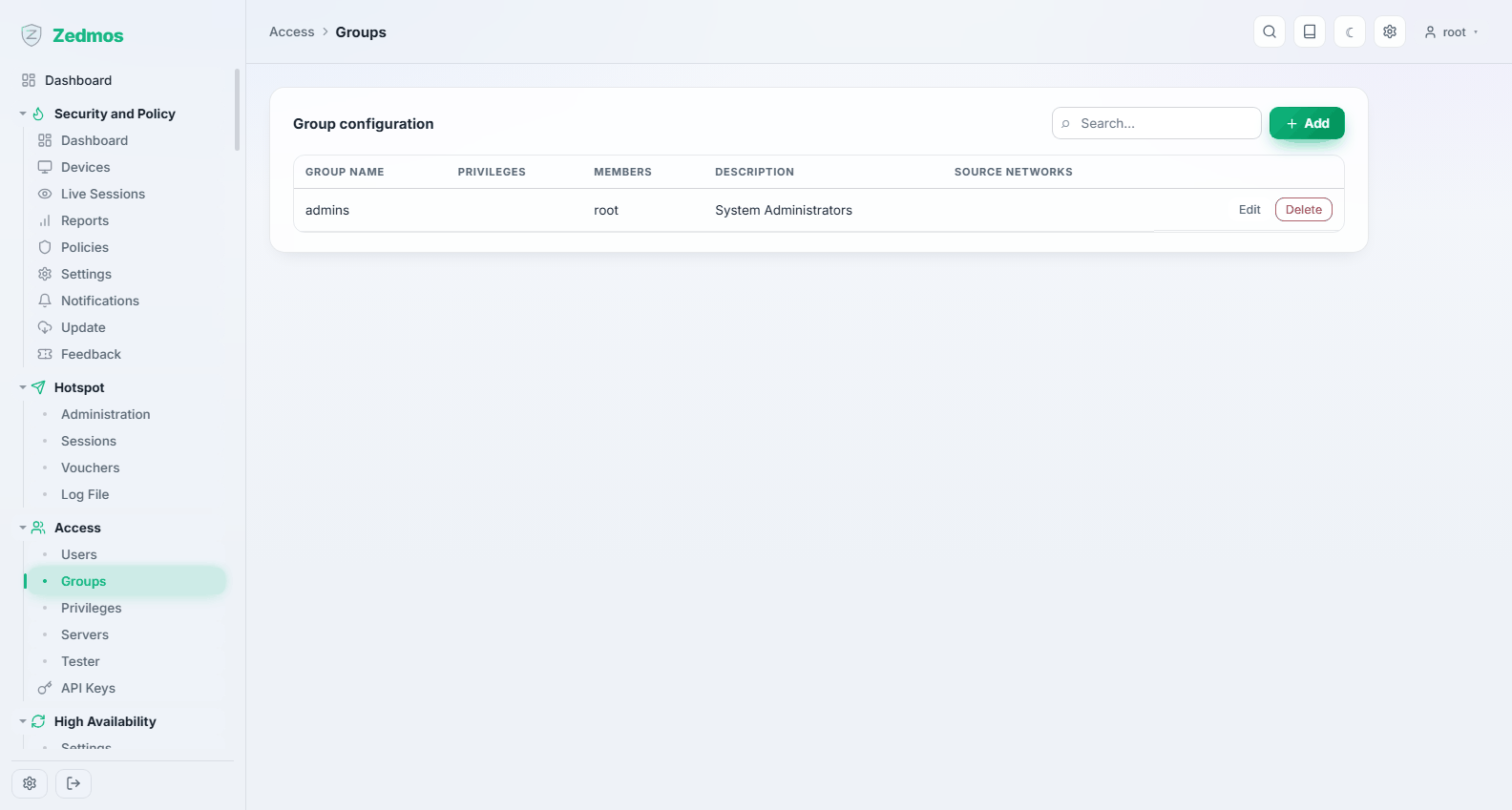
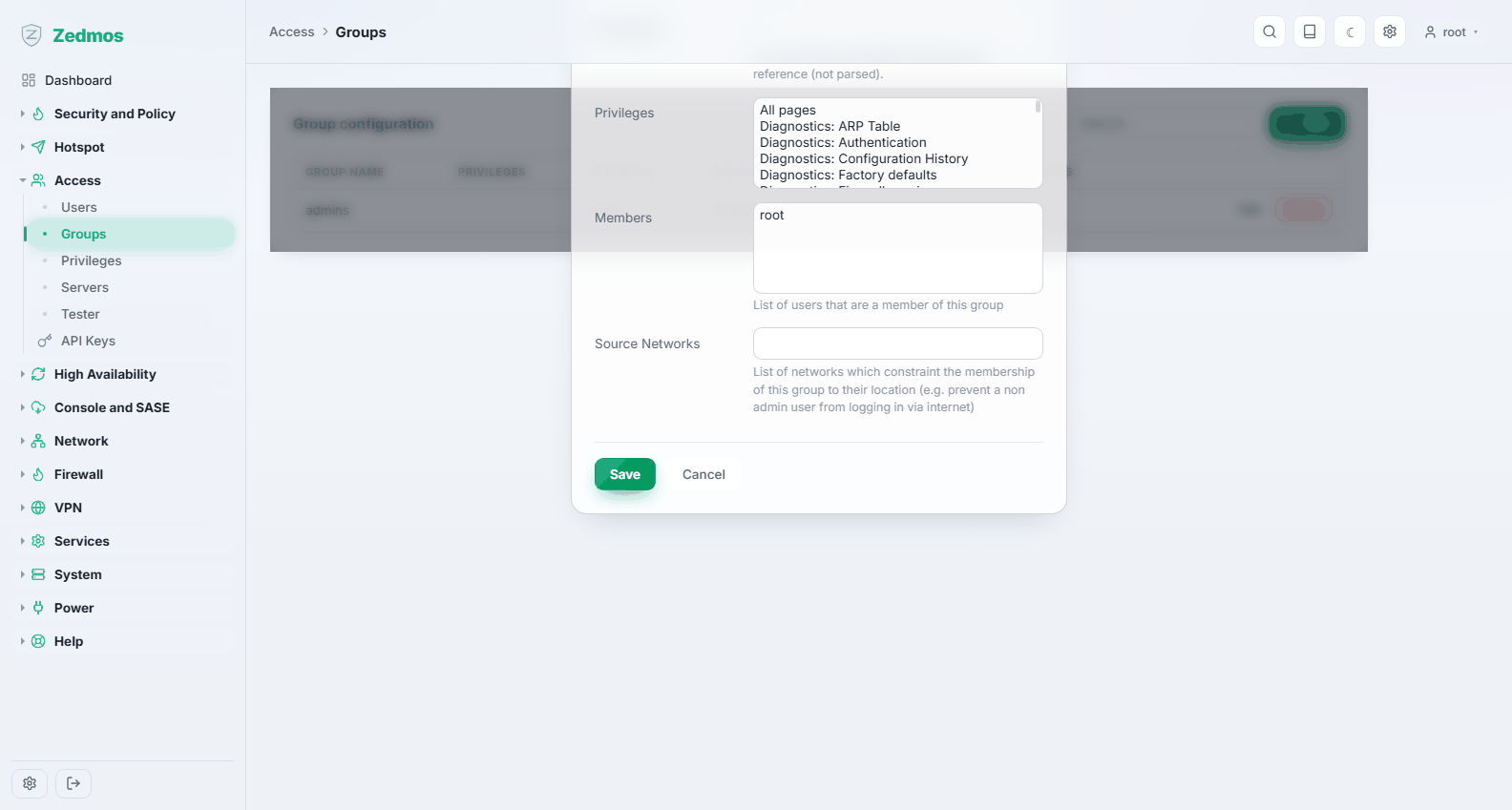
Groups hold privileges, and users inherit them. On an appliance with more than two administrators this is the only sane way to manage access: define network operators, auditors, support, then move people between groups.
Privileges — /privileges
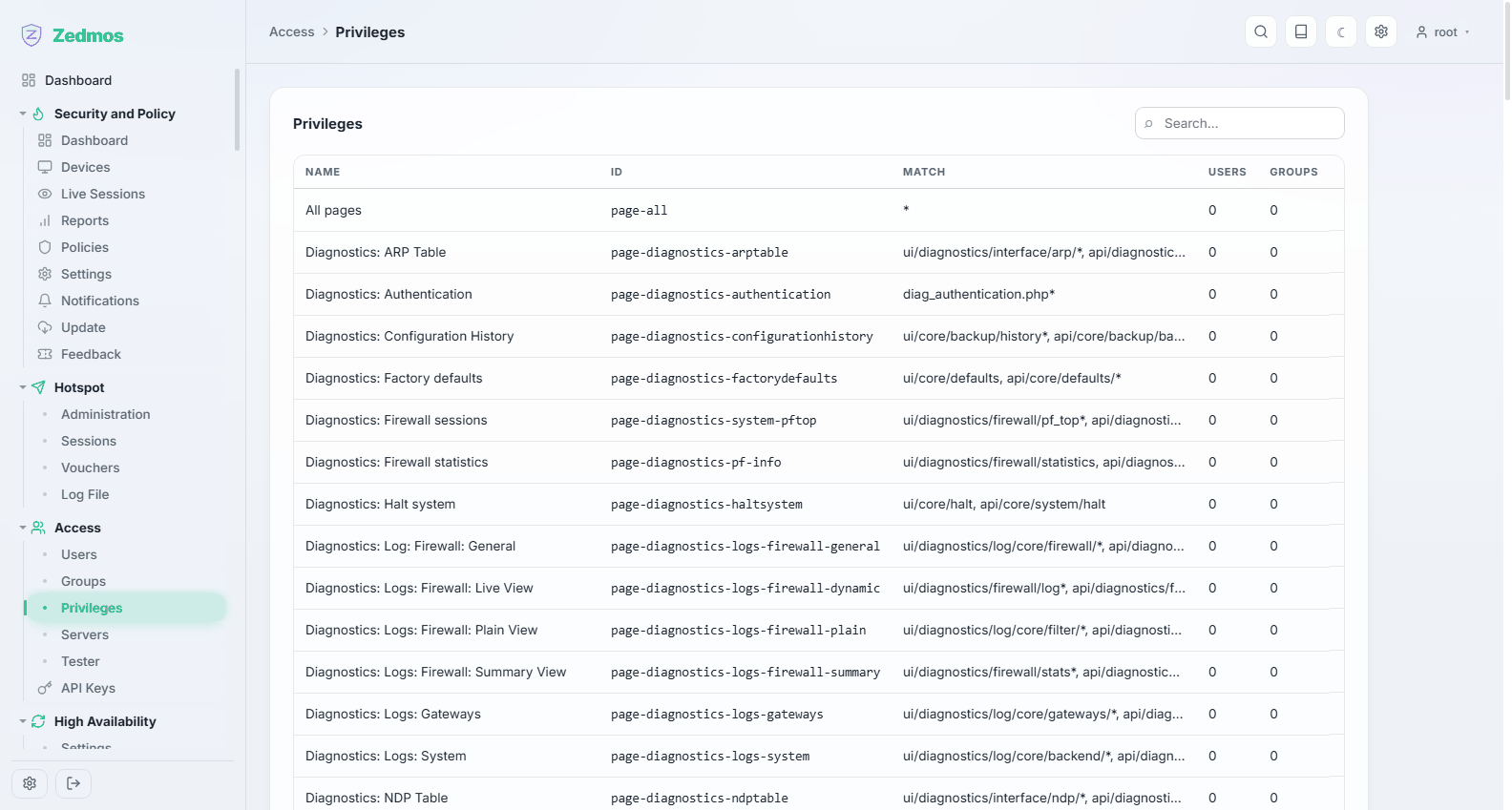
The other direction: for each privilege, which users and groups hold it. This is the page to answer "who can change firewall rules?" — starting from the question rather than from a person.
A read-only account is built this way: give it the privileges that view and none that write. The panel shows such accounts a read-only tag in the account menu, so nobody wonders why Save is missing.
Servers — /m/auth/authserver
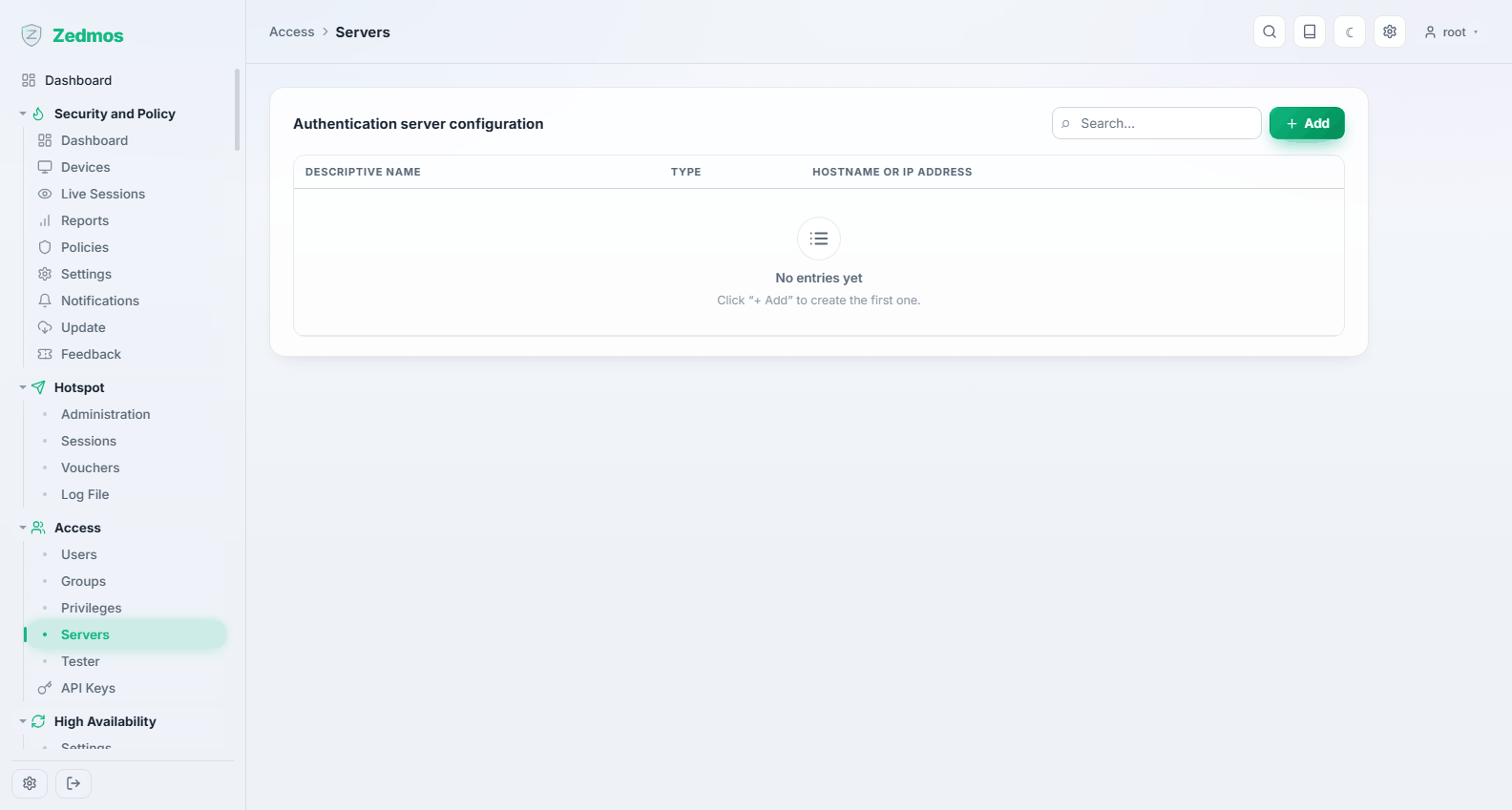
External directories the appliance can check credentials against: LDAP or Active Directory, and RADIUS. Once a server is configured, a user can be authenticated against it rather than a local password — including captive portal guests and VPN users.
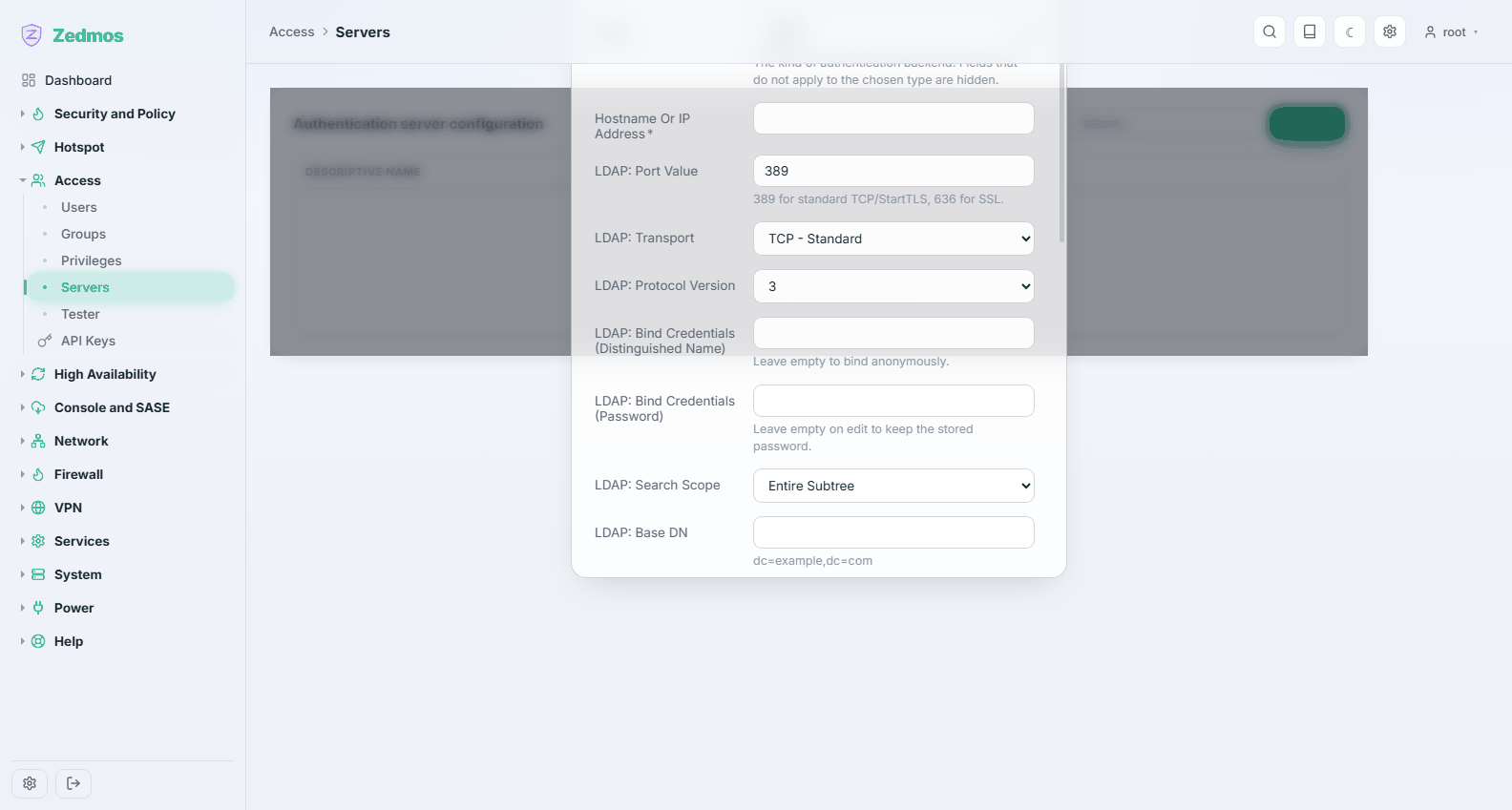
For LDAP you need the server's address, the base DN, the bind credentials and the attribute that holds the user name; for RADIUS, the address, the port and the shared secret. Both benefit from being tested before anything depends on them — which is the next page.
Tester — /auth-tester
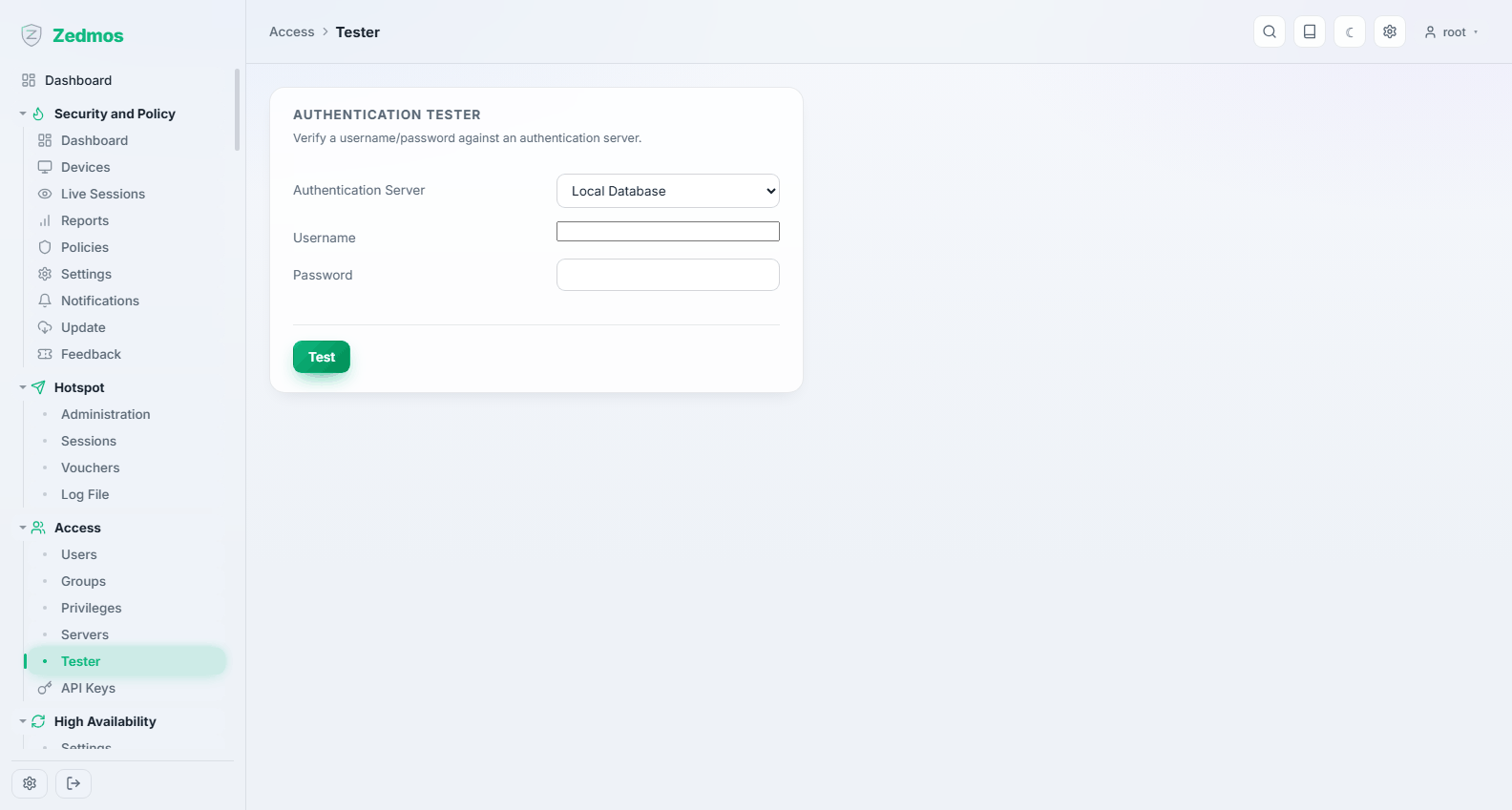
Tries a user name and password against a chosen authentication server and reports exactly what happened, including the groups that came back. Use it before pointing the portal or the VPN at a new directory: a failure here is far easier to read than a failed login somewhere else.
API Keys — /apikeys
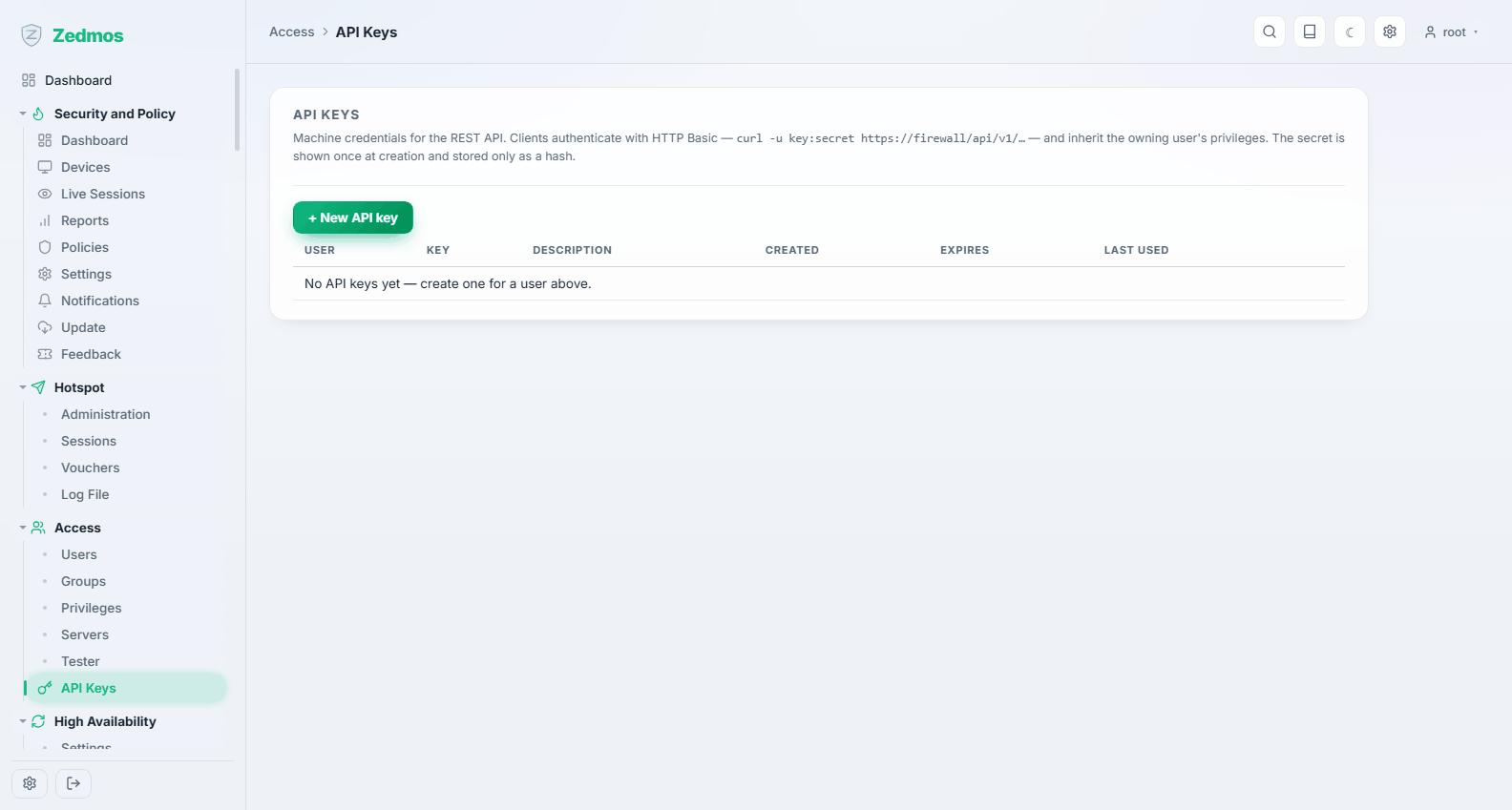
Machine credentials. A key belongs to a user and inherits that user's privileges, so a key for a monitoring system should belong to a read-only account, not to root.
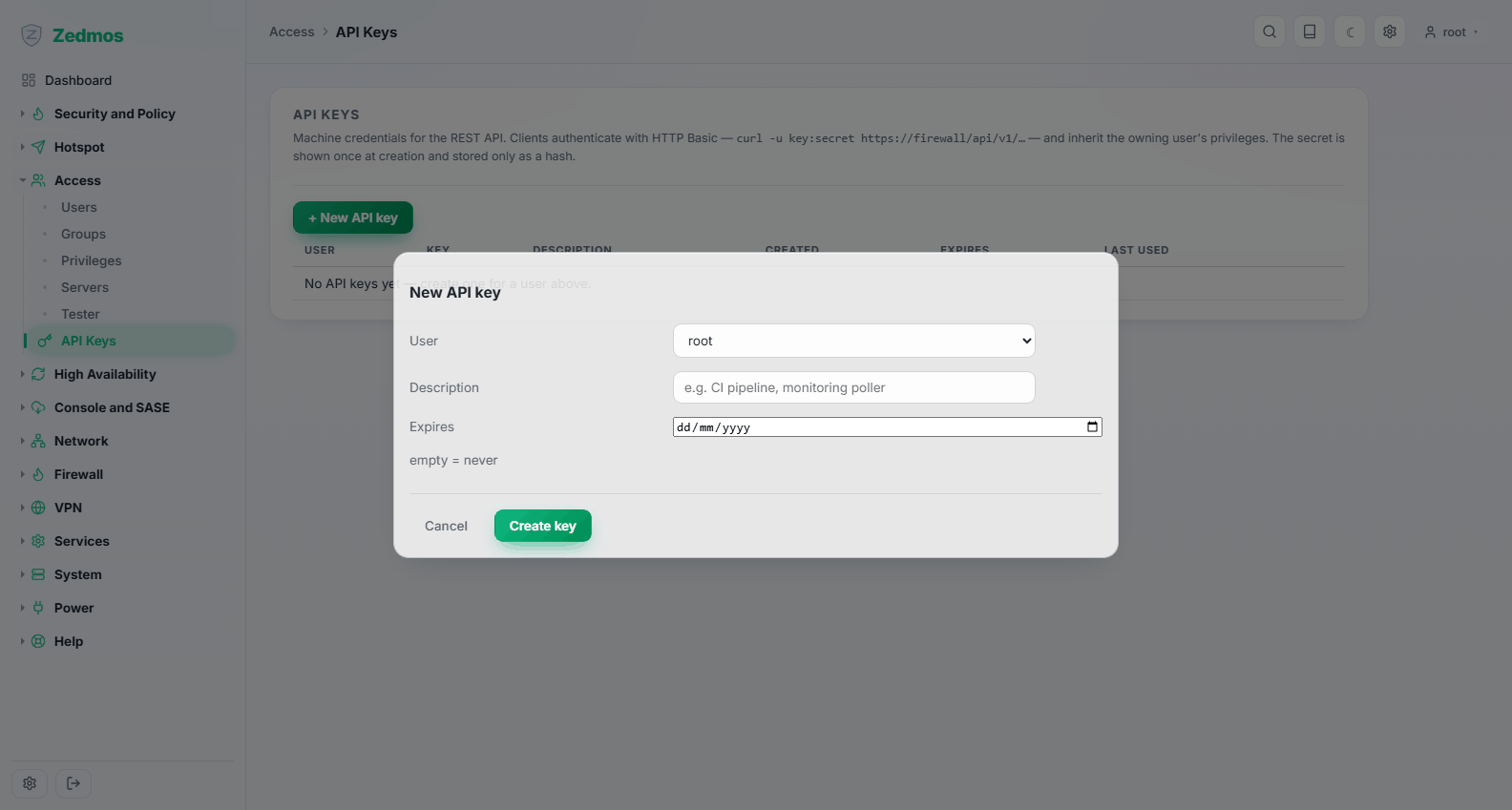
The secret is shown once, when the key is created — the appliance stores only a hash and cannot show it again. The list records when each key was last used, which is how you find keys nothing uses any more and remove them.
Keys can be given an expiry date. A key with no expiry outlives the reason it was created; a key with one forces the conversation.