5.6 Services
The network services the appliance runs for the networks behind it: handing out addresses, answering names, distributing time, advertising IPv6, and scanning files.
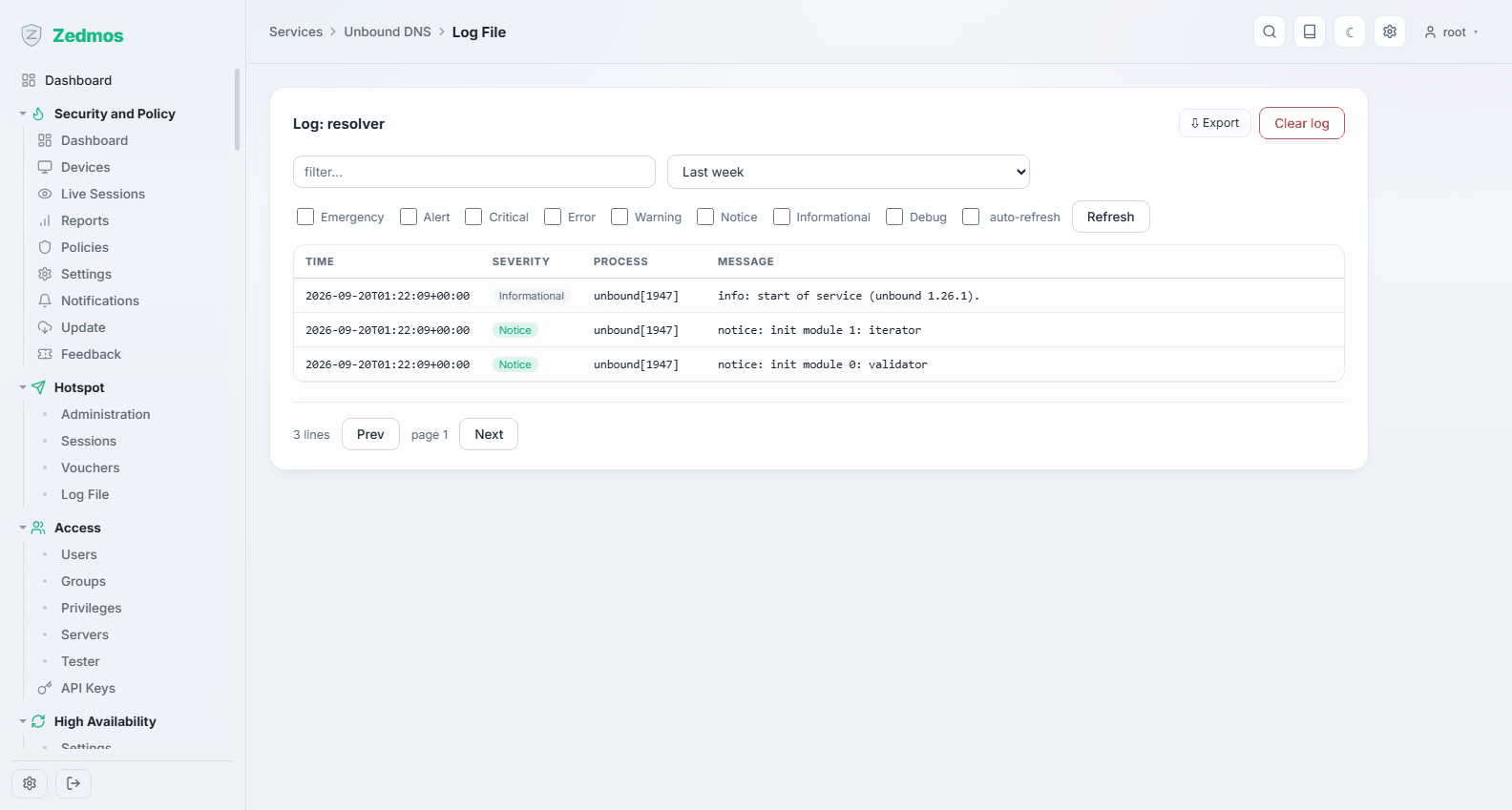
Every service group ends with a Log File entry, and most have a Status page. When a service misbehaves, open its status page first and its log second — in that order, because the status page usually answers the question in one line.
DHCP: two backends, one at a time
The appliance can hand out addresses with Kea (the default) or with Dnsmasq, which does DNS and DHCP together. They do the same job; running both on the same network produces two servers answering one request, which is exactly as confusing as it sounds.
Take Kea unless you have a reason not to: it is what the interface editor configures when you switch on a DHCP server, and what the console's LAN setup uses. Take Dnsmasq when you want DHCP and DNS from one small service with per-host names, or on a very small appliance.
Kea DHCP
Kea DHCPv4 — /m/kea/dhcp4
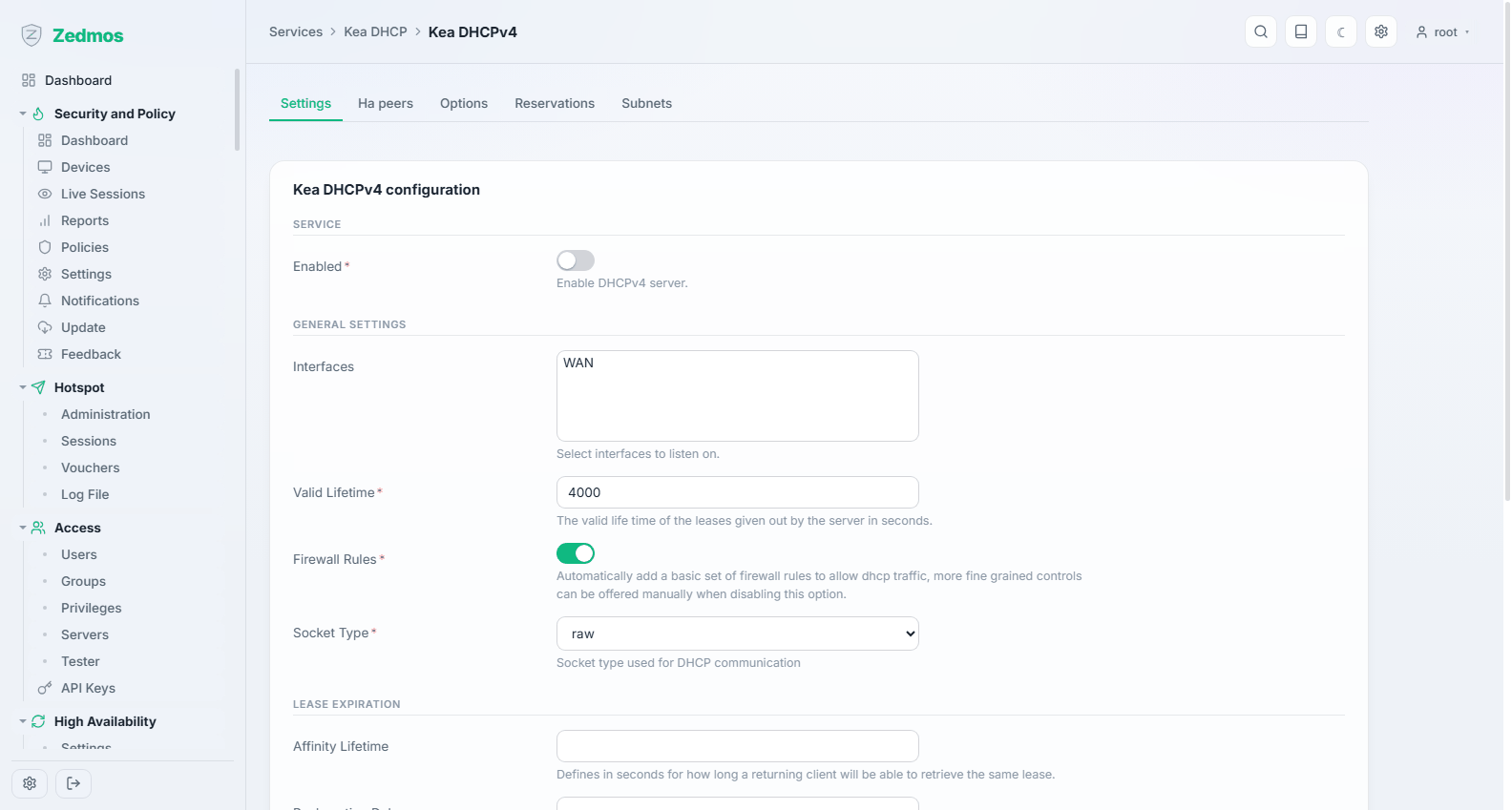
Subnets and pools: for each network the appliance serves, the range it hands out, the router and DNS it announces, the lease time, and any reservations that pin a device to a fixed address by MAC.
Keep the pool clear of everything with a static address — the appliance itself, printers, switches. A pool that includes the router's own address is a fault the page will warn you about.
Kea DHCPv6 — /m/kea/dhcp6
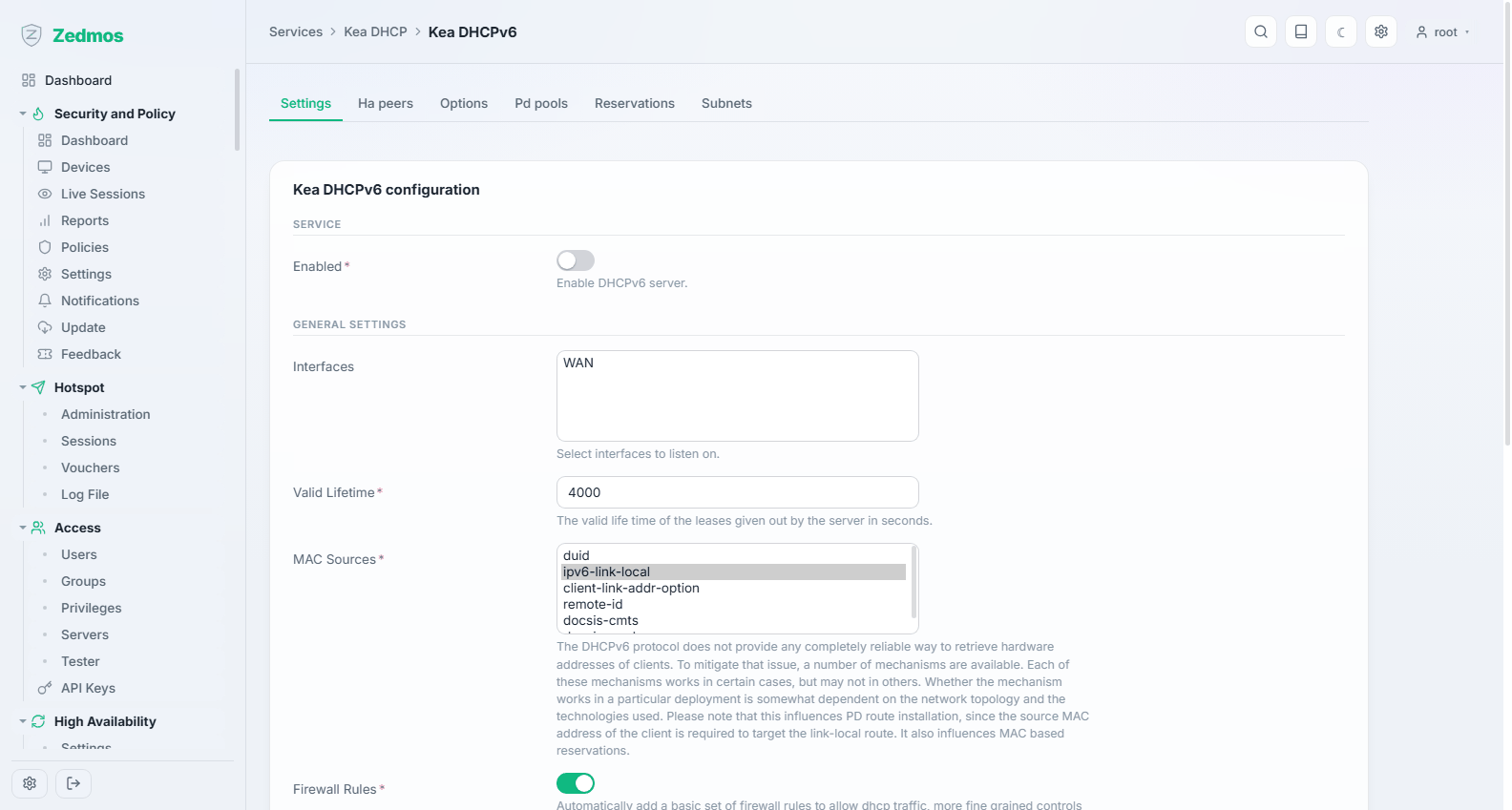
The same for IPv6. Usually paired with Router Advertisements below: most IPv6 clients take their address from advertisements and only ask DHCPv6 for the extras.
Control API — /m/kea/ctrl_agent
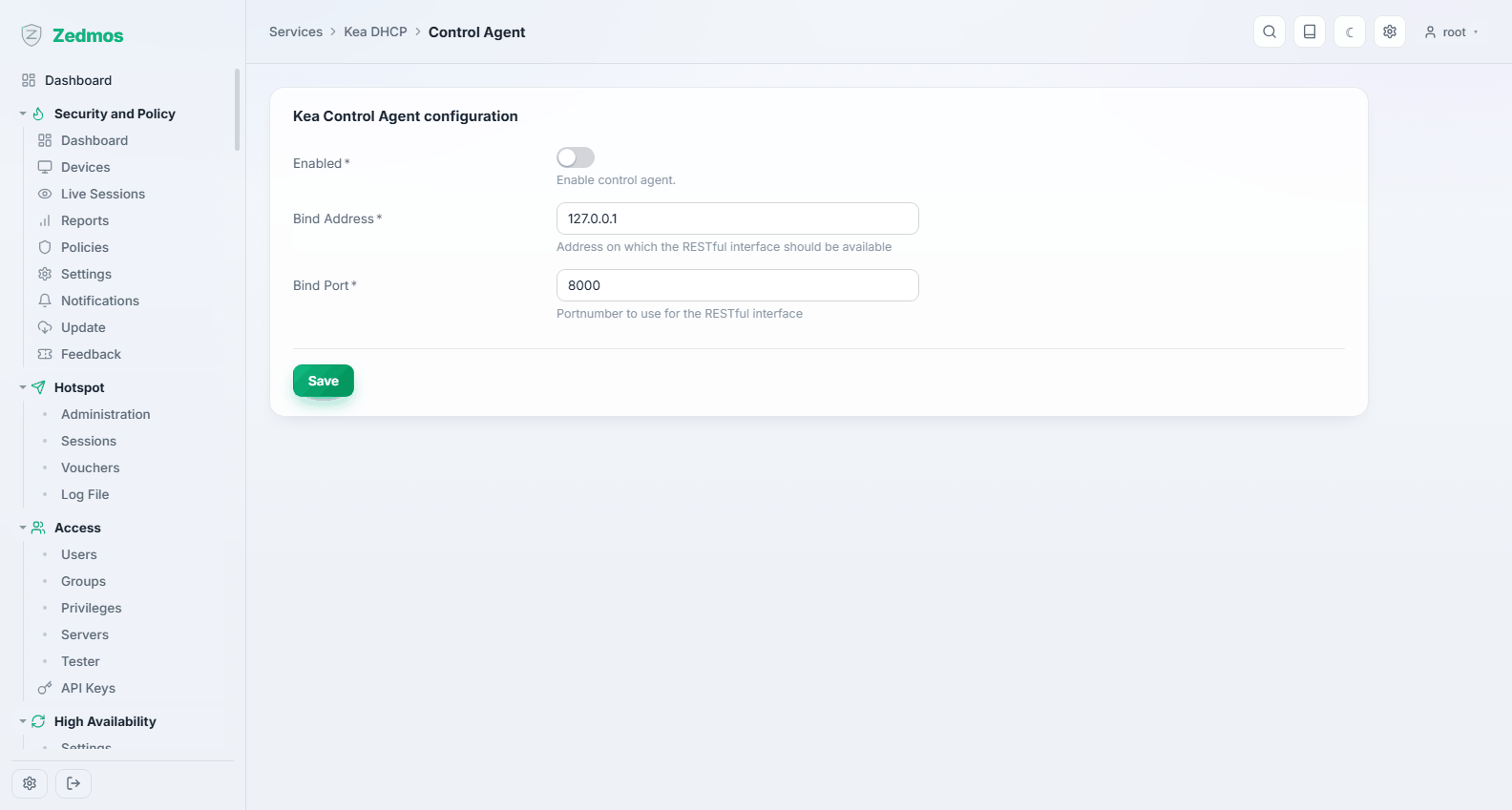
Opens the command API of the DHCPv4 and DHCPv6 servers over HTTP or HTTPS, for tools such as kea-shell or Stork. The appliance itself does not need it. This Kea (3.2) has no separate control agent: each server listens on its own port and accepts requests only with the user name and password you enter here, which it reads from files the appliance keeps readable by root only. Choose a certificate from the trust store to serve HTTPS; keep plain HTTP on 127.0.0.1.
DDNS Agent — /m/kea/ddns
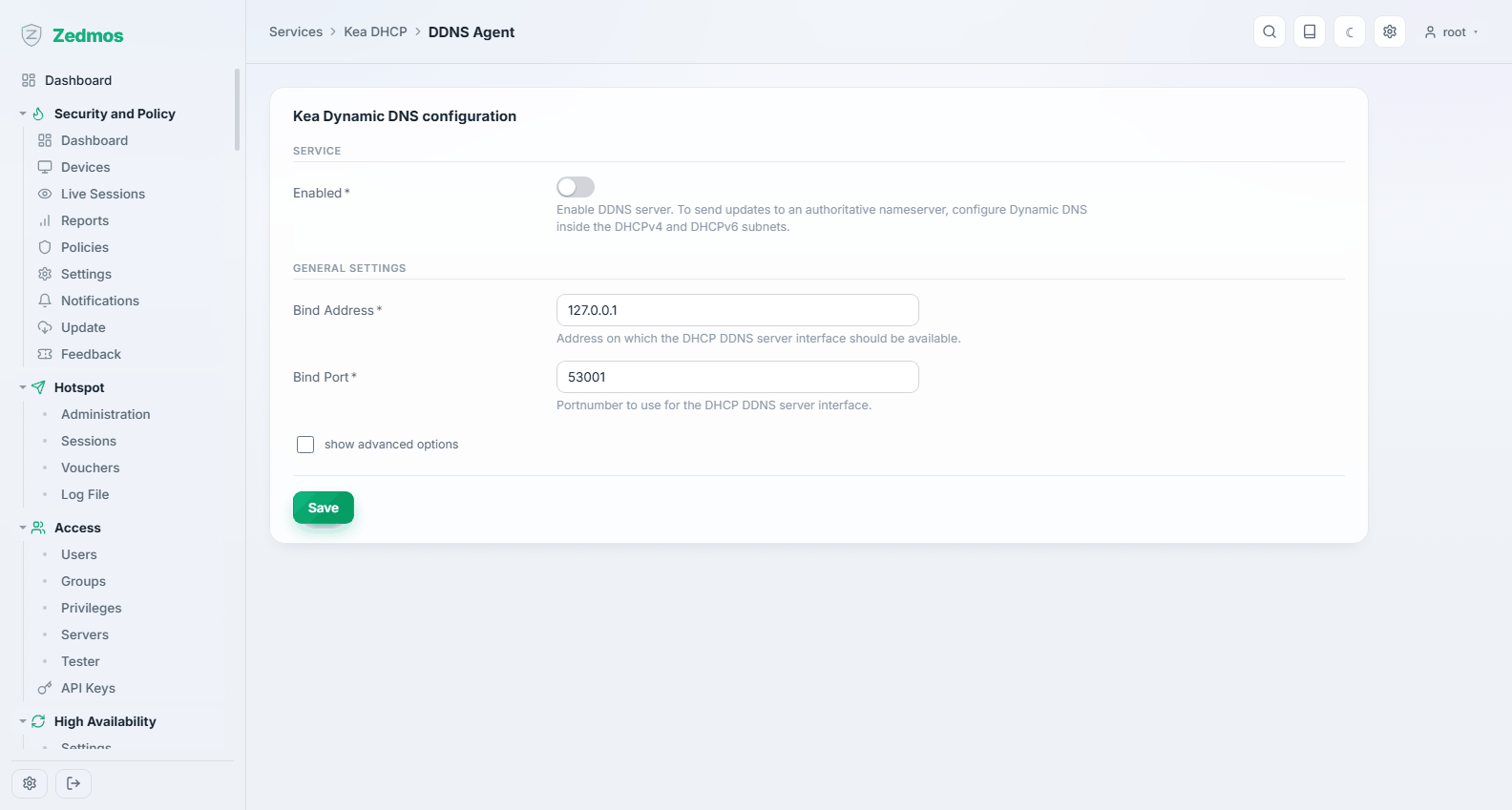
Registers leases into DNS, so a machine that just got an address is reachable by name.
Leases DHCPv4 / DHCPv6 — /leases/kea4, /leases/kea6
Who holds which address, since when, and until when. The first page to open when someone says "my machine has no network": either they have a lease, in which case the problem is elsewhere, or they do not, in which case it is here.
Log File — /log/core/kea
Dnsmasq DNS & DHCP
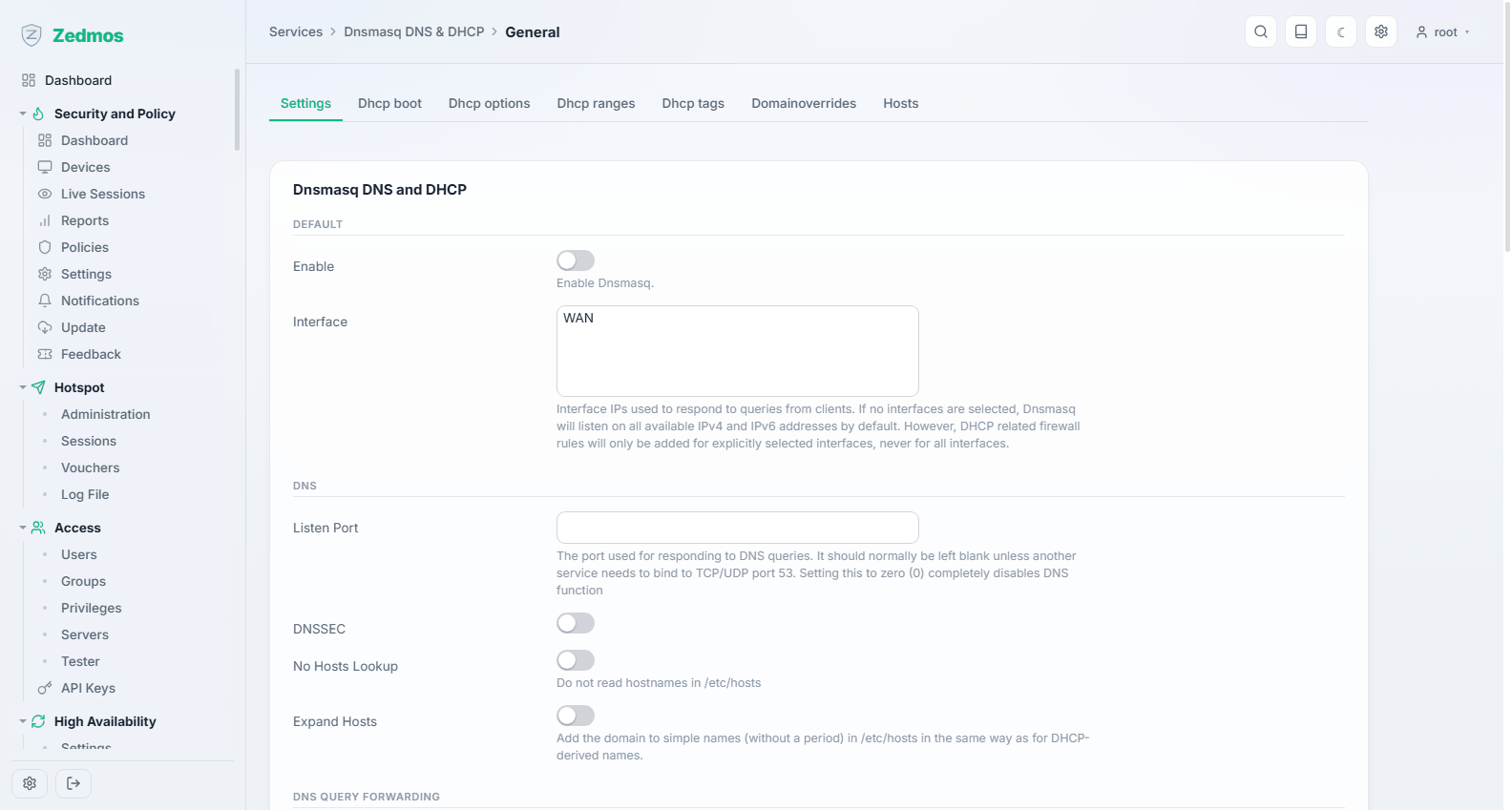
A single small service that answers DNS and hands out addresses. Its pages follow its configuration:
| Page | For |
|---|---|
General — #general | Whether it runs, which interfaces it listens on, and its DNS behaviour. |
Domains — #domains | Domain overrides: send one domain to a different resolver. |
Hosts — #hosts | Static name-to-address entries. |
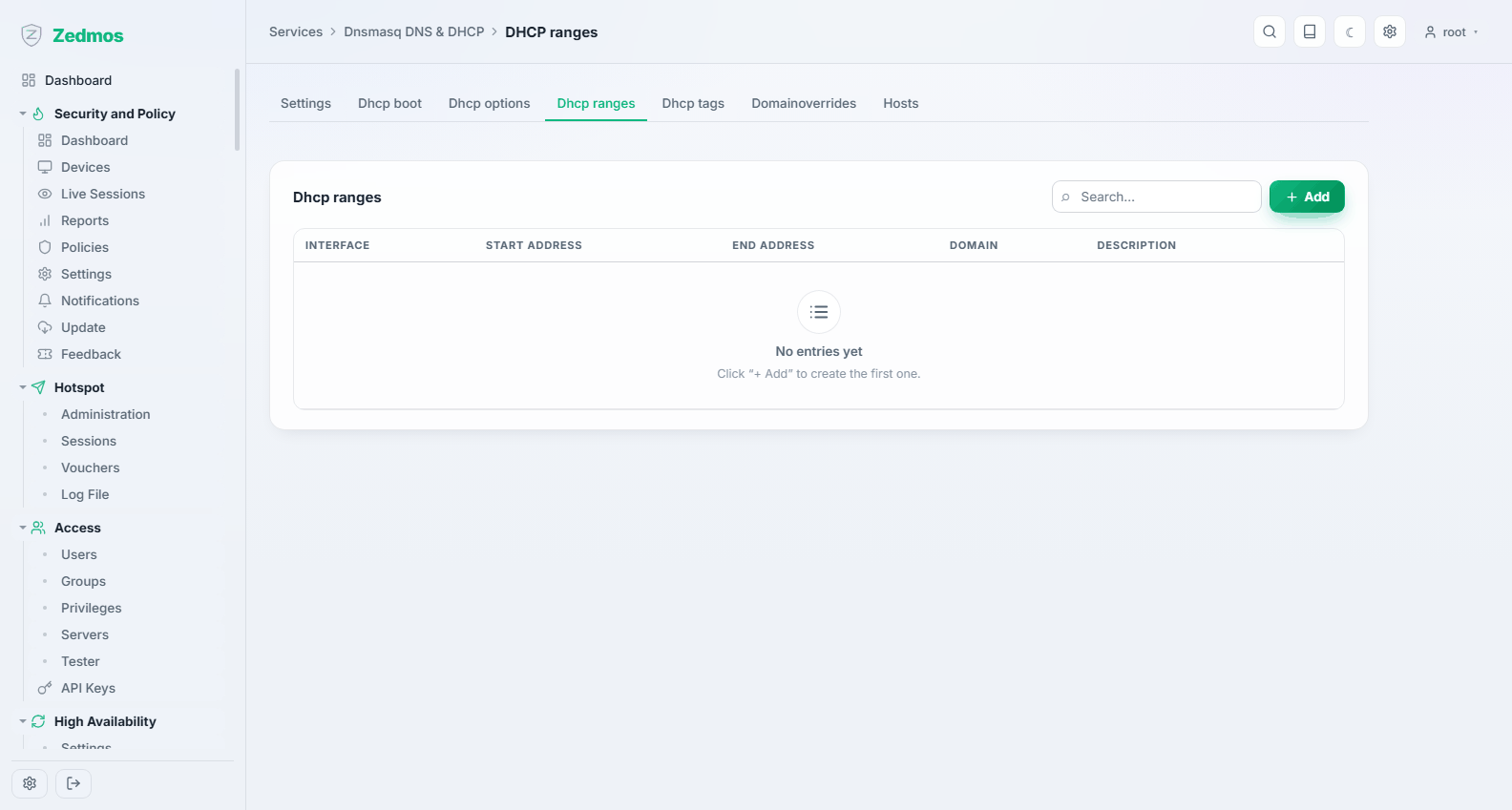
DHCP ranges — #dhcpranges | The pools it hands out. |
DHCP options — #dhcpoptions | Extra options for clients (NTP servers, boot parameters, vendor options). |
DHCP boot — #dhcpboot | Network boot: the TFTP server and boot file for PXE clients. |
DHCP tags — #dhcptags | Tags that let one range or option apply to a subset of clients. |
Leases — /leases/dnsmasq | Current leases. |
Dnsmasq cannot answer DNS on the port Unbound uses: beside Unbound, set its Listen port to 0 and it serves DHCP only, which is what the setup wizard does. Nor can it serve DHCP for an IP version Kea serves; such a save is refused. A range works only on an interface dnsmasq listens on (Interfaces on the General page, empty for all), and the interface editor adds the interface when it creates a range. A host entry with a MAC address or client identifier is a DHCP reservation, with one IPv4 address. The DHCP options page lists the option codes by name. With Register Kea leases and Register Kea reservations the names Kea hands out resolve through dnsmasq too, and a domain override can fill an External alias with the addresses its names resolve to.
Unbound DNS
The recursive resolver the appliance offers to its networks. It is on by default and is what clients use unless you point them elsewhere.
General — /m/unbound/unboundplus
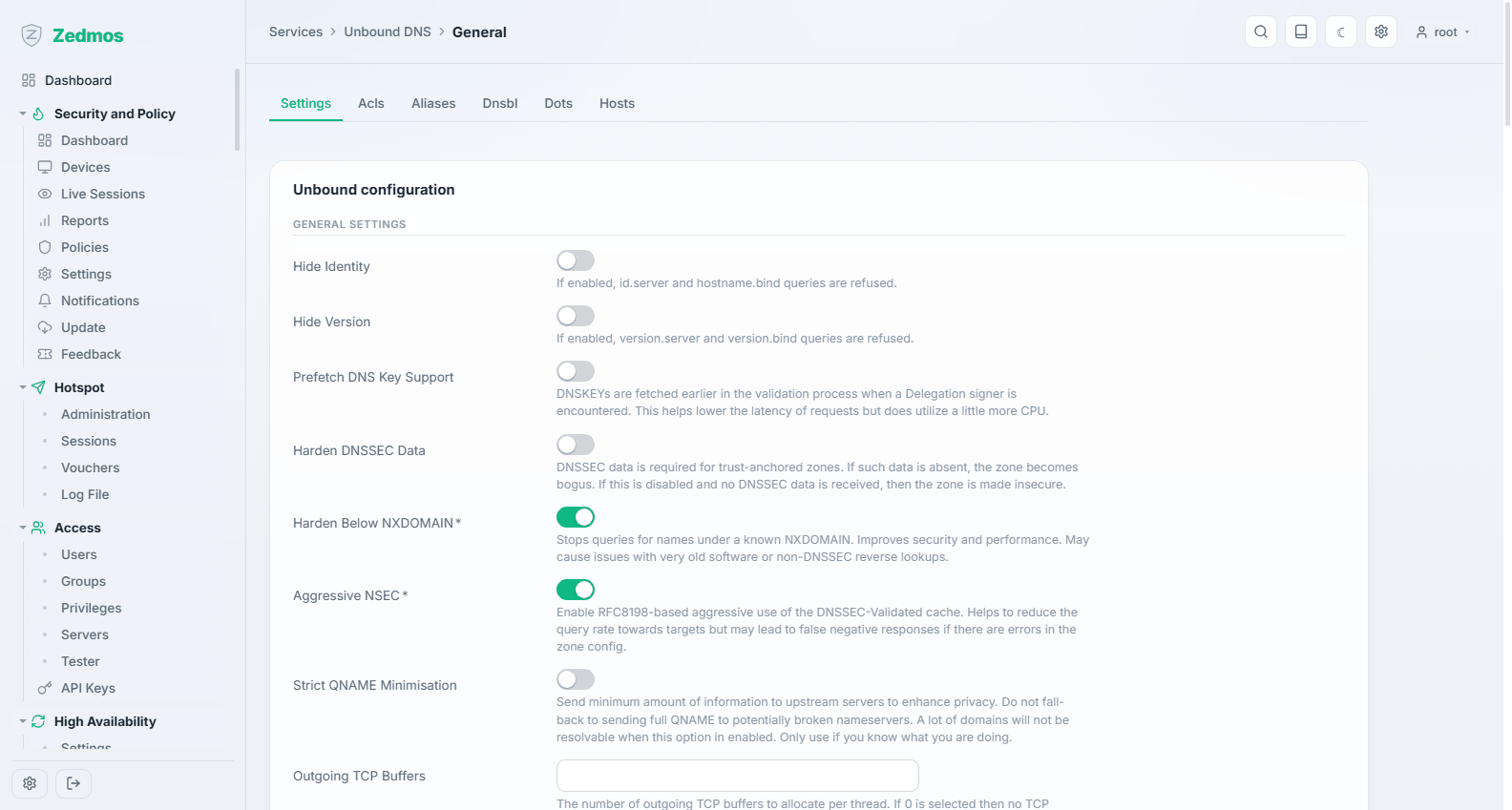
Whether the resolver runs, which interfaces it answers on, whether it validates DNSSEC, and whether it registers DHCP leases so local machines resolve by name.
With no listen interface selected the resolver answers on every address, and the firewall rules decide who reaches it; 127.0.0.1 and ::1 are always included so the firewall itself can resolve. Switching DNSSEC on installs the root trust anchor, and answers that fail validation become SERVFAIL. Register DHCP leases and Register DHCP reservations cover Kea and Dnsmasq; a reservation added later resolves without anything else to do.
Port 53 can only be held by one service. Unbound refuses to save a port Dnsmasq already answers DNS on, and says so.
Overrides — ?a=hosts/host,aliases/alias
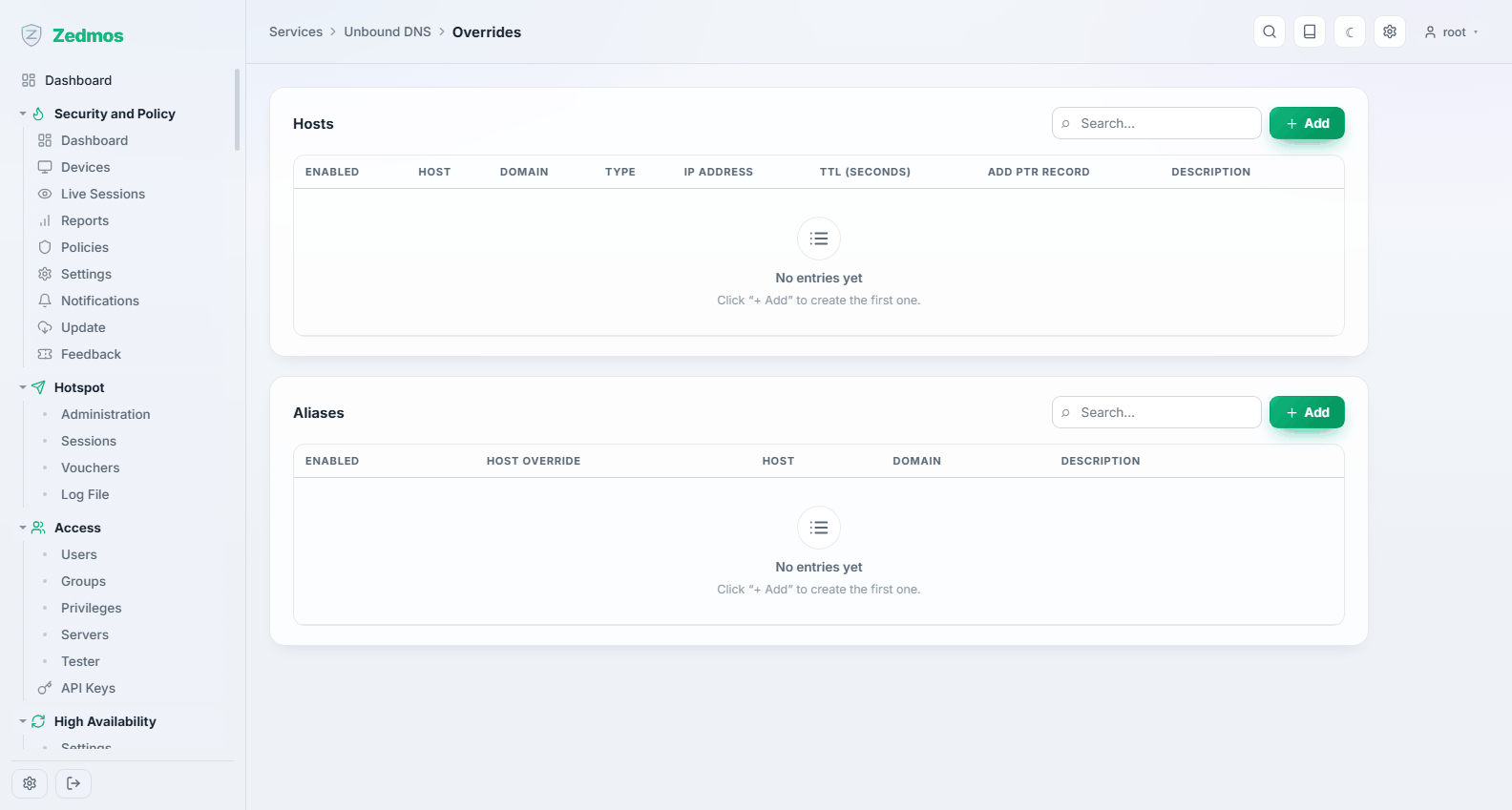
Host overrides (a name that answers with an address you choose) and aliases. This is how you make an internal service answer with its internal address while the public DNS points elsewhere.
A host of answers for every name in the domain. More names for the same record can be typed straight into the override's Aliases* field; each becomes an alias row, and aliases get no reverse name.
Access Lists — ?a=acls/acl
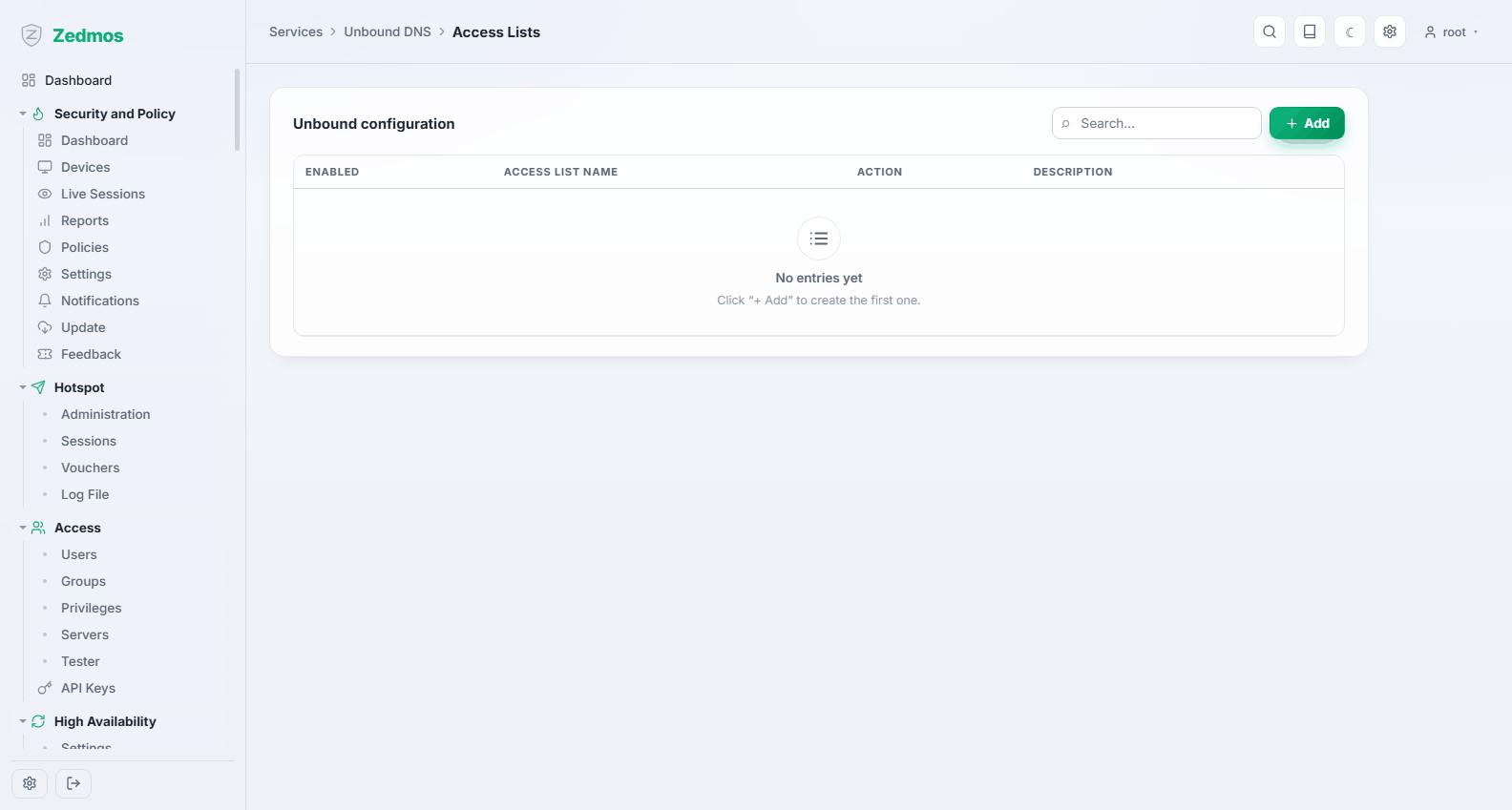
Which networks may query the resolver. An open resolver reachable from the internet will be abused; keep this to your own networks.
The default action (Allow) applies to every address no list covers; where networks overlap, the most specific one decides.
Blocklists — ?a=dnsbl/blocklist
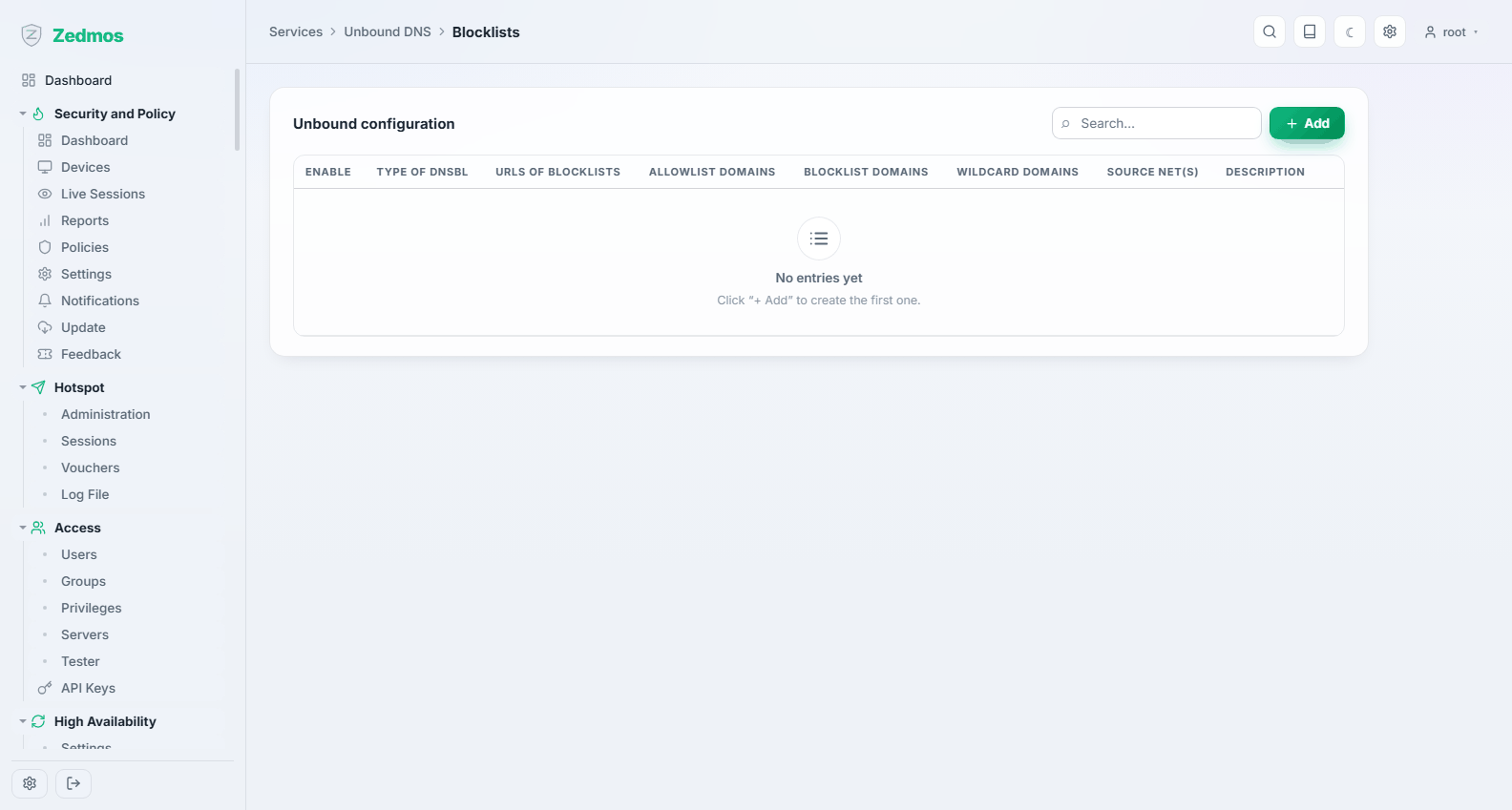
DNS-level blocking from subscribed lists — advertising, tracking, malware domains — with your own allow and block entries on top. Cheap, effective, and invisible to clients.
Each row is a policy with its own lists, allowlist and answer (NXDOMAIN or a redirect address). A policy with Source networks applies only to those clients; a client covered by several policies gets all of them, and where two list the same name the one with the smaller network decides. A plain name blocks exactly that name; Blocked domains, list entries written *.name and adblock entries ||name^ also block every name under it. Lists are fetched again when their cache time runs out (the firewall checks every 10 minutes) and loaded without restarting the resolver; when a download fails, the previous copy stays in use.
Query Forwarding / DNS over TLS
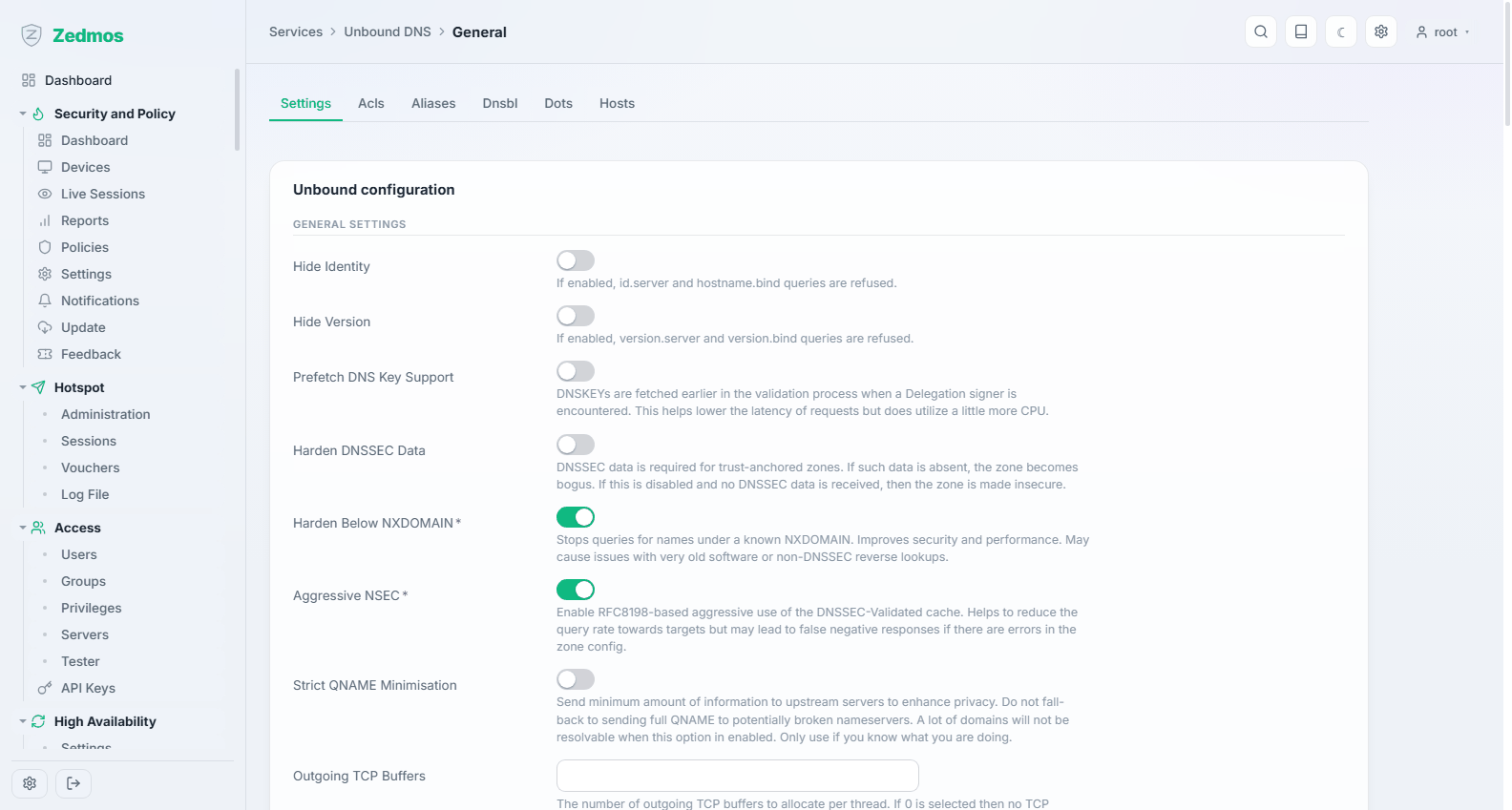
Forwarding sends queries to chosen upstream resolvers instead of resolving from the root. DNS over TLS does the same over an encrypted channel, so the upstream provider is the only party that sees your queries.
Query Forwarding lists the plain DNS servers and DNS over TLS the encrypted ones; a server added on a page is of that page's kind. An empty port means 53 for plain DNS and 853 for TLS. For TLS, fill in Server name to verify (for example dns.quad9.net); without it any certificate from a trusted authority is accepted. While Use the system nameservers is on, servers without a domain are not used.
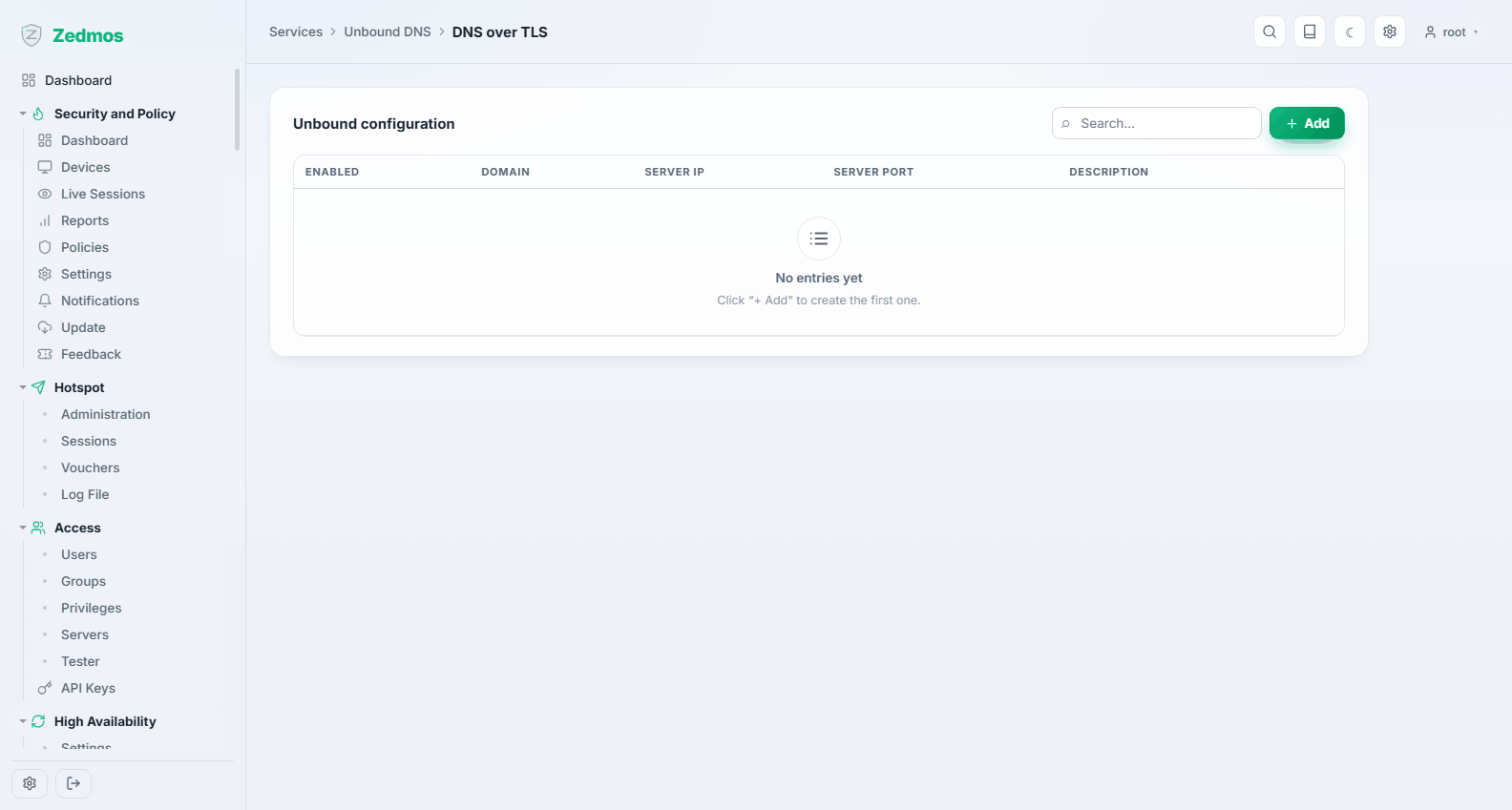
Advanced — /m/unbound/unboundplus
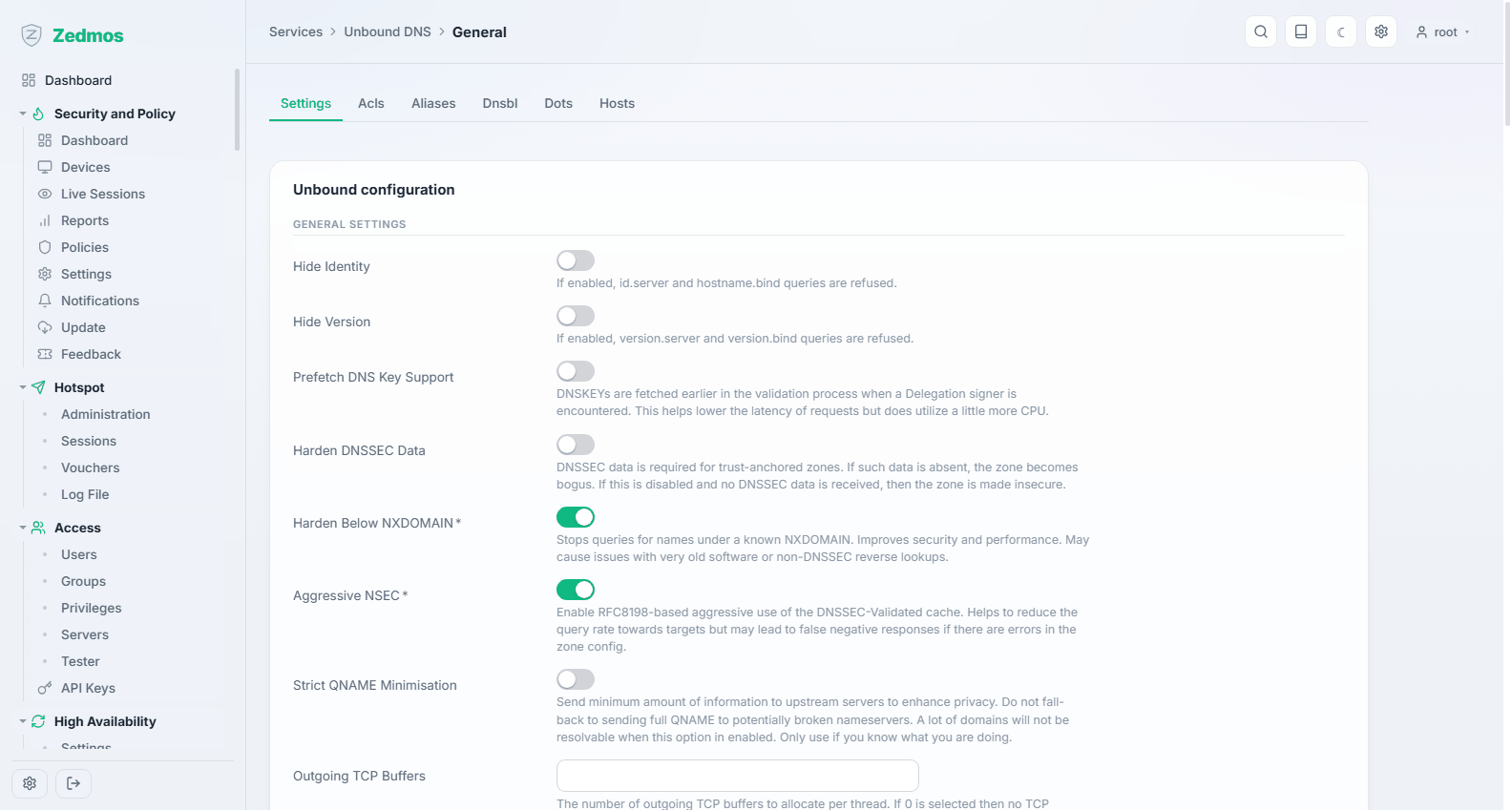
Cache sizes, thread counts, prefetching and the rest. Defaults are sane for an appliance; raise the cache before anything else if the resolver is busy.
A numeric field left empty uses Unbound's own default, which each help text names. Harden DNSSEC data is on by default: turn it off only if something upstream strips DNSSEC records.
Statistics — /unbound-stats
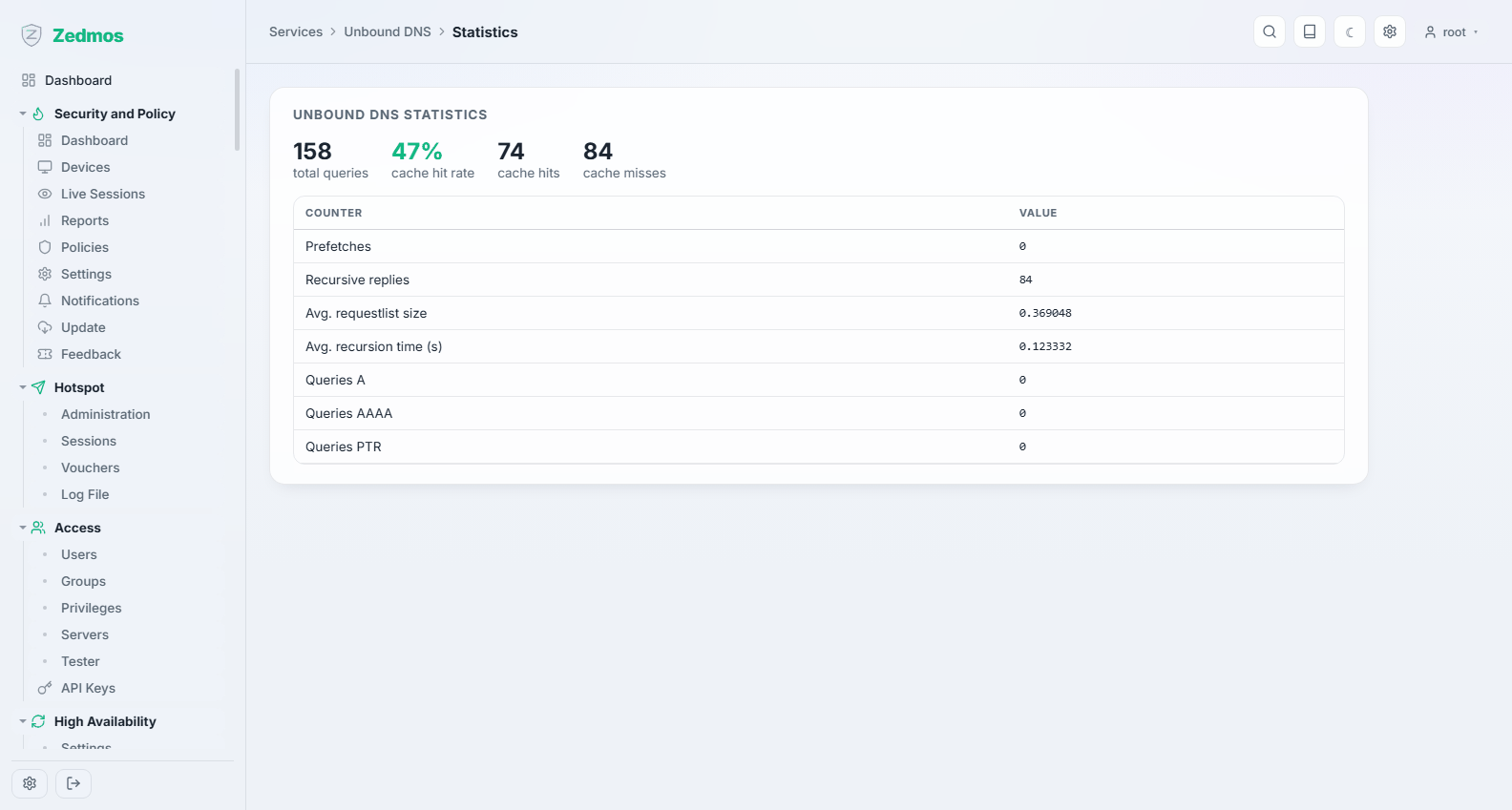
Queries answered, cache hit rate, what was blocked. A low hit rate on a busy network is the sign that the cache is too small.
Log File — /log/core/resolver
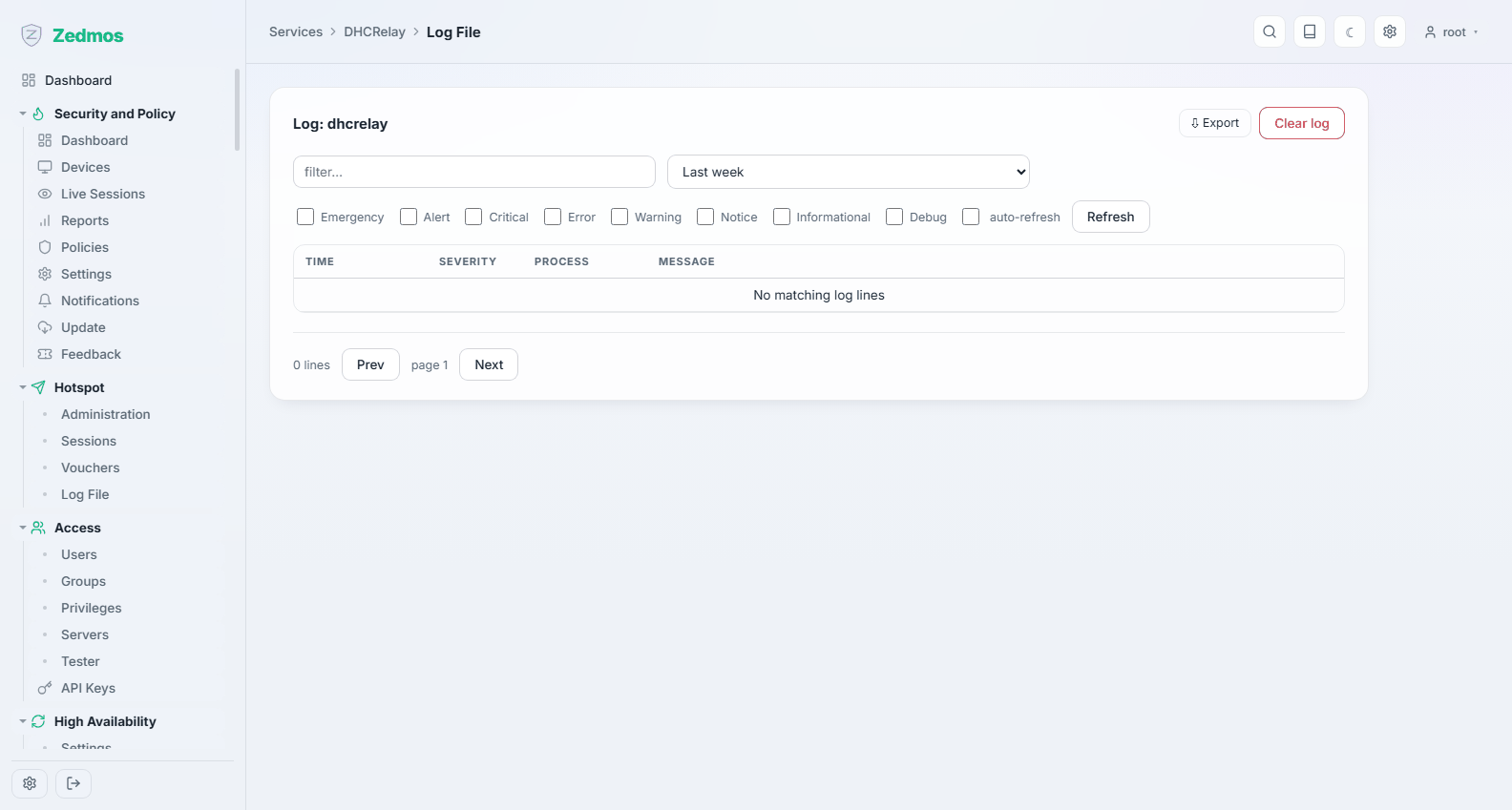
DHCRelay — /m/dhcrelay/dhcrelay
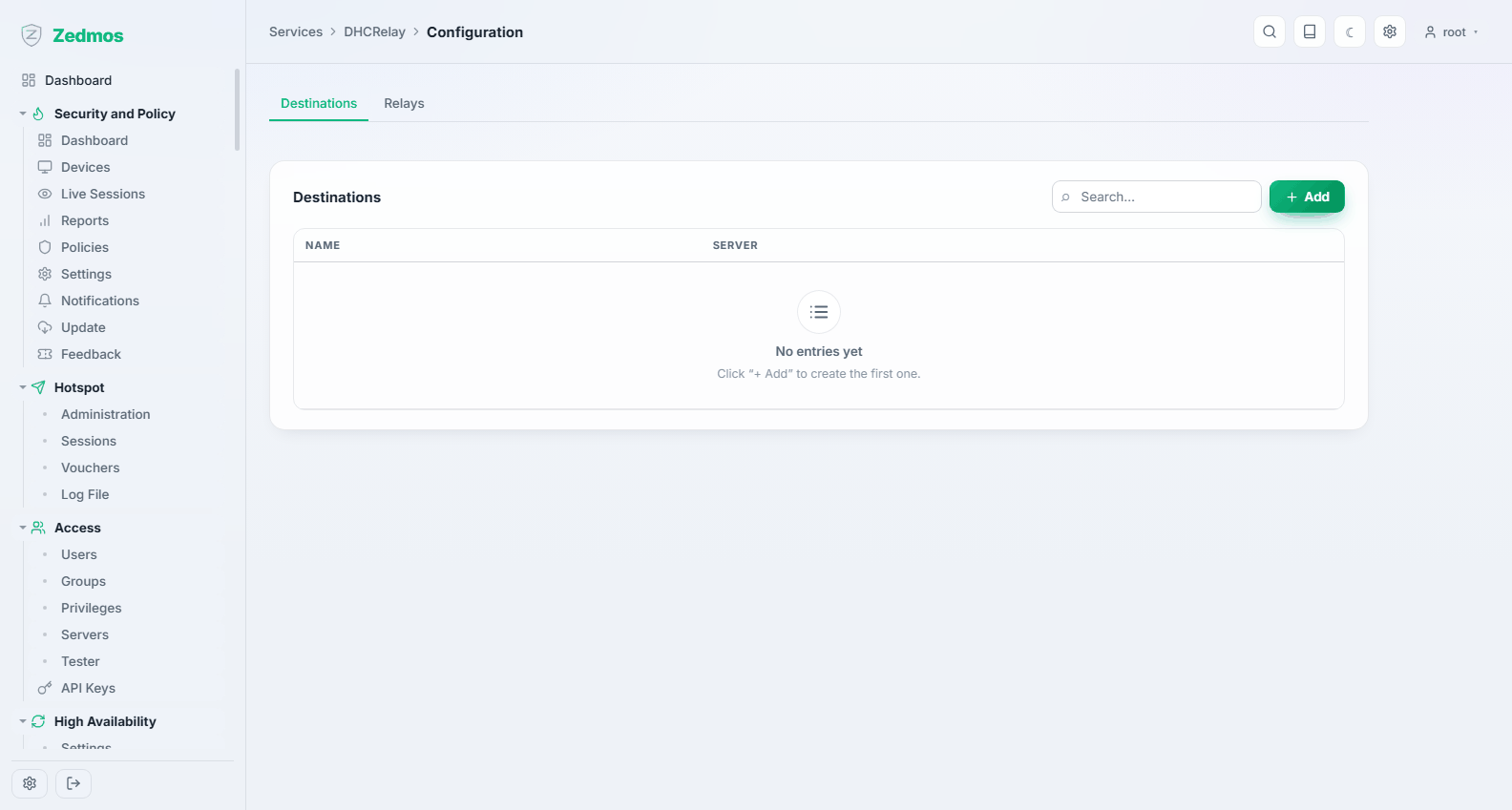
Forwards DHCP requests from a network with no local server to a server somewhere else — the usual arrangement when a central server owns all addressing. Configure the interface to listen on and the server to relay to.
Router Advertisements — /m/radvd/radvd
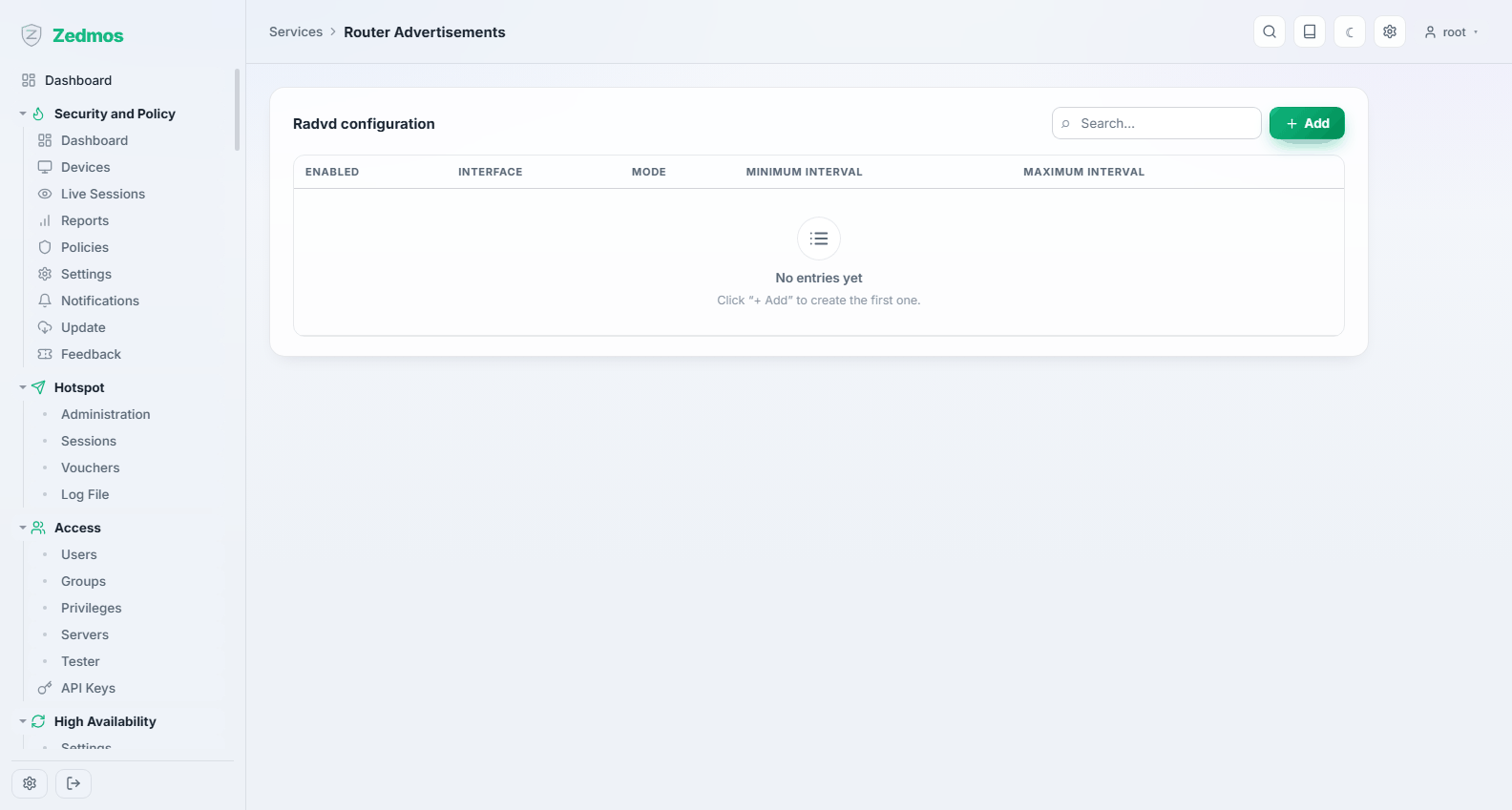
How the appliance announces itself as an IPv6 router: the mode (unmanaged, managed, assisted), the prefixes it advertises, and the DNS it hands out. Without this, IPv6 clients on the segment get no address at all.
Network Time
General — /system-ntp
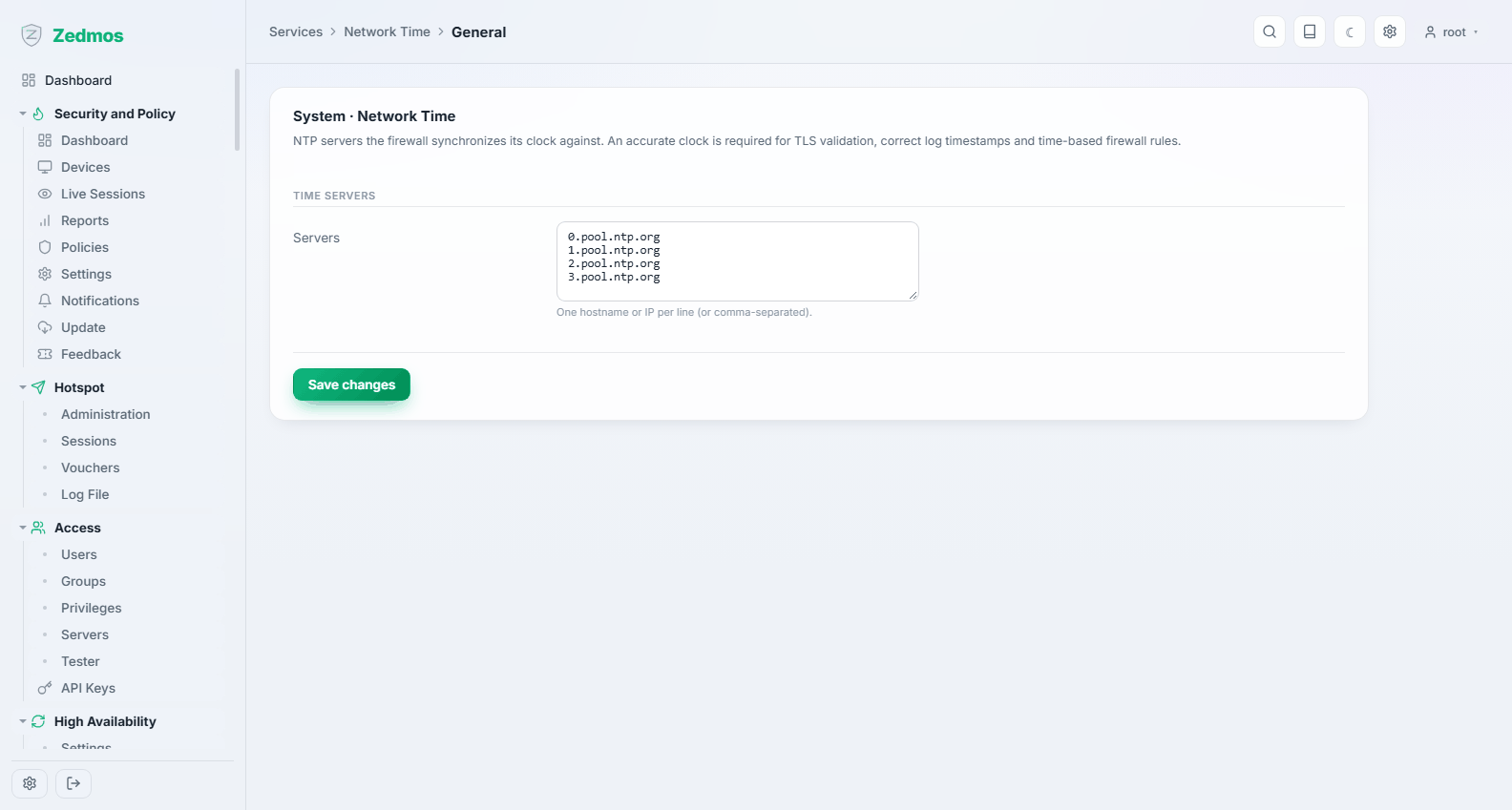
The time service: which servers the appliance follows, and whether it serves time to the networks behind it.
Time matters more than it looks. Certificate validation, VPN negotiation, logging and compliance records all depend on the clock being right.
GPS / PPS — #gps, #pps
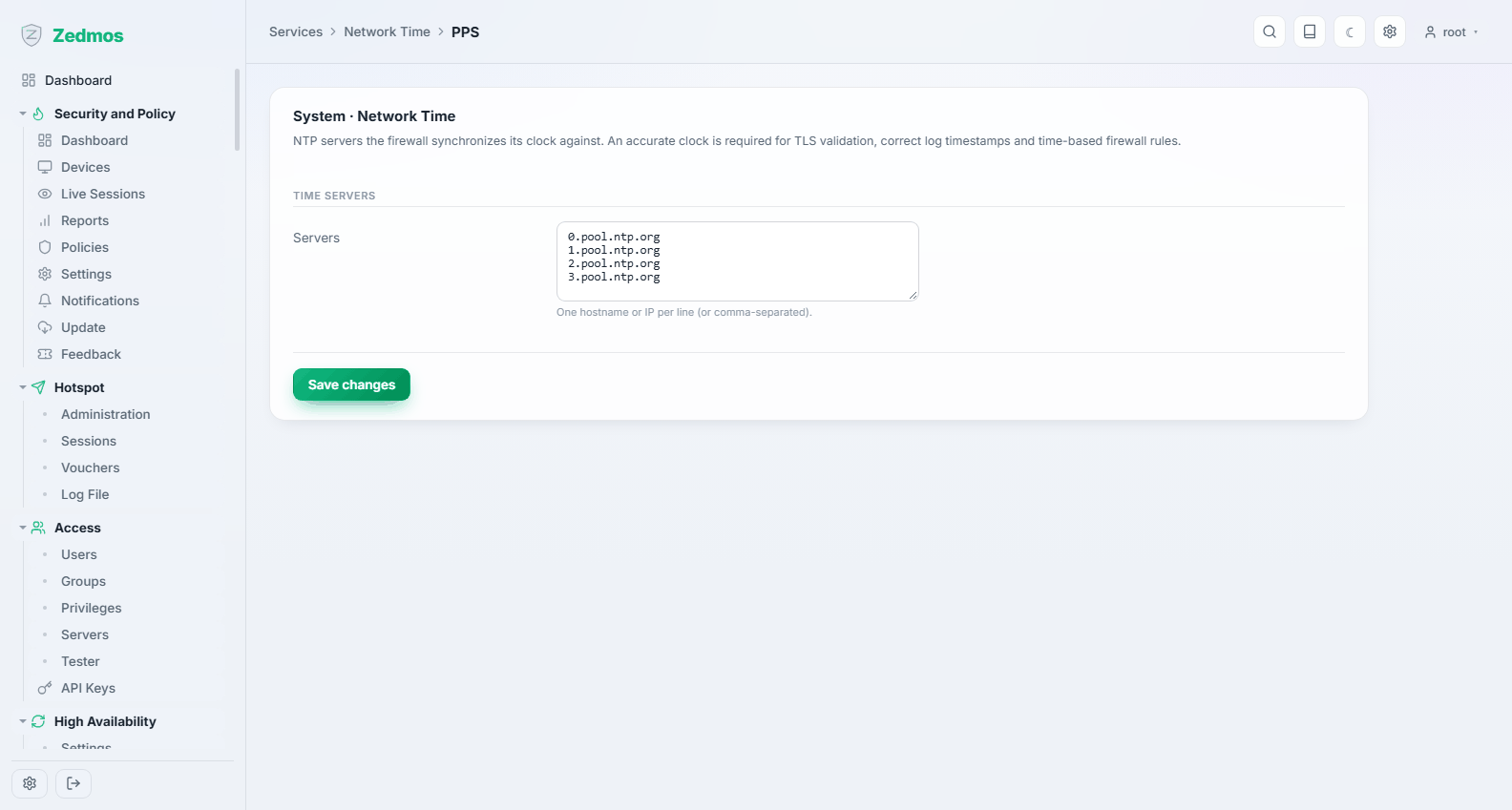
For appliances with a GPS receiver or a pulse-per-second input: a local reference clock, for sites that cannot depend on the internet for time.
Status — /ntp-status
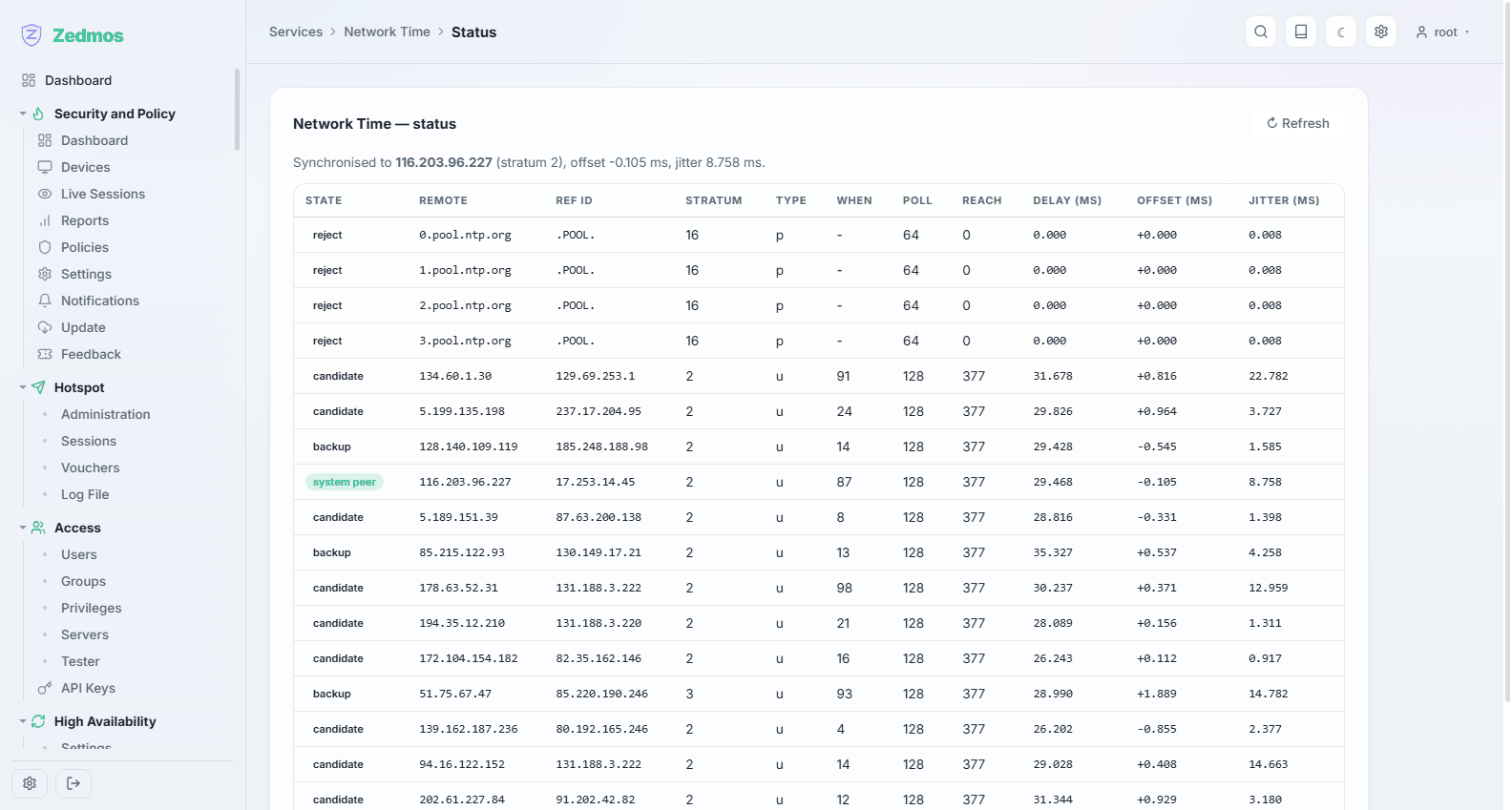
The peer table: which server is actually selected, the offset, and the jitter. "Synchronised" is a state you can read here, not an assumption.
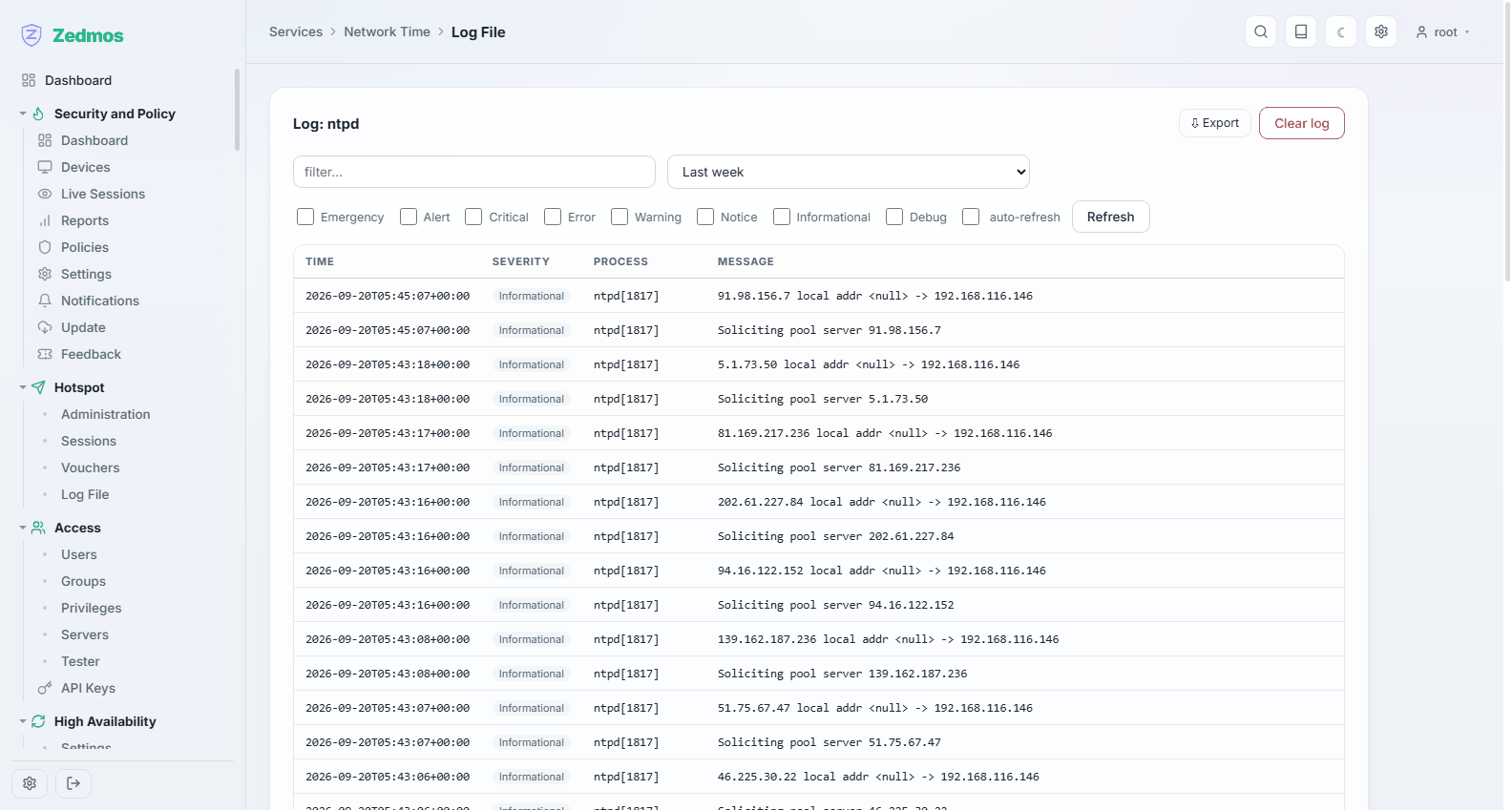
Log File — /log/core/ntpd
ClamAV Antivirus
Settings — /m/clamav/clamav
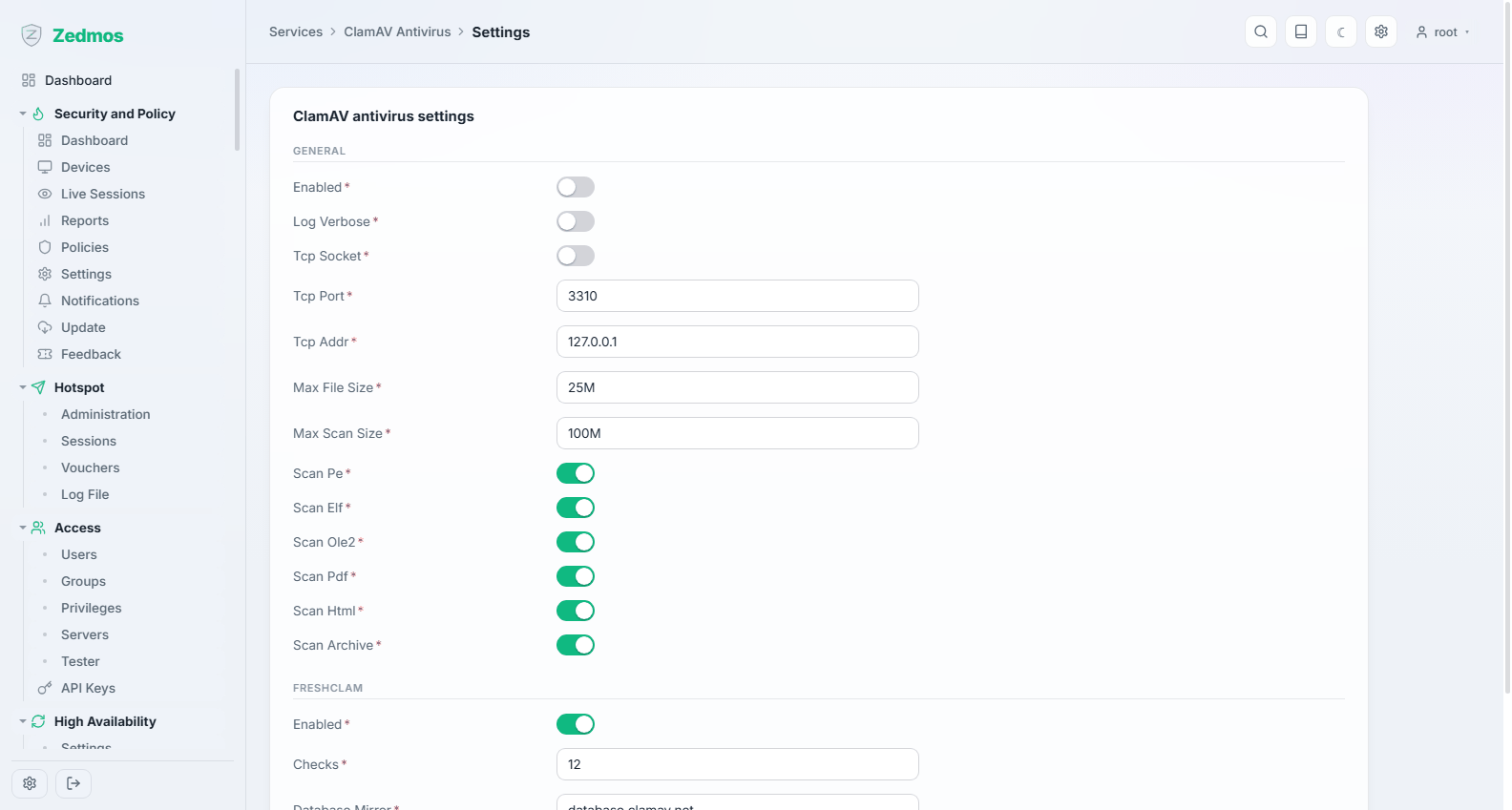
The virus scanner: whether it runs, how often signatures refresh, and the scan limits.
ClamAV holds its signature database in memory — about a gigabyte. On an appliance with 2 GB of RAM, enabling it changes the machine's character. Budget 4 GB or more if you want it on.
Status — /clamav-status
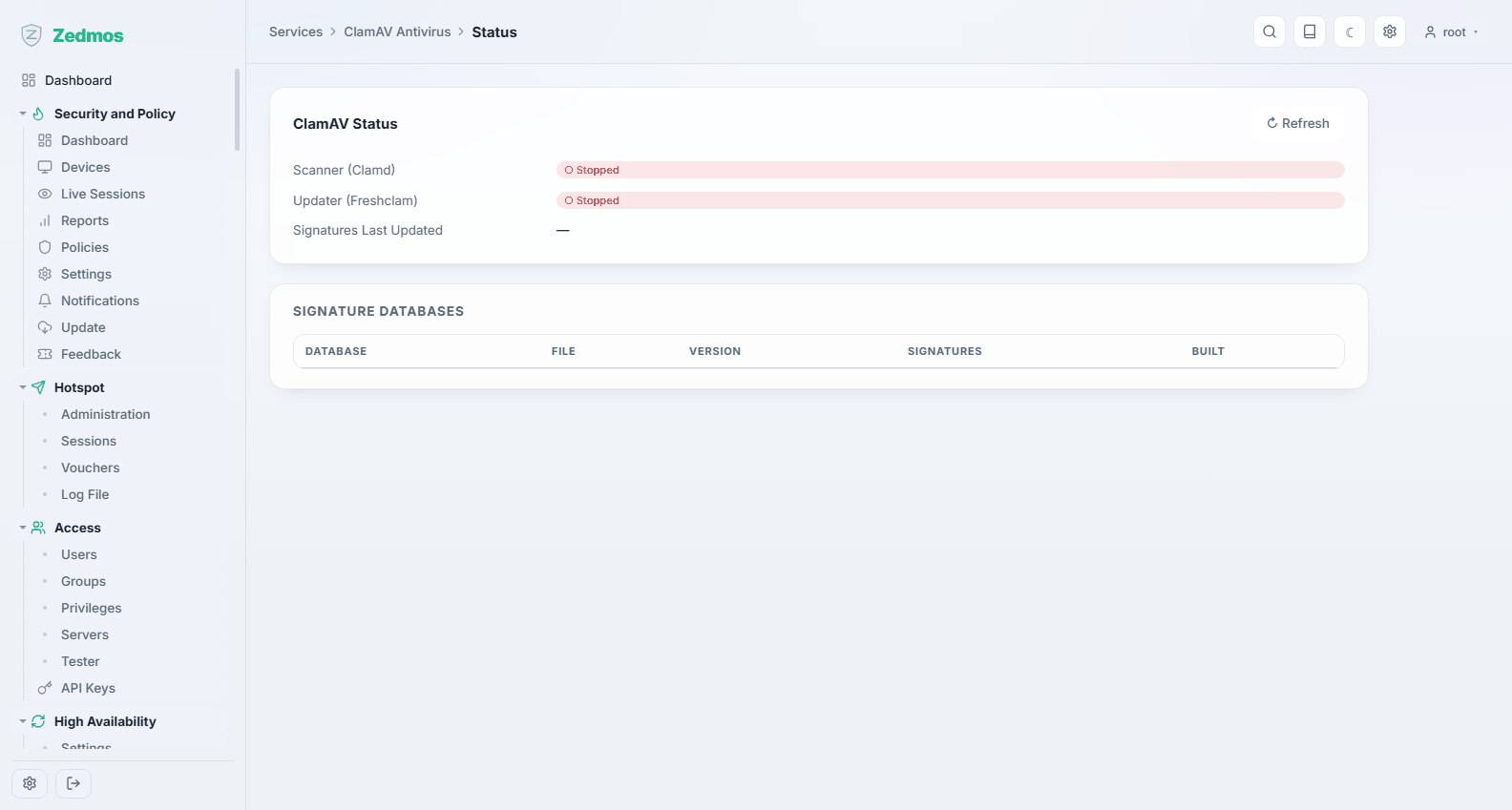
Whether the scanner is up, how old the signatures are, and what the last update did. An old signature date is the thing to notice here.
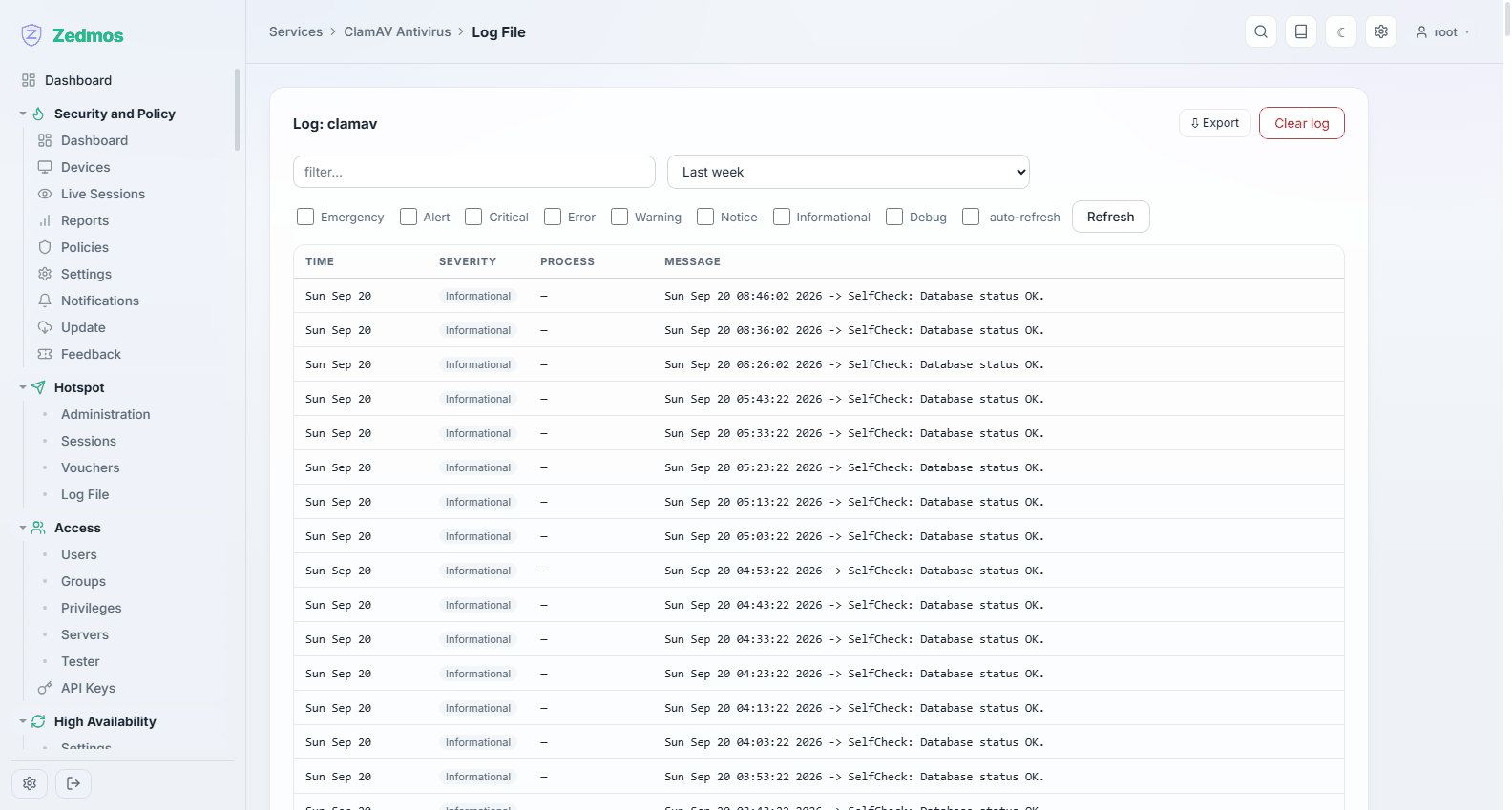
Log File — /log/core/clamav