5.5 VPN
Three VPN technologies, all first-class. Which one to pick:
| Use it for | Because | |
|---|---|---|
| WireGuard | New site-to-site links and remote workers | Simplest to configure, fastest, smallest attack surface. Keys, not certificates. |
| IPsec | Connecting to equipment you do not control | It is the interoperability standard — a Cisco, Fortinet or cloud VPN gateway will speak it. |
| OpenVPN | Remote workers on awkward networks, and existing deployments | Runs over TCP/443 when everything else is blocked; mature client on every platform. |
Whatever you choose, remember the two things every VPN needs beyond its own configuration: a firewall rule admitting the tunnel on the WAN, and rules on the tunnel interface deciding what the far side may reach.
WireGuard
Instances — /m/wireguard/server#instances
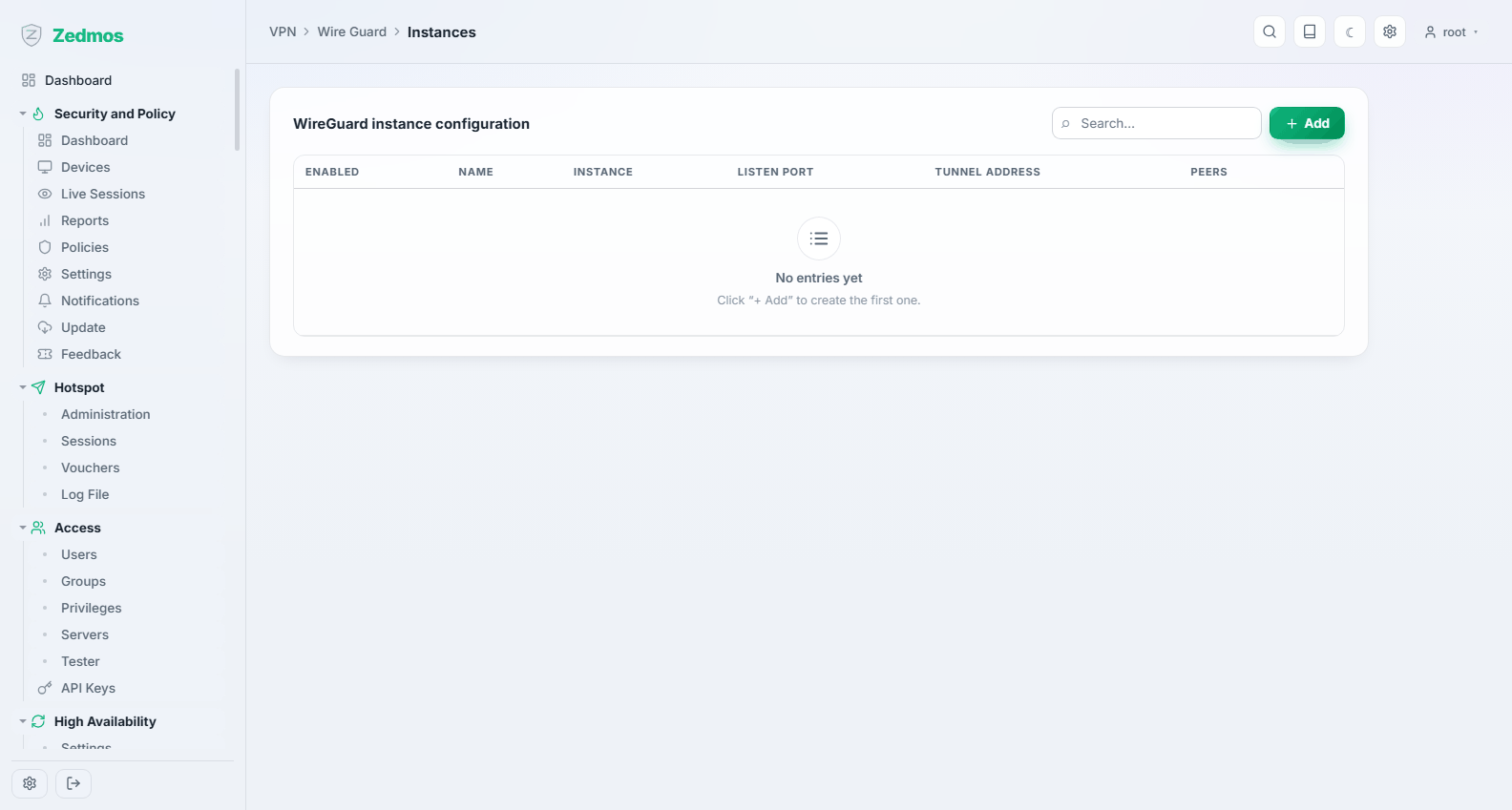
An instance is a tunnel endpoint on this appliance: its own key pair, its listen port, and the addresses it uses inside the tunnel.
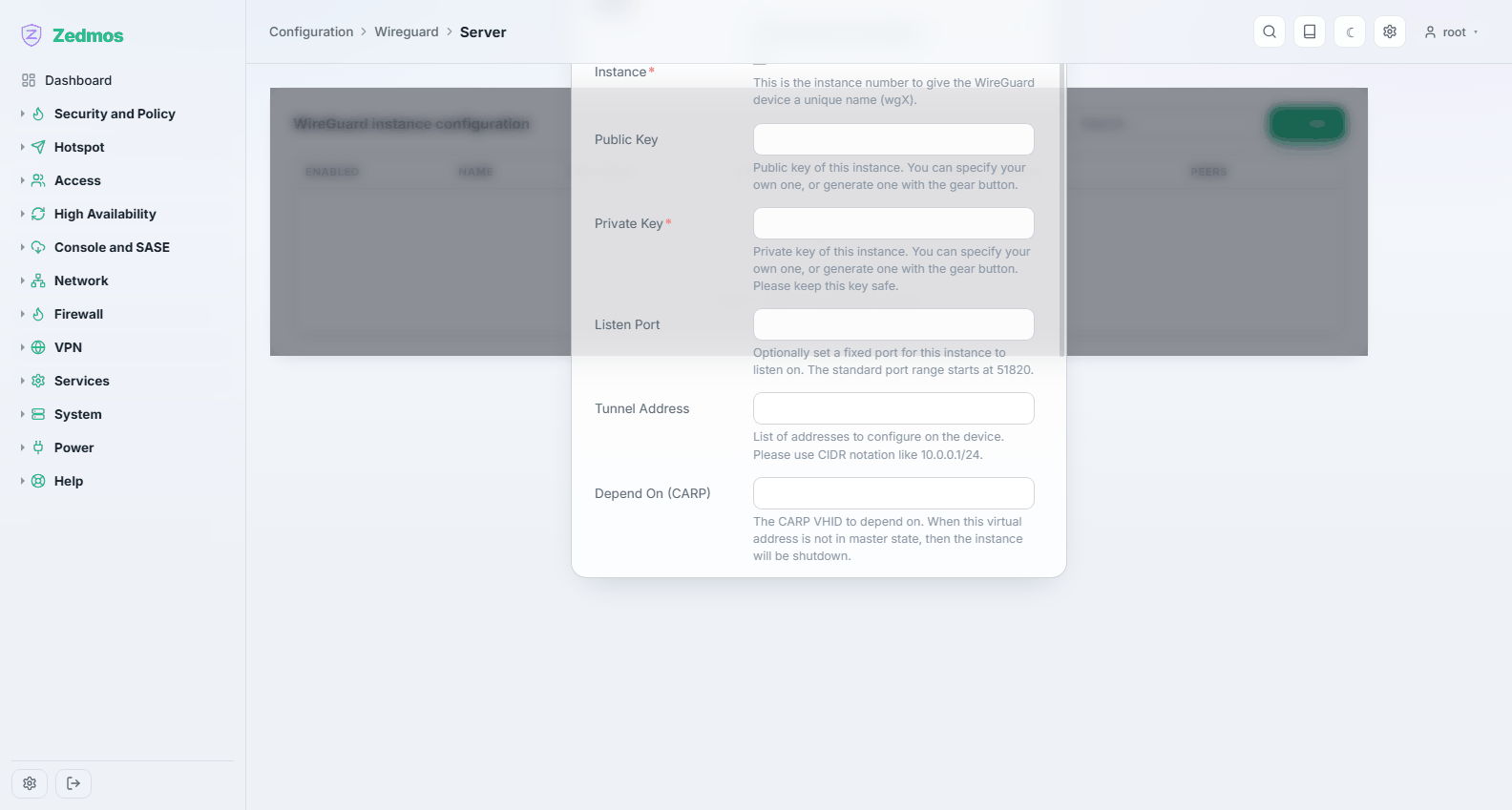
The public key generated here is what you hand to the other side. Keep the private key where it is — it never needs to leave the appliance.
Peers — /m/wireguard/client#peers
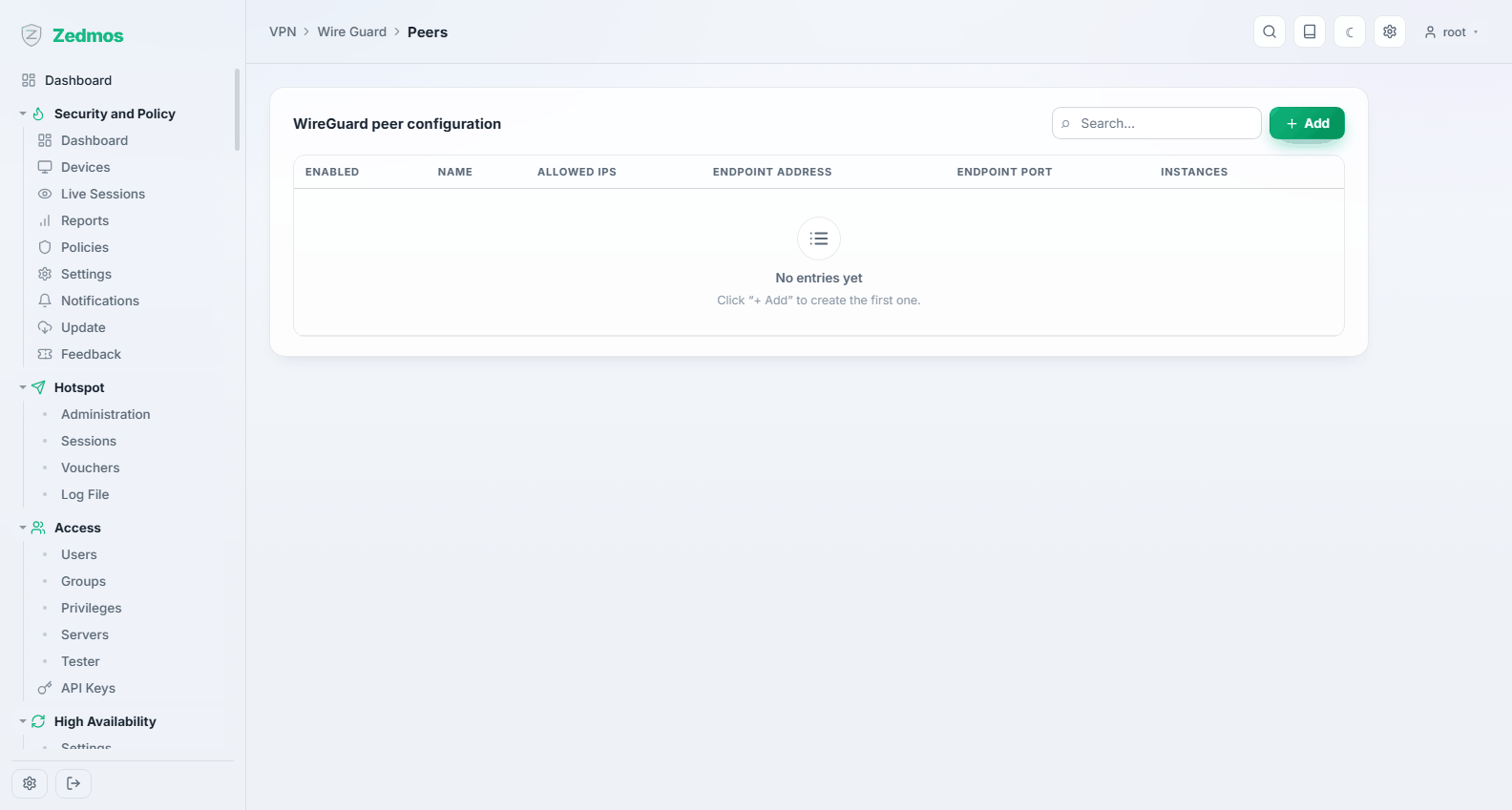
The other ends. Each peer carries its public key, the allowed IPs — which is both the routing statement and the access control, so it must list exactly the networks that peer may use — and, for a peer you connect to, its endpoint address and port.
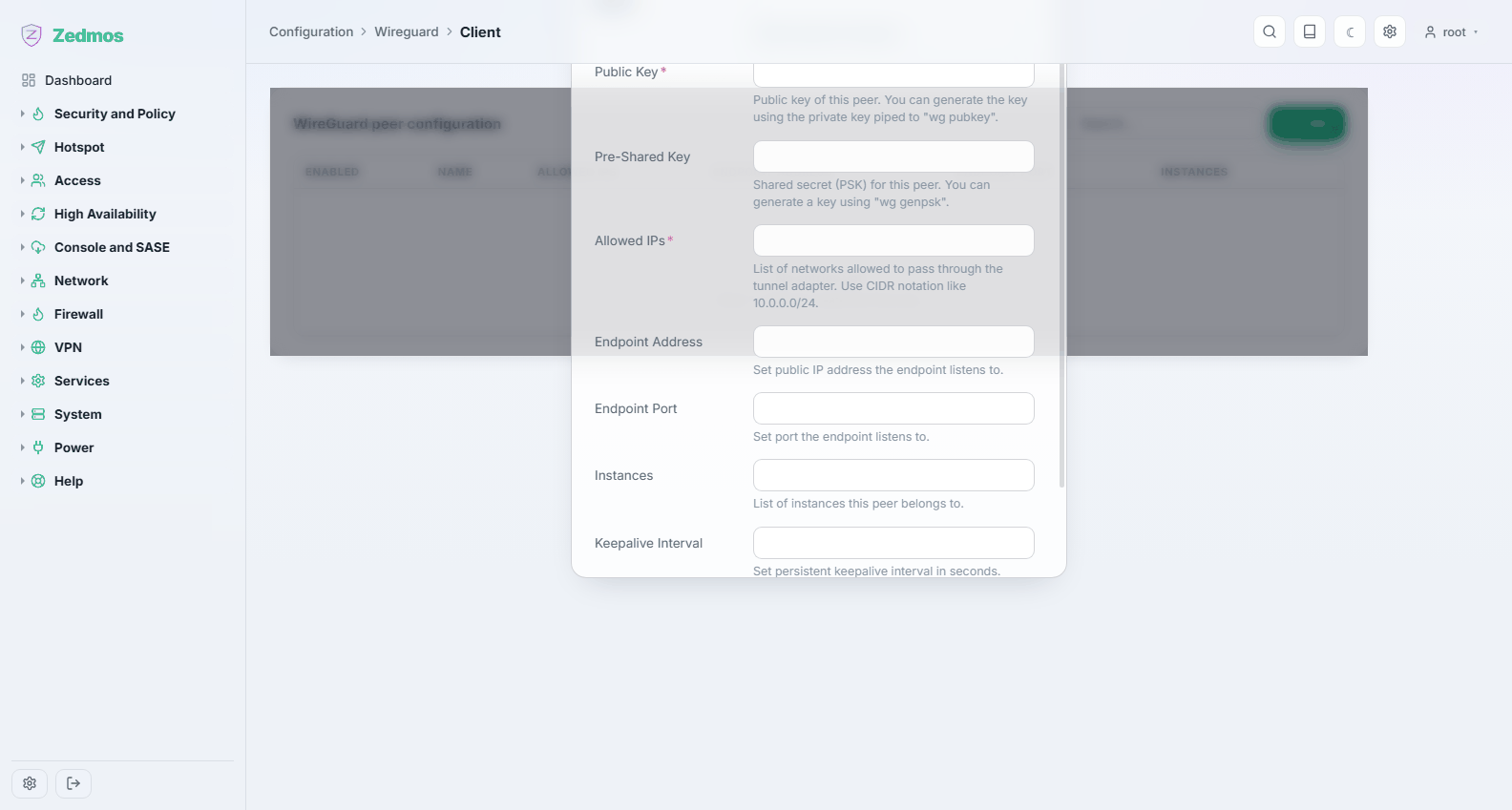
Allowed IPs is not a filter you can be generous with. A peer may send traffic from any address listed there, and traffic for those addresses is routed to it. Listing
0.0.0.0/0on a site-to-site link hands that peer your whole routing table.
Peer generator — /wg-peergen#configbuilder
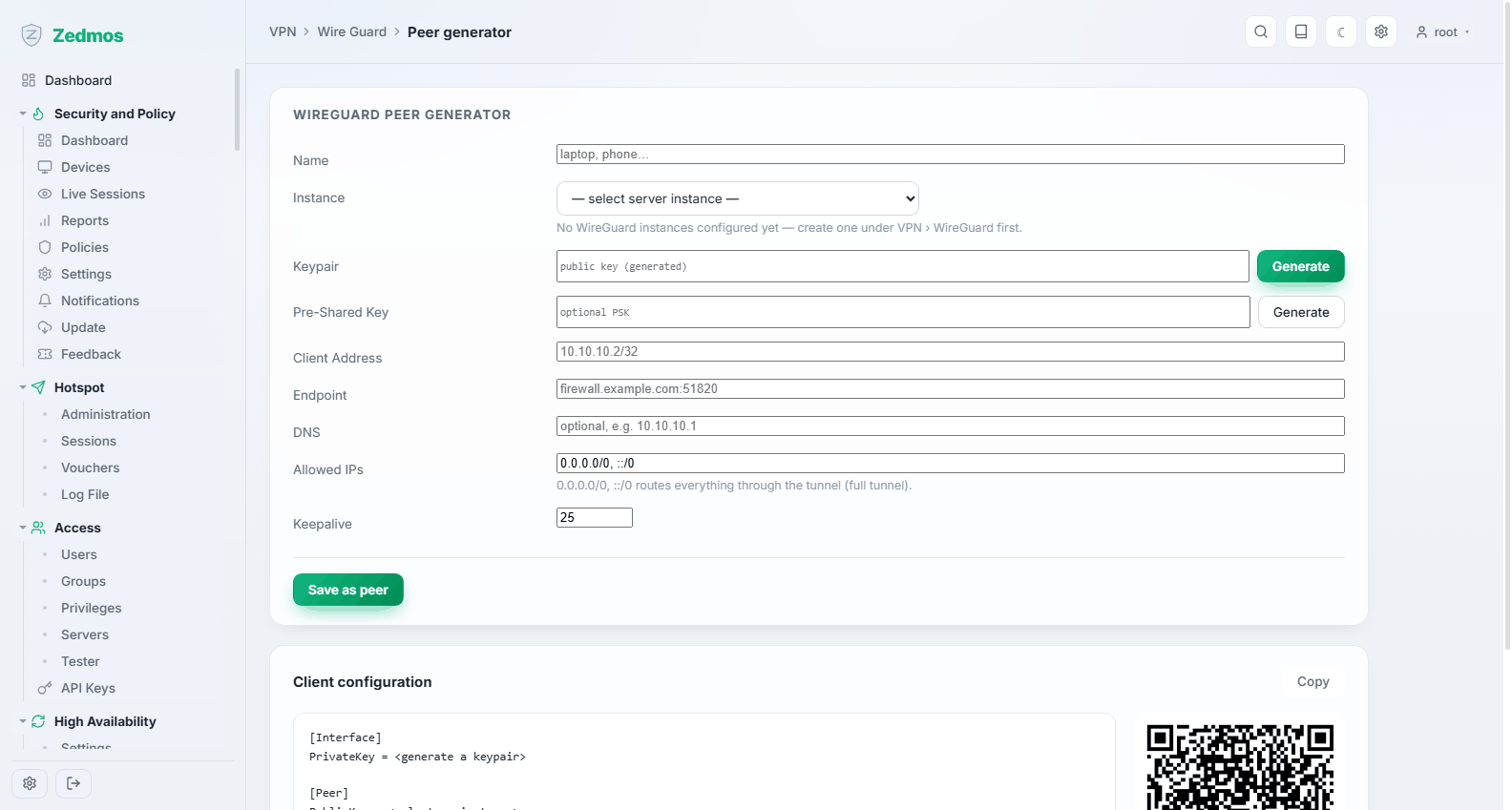
Builds a ready-made client configuration — keys, addresses, endpoint, allowed IPs — and shows it as text and as a QR code for the phone app. The fastest path from nothing to a working remote worker.
Status — /wg-status
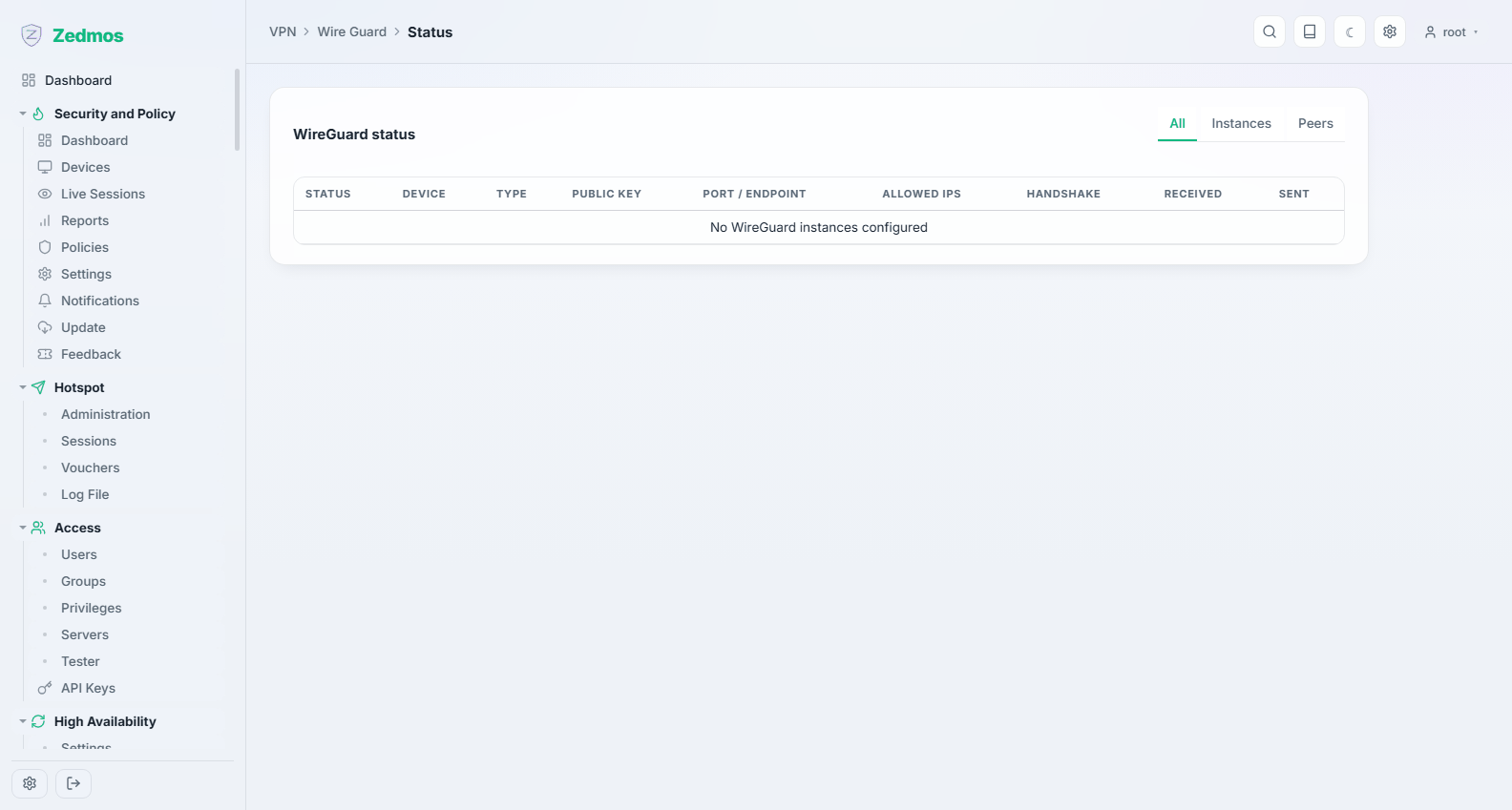
Every instance and peer with the last handshake time and the bytes moved. WireGuard is quiet by design: no handshake means the tunnel is not up, and that is the number to look at first.
Log File — /log/core/wireguard
IPsec
Connections — /m/ipsec/swanctl
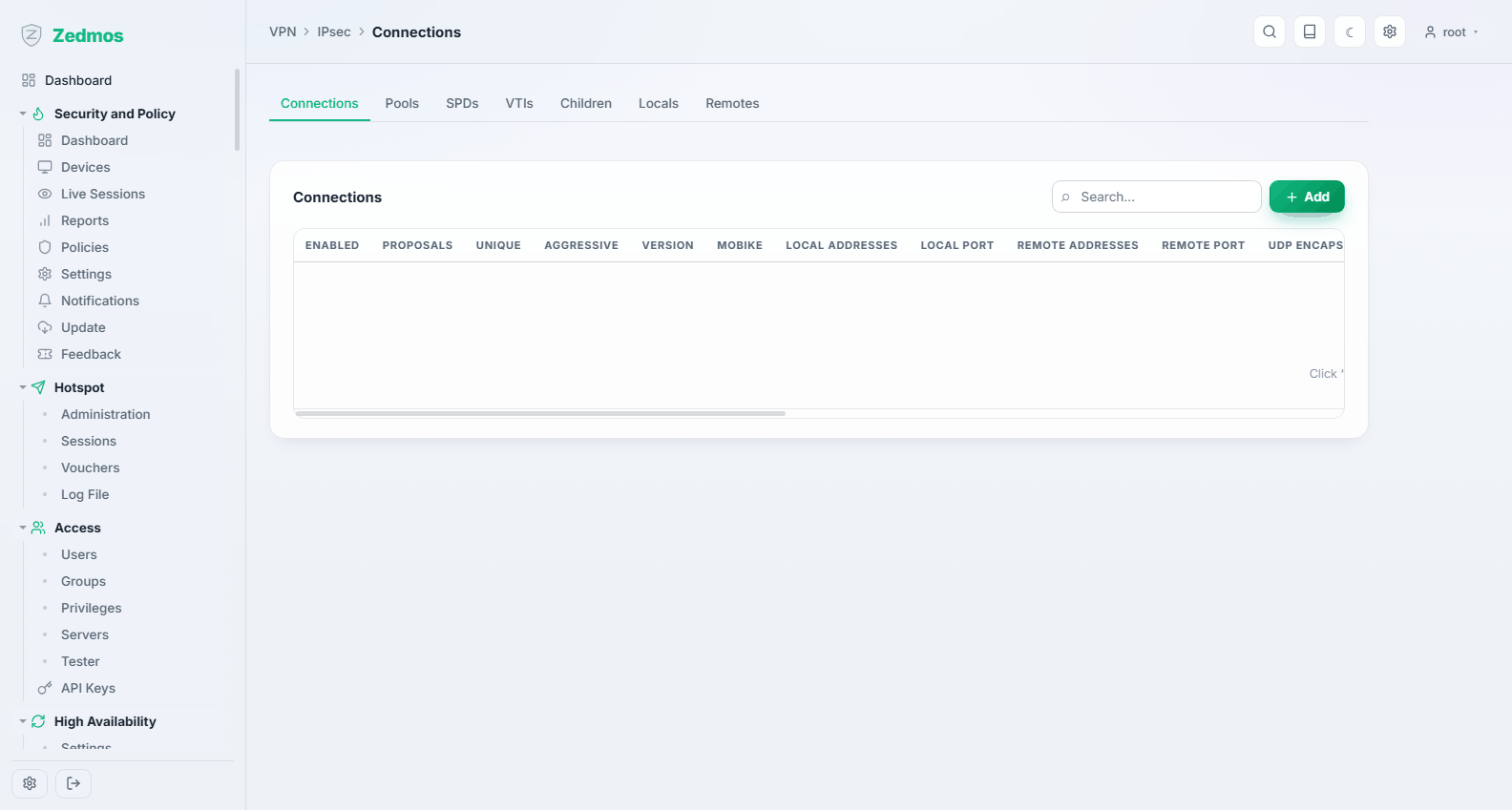
The modern IPsec configuration: a connection holds the remote address, the proposals (encryption, integrity, Diffie-Hellman group), the authentication (pre-shared key or certificate) and one or more children — the traffic selectors that say which networks the tunnel carries.
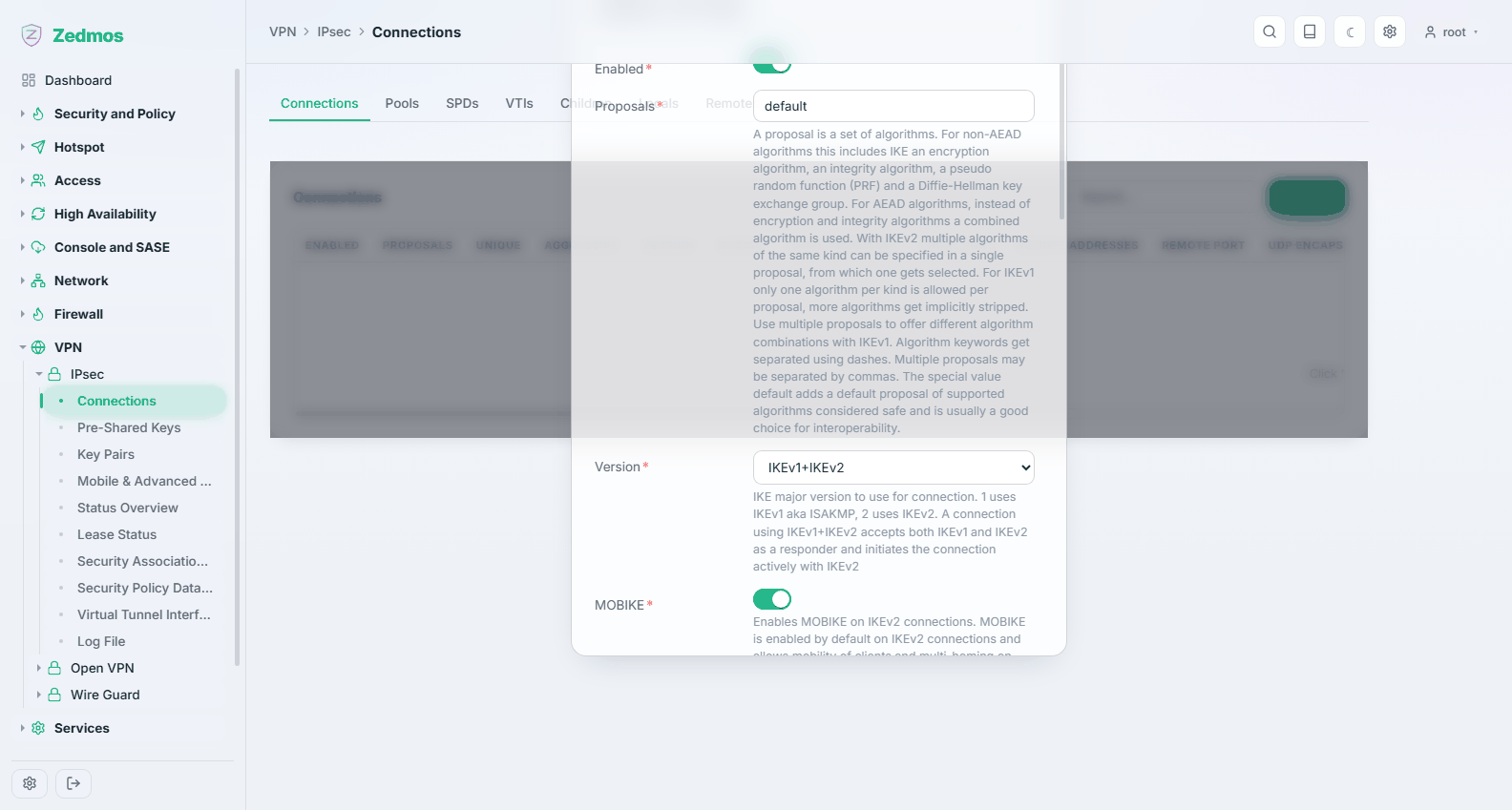
Both ends must agree on the proposals and the traffic selectors. When a tunnel refuses to come up, that disagreement is the cause far more often than anything else; the log names the mismatch.
Pre-Shared Keys — /m/ipsec/ipsec?a=preSharedKeys/preSharedKey
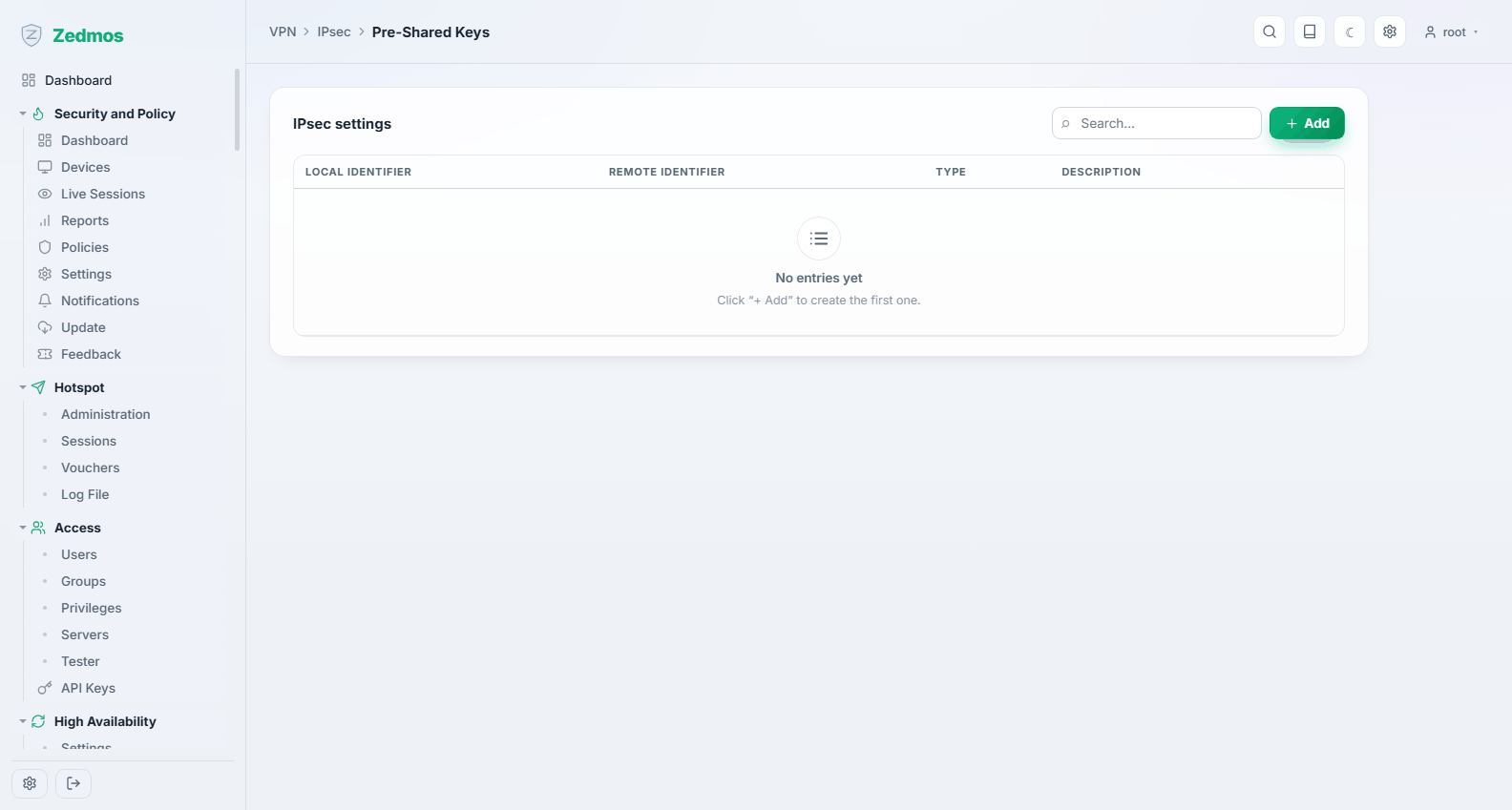
Shared secrets by identity. Long and random: a pre-shared key is the whole authentication.
Key Pairs — /m/ipsec/ipsec?a=keyPairs/keyPair
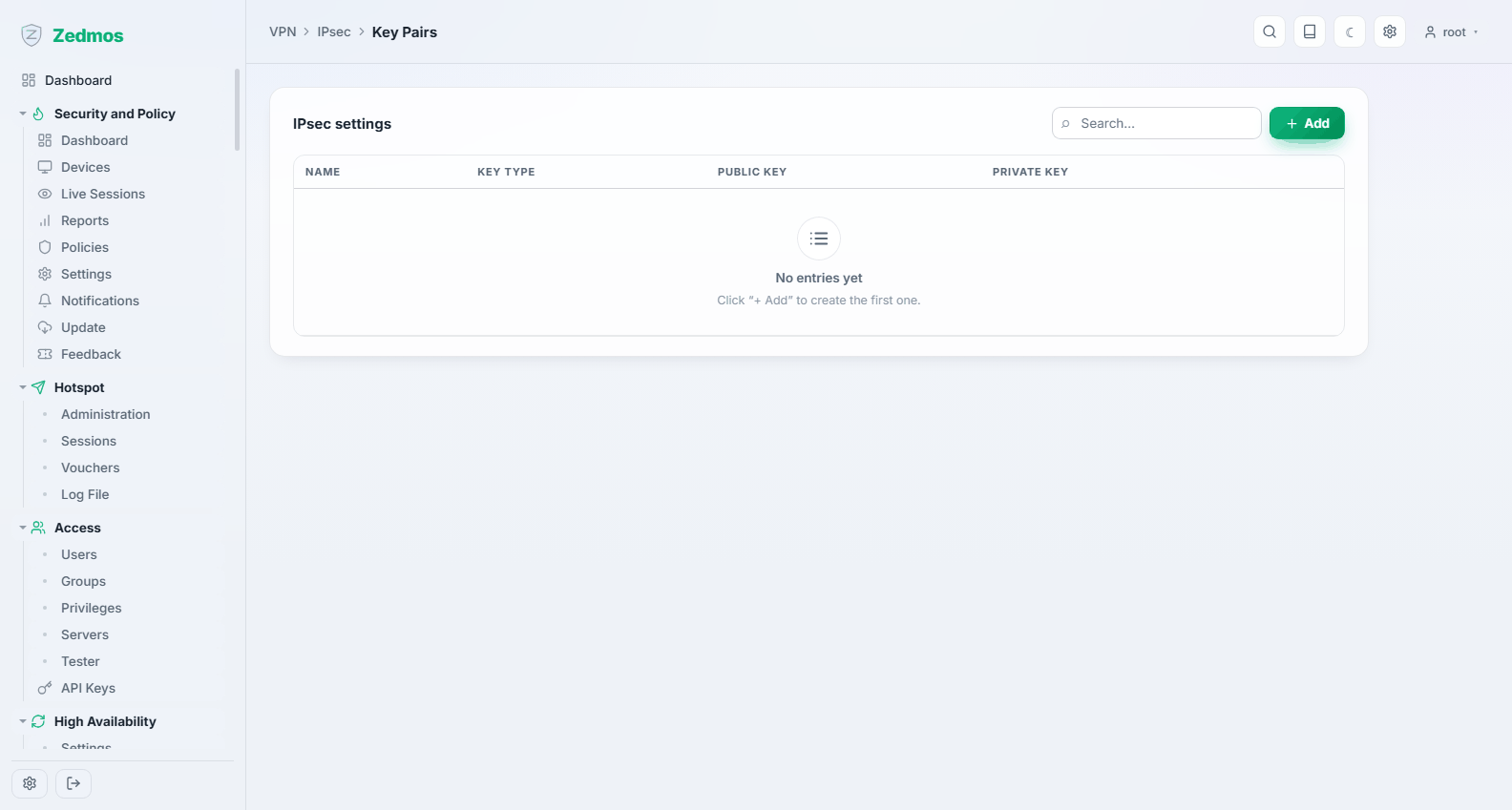
Key pairs for certificate-based authentication, for peers that require it.
Mobile & Advanced Settings — /m/ipsec/ipsec
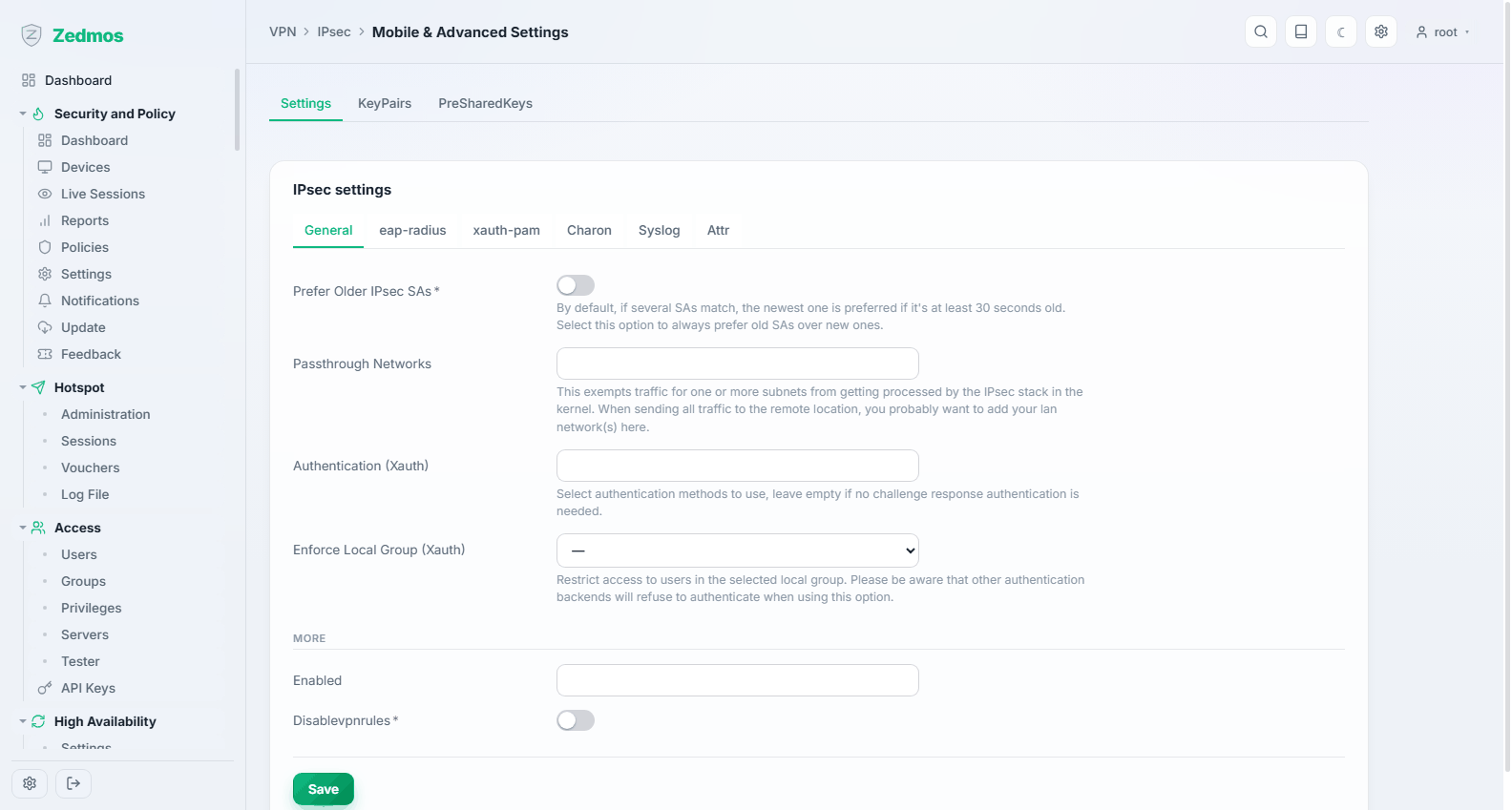
Settings for road-warrior clients — the pool they are given addresses from, the DNS they are handed — and the daemon's own behaviour.
Status Overview — /ipsec-status#overview
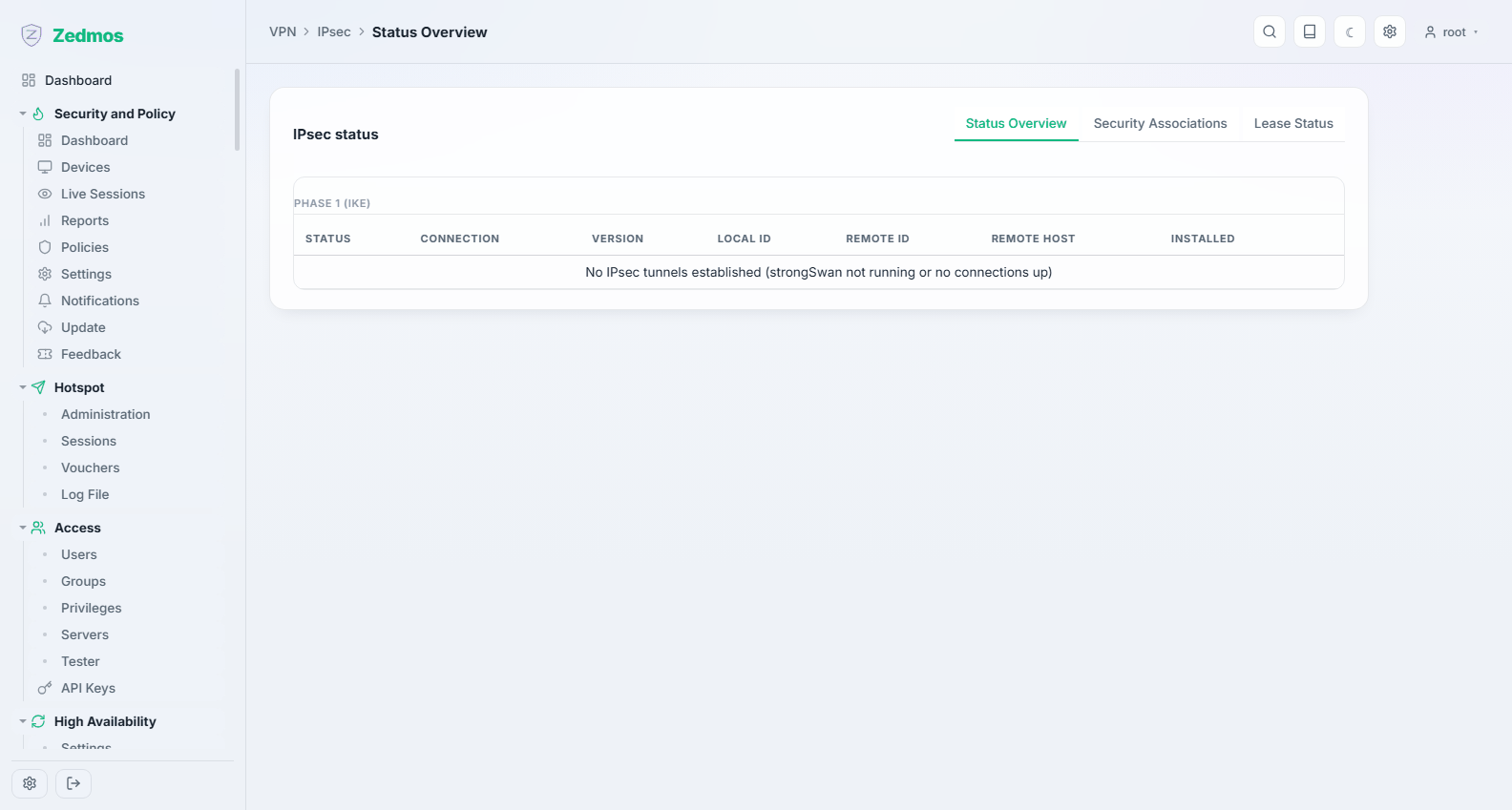
Which connections are established, with whom, and for how long.
Security Association Database — /ipsec-status#sad
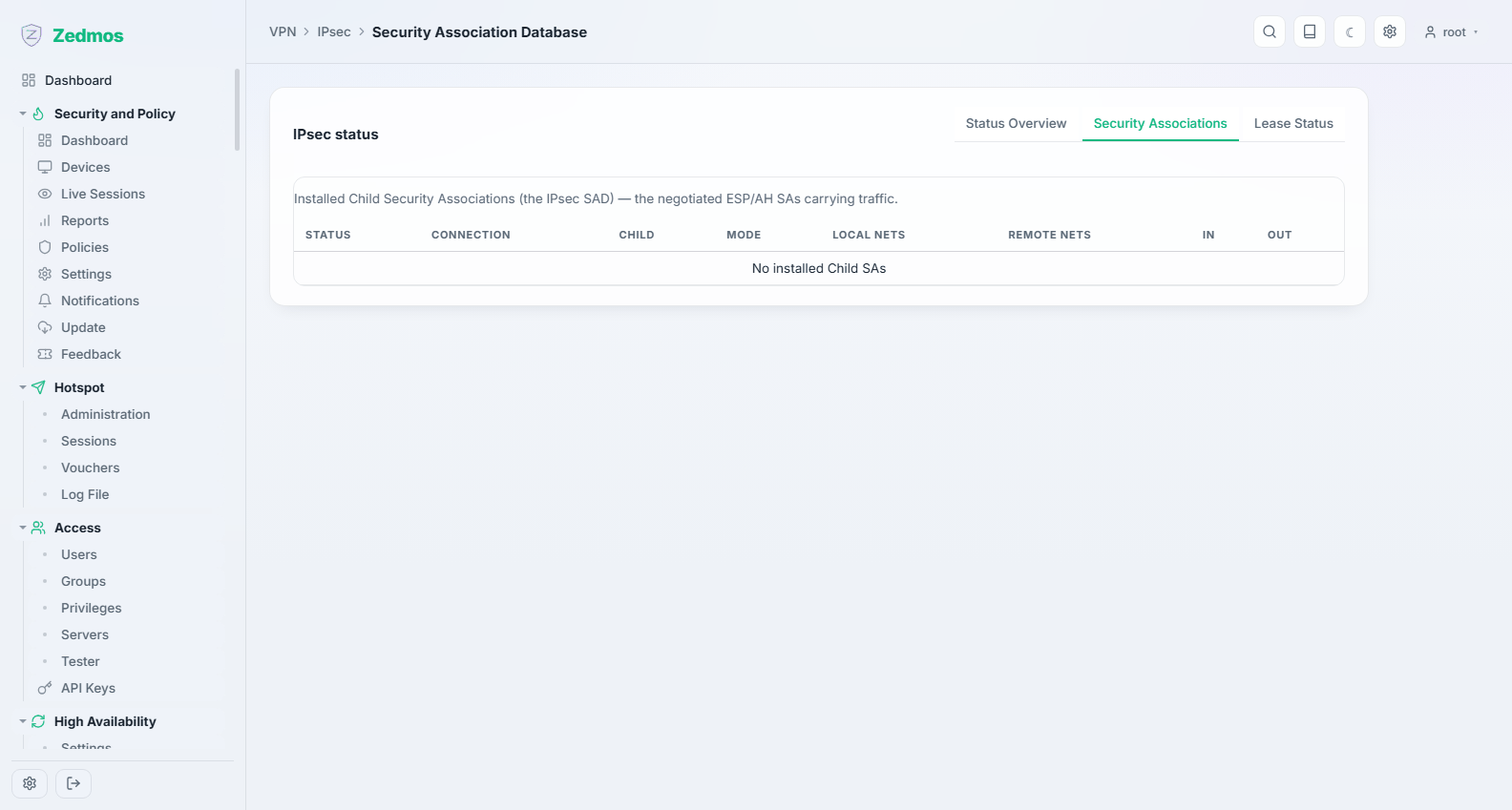
The live security associations with their counters — proof that traffic is actually passing, not merely that the tunnel negotiated.
Security Policy Database — /m/ipsec/swanctl?a=SPDs/SPD
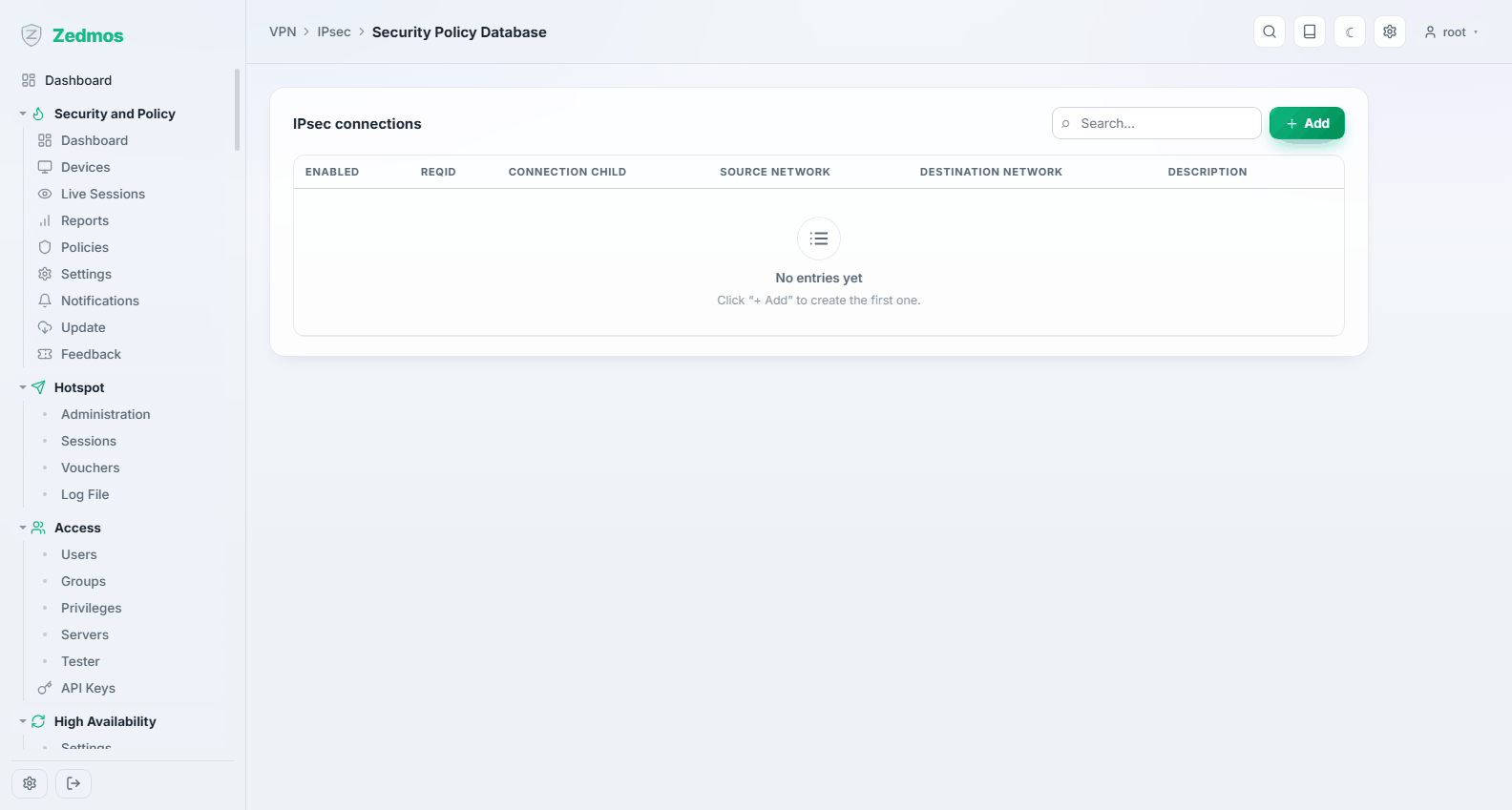
The policies that decide which traffic must be protected.
Lease Status — /ipsec-status#leases
Addresses currently handed to mobile clients, and who holds them.
Virtual Tunnel Interfaces — /m/ipsec/swanctl?a=VTIs/VTI
Route-based IPsec: the tunnel becomes an interface you can route over and write rules against, instead of being selected by traffic selectors. The cleaner choice when a link carries many networks or takes part in failover.
Log File — /log/core/ipsec
The negotiation, step by step. When a tunnel will not establish, read it from the bottom: the last thing it says before giving up is the reason.
OpenVPN
Instances — /m/openvpn/openvpn?a=Instances/Instance
A server or client instance: its protocol and port, the certificates it uses, the tunnel network, and what it pushes to clients (routes, DNS).
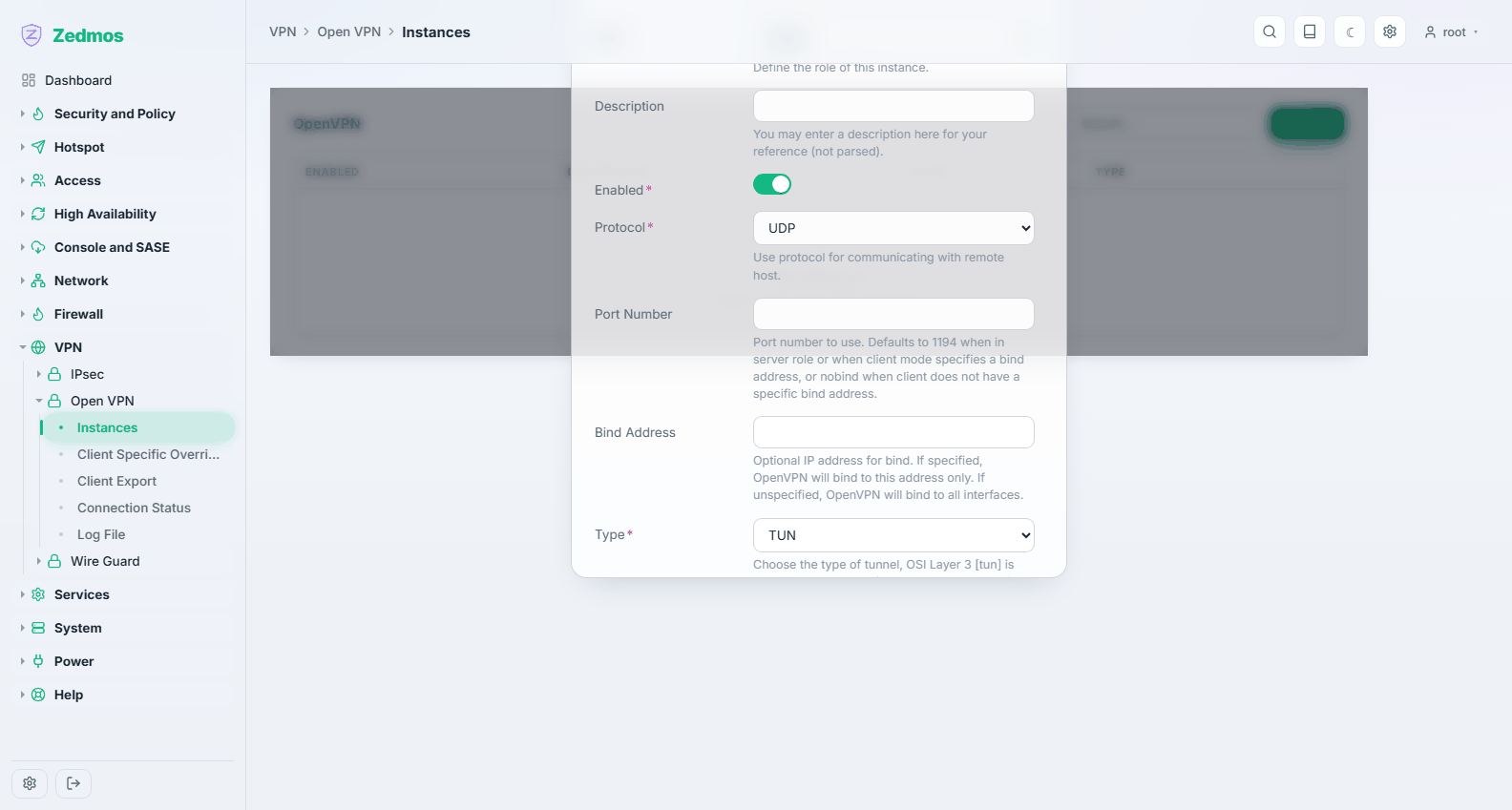
A server instance needs a certificate authority and a server certificate from System → Trust before it can start.
Client Specific Overrides — ?a=Overwrites/Overwrite
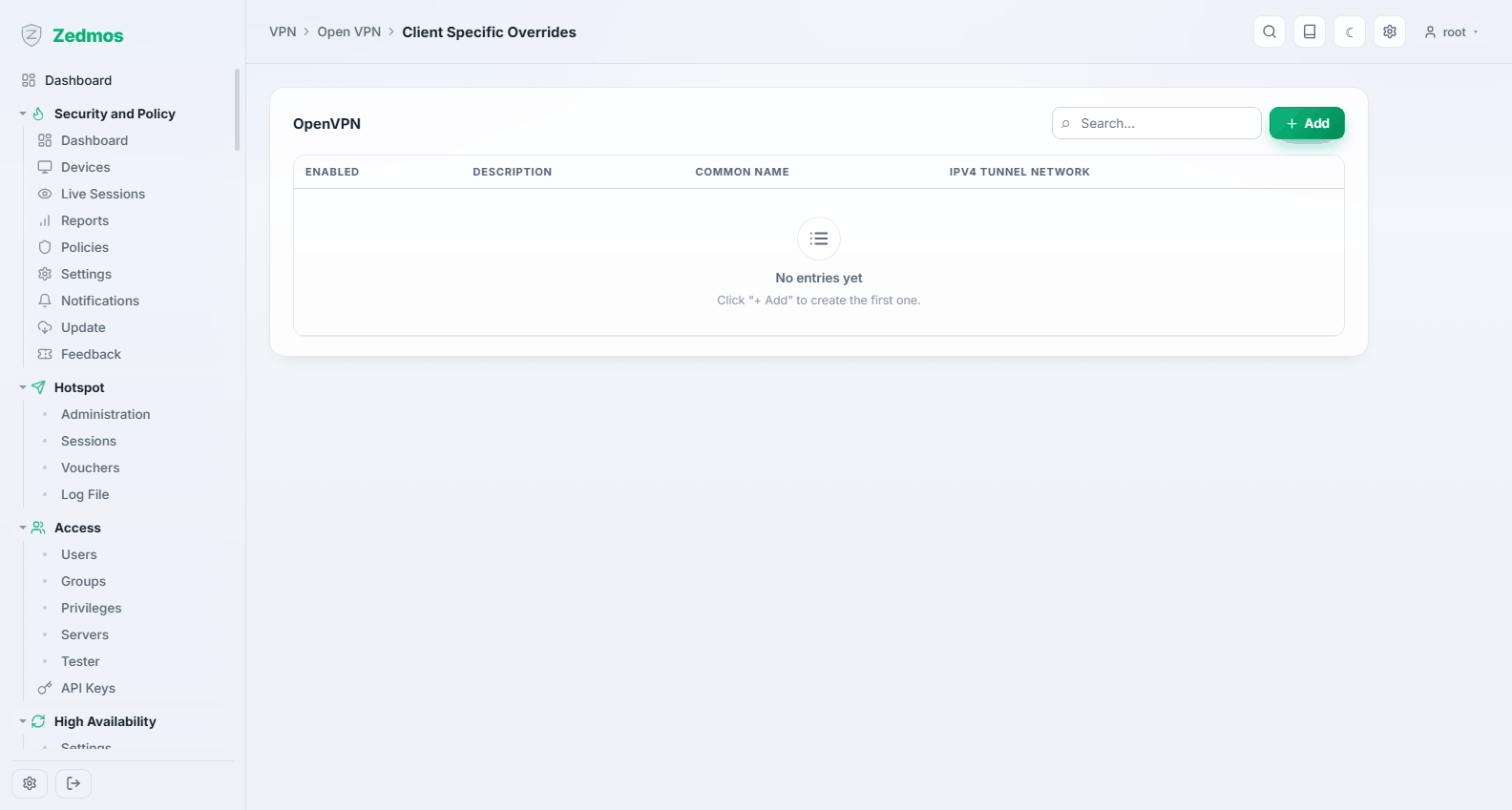
Per-client exceptions matched on the certificate's common name: a fixed address for one user, an extra route for another.
Client Export — /openvpn-export
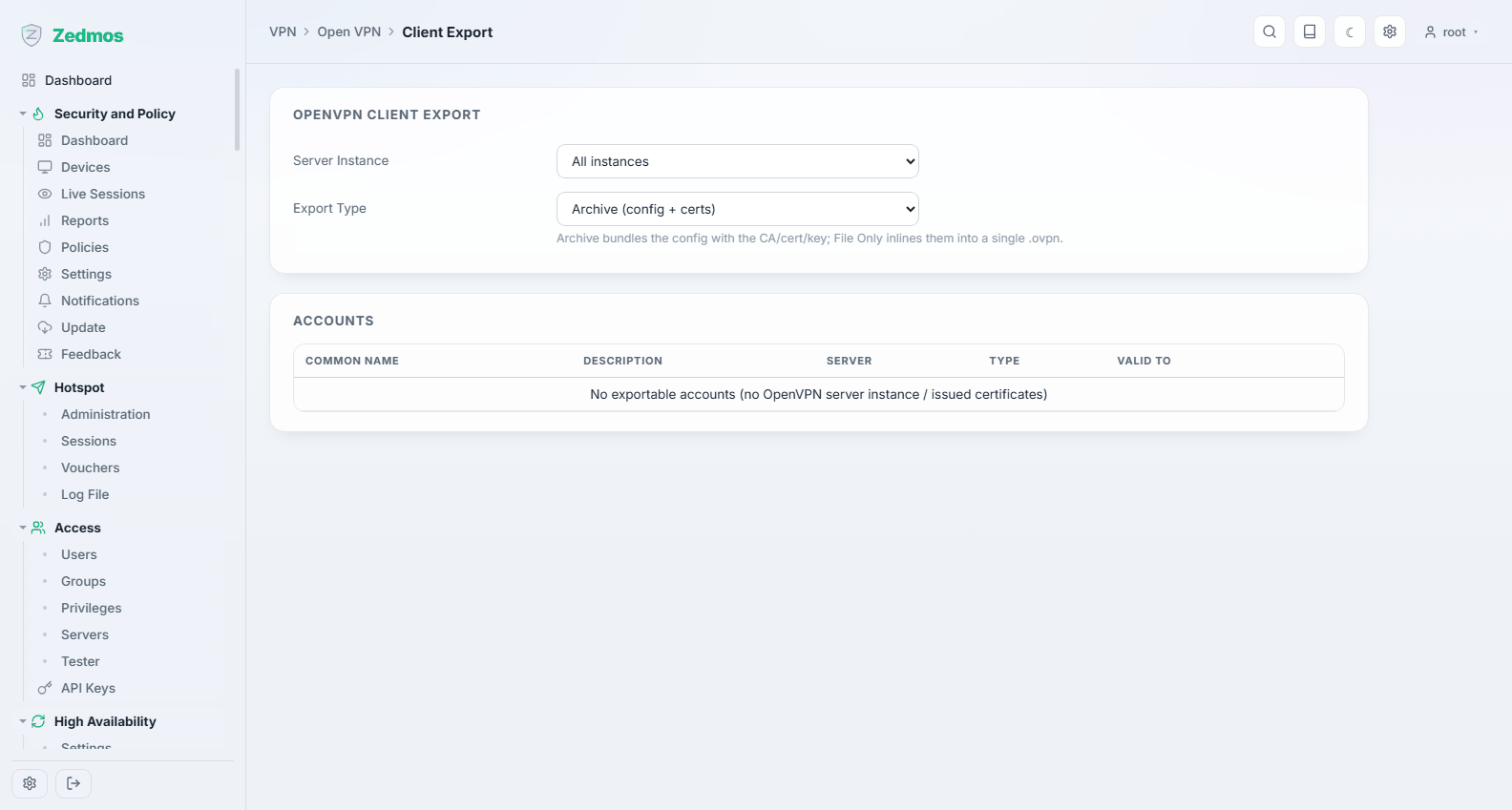
Downloads a ready configuration for a chosen user — the profile the client application imports. This is what you send the remote worker; it carries their certificate, so send it over a channel you trust.
Connection Status — /openvpn-status
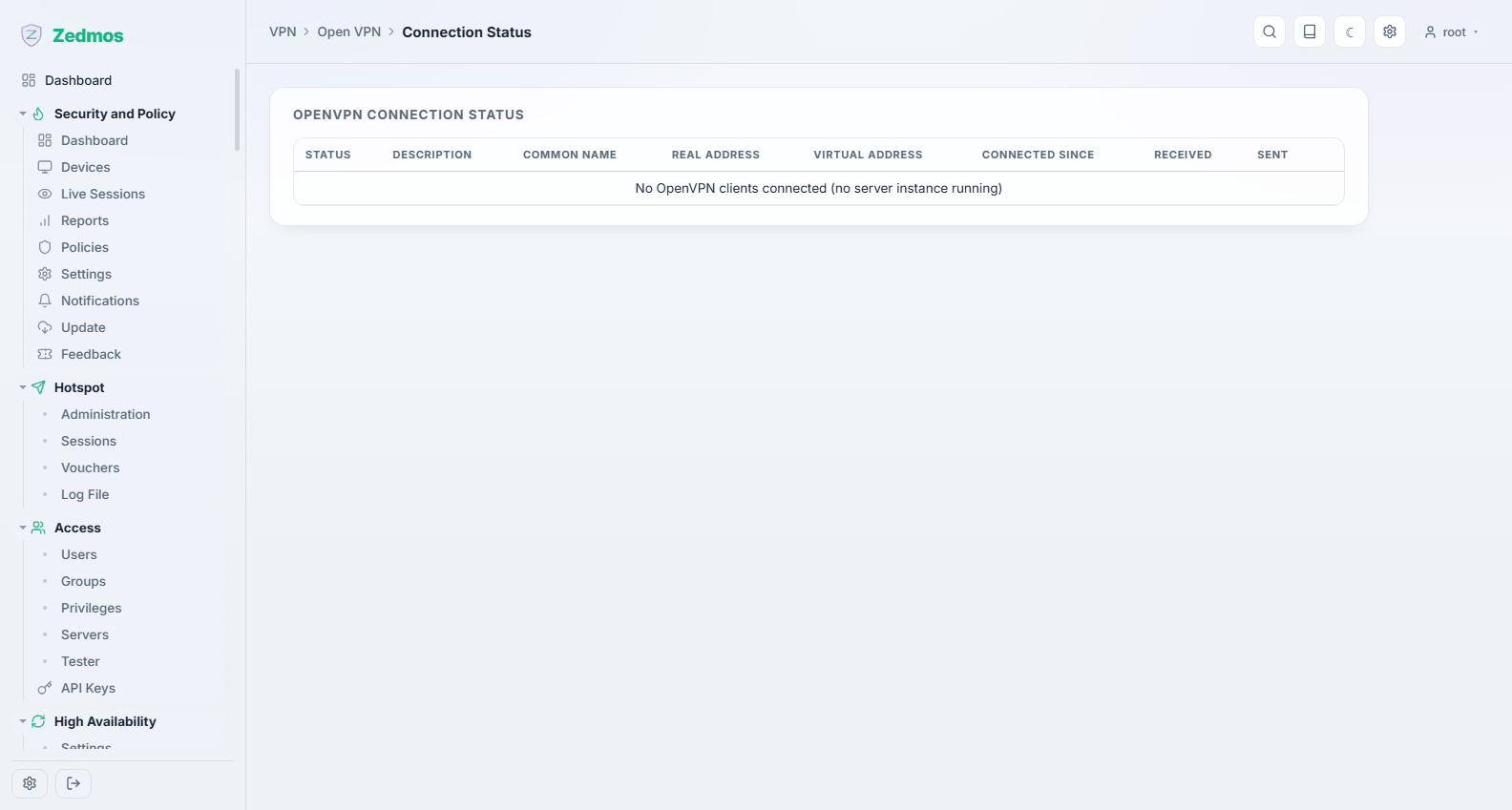
Who is connected, from where, since when, and how much they have transferred.
Log File — /log/core/openvpn