Self-hosted: a container you run
One Docker bundle with the database, the update path and the backup script. It holds the tenancy tree, the policy sets and the counters, and nothing leaves it. Install token in, firewall registered, five minutes.
Central management
Multi-tenant management for OPNsense and pfSense CE, hosted where you decide. Organisations, branches and firewalls in one tree; roles scoped to any level of it; and enforcement that continues when the console does not.
Place the sites and connect them. The console writes the configuration for both ends of every tunnel and pushes it — nobody opens a firewall and types a rule. Minutes, not an afternoon.
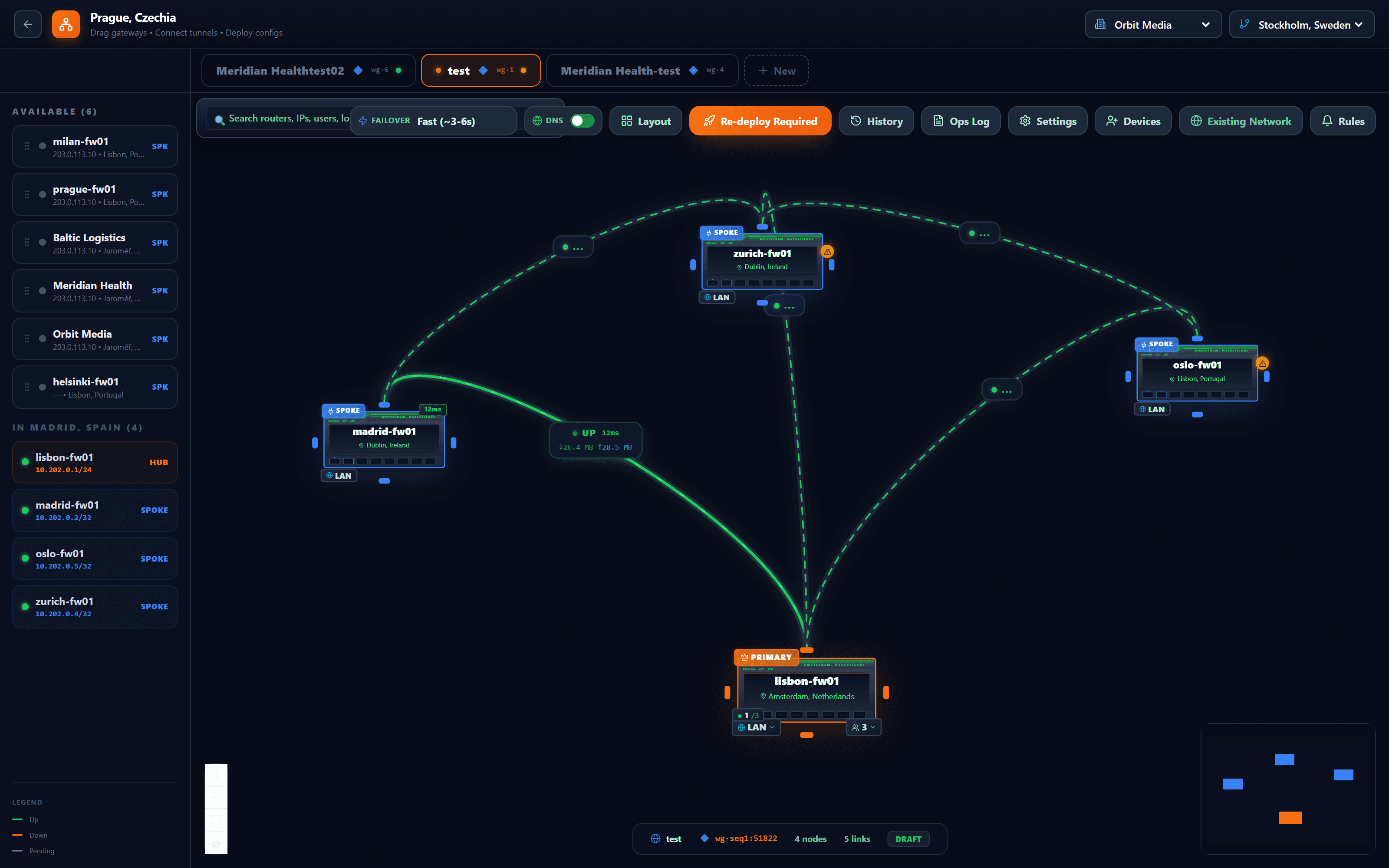
The firewalls a customer already has, listed by site. Drag one onto the canvas and it becomes a spoke or the hub.
Everything arriving at the primary hub meets the same policy: application control, IDS/IPS, TLS inspection, DLP and the AI gateway. Draw a direct tunnel between two spokes instead and their traffic is inspected at both ends rather than in the middle — the console says so before you commit to it.
Up or down, latency, bytes in each direction — on the link, where you are looking, not in a log you would have to open.
Whether spokes move to a backup hub automatically when the primary stops answering — and after how long a silence — is a setting of the drawing, not of each firewall.
The canvas knows when it differs from what the firewalls run. One button writes the configuration for both ends of every tunnel and pushes it.
Tunnel transport
Chosen once for the topology.
People, not just sites
Remote users are added the same way, with a one-time enrolment link. Access is per device, so a lost laptop is revoked on its own.
Zedmos publishes the releases. You decide which firewalls take them and when.
Zedmos
For the console and for the firewall, on their own schedules. The console tells you one is available rather than waiting for you to look.
You
A few firewalls first, then the rest — or the whole estate at once. Upgrading a small group before the others is what finds a problem while it is still small.
You
The version of every firewall, in one list. A device that fell behind fell behind for a reason, and it is missing every fix since.
Four levels. A role is granted at one of them and reaches everything below it — which is how a first-line engineer sees the customer they are assigned and nobody else's.
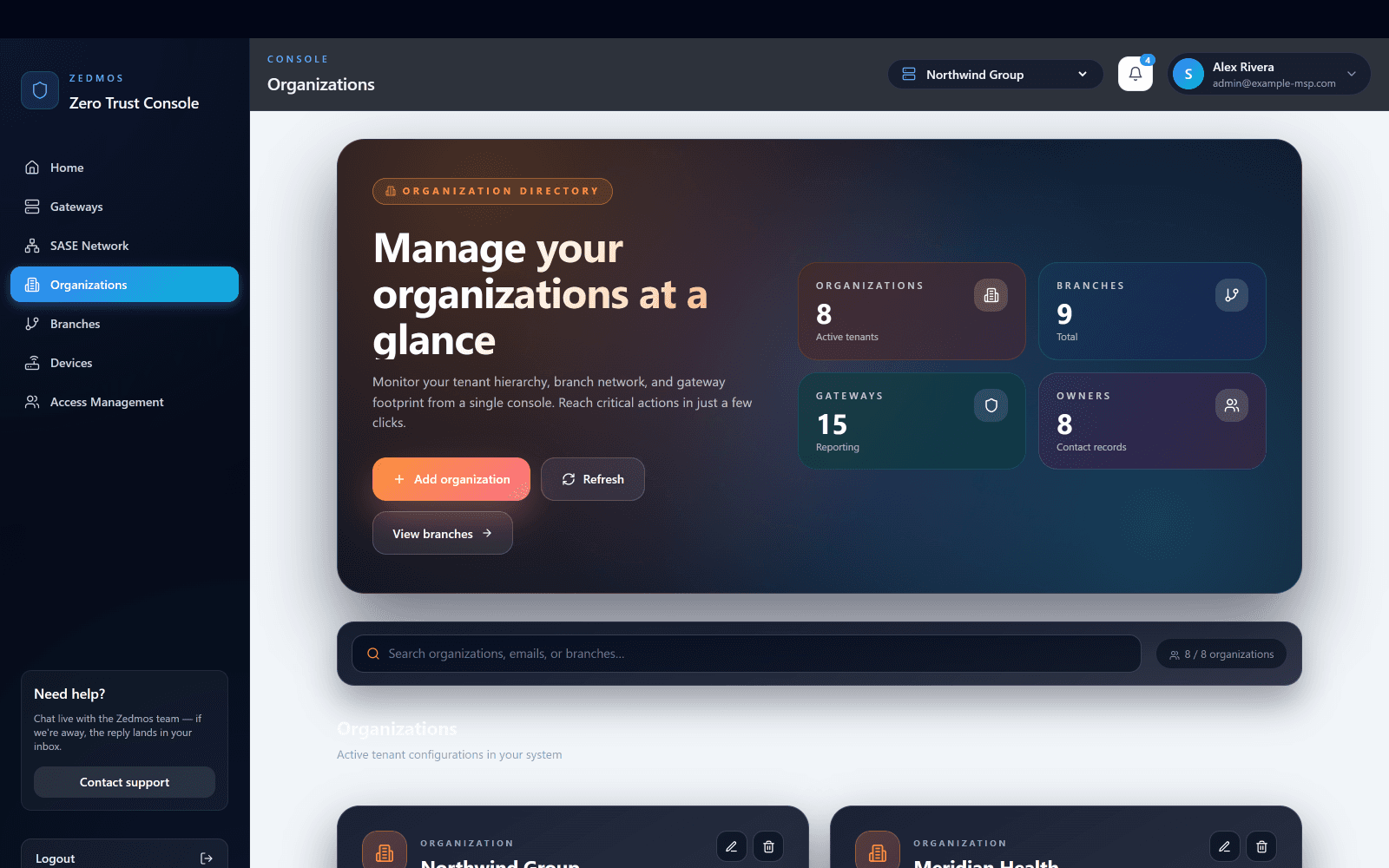
Installed on your server, under your domain. Every customer you manage is an organisation in it; the count here is the whole estate.
Switch it at the top and every page below follows: their firewalls, their policy, their reports, and no sight of anyone else's.
A customer with eleven offices is eleven branches under one organisation. A site engineer can be scoped to exactly one of them.
Whichever platform it runs, it registers into its branch on first boot and reports here.
Owner changes anything including who else has access; administrator changes policy and configuration; viewer reads reports and sessions and changes nothing.
Written once, in one place, for as many firewalls as it should reach — and enforced on each of them whether or not the console is reachable afterwards.
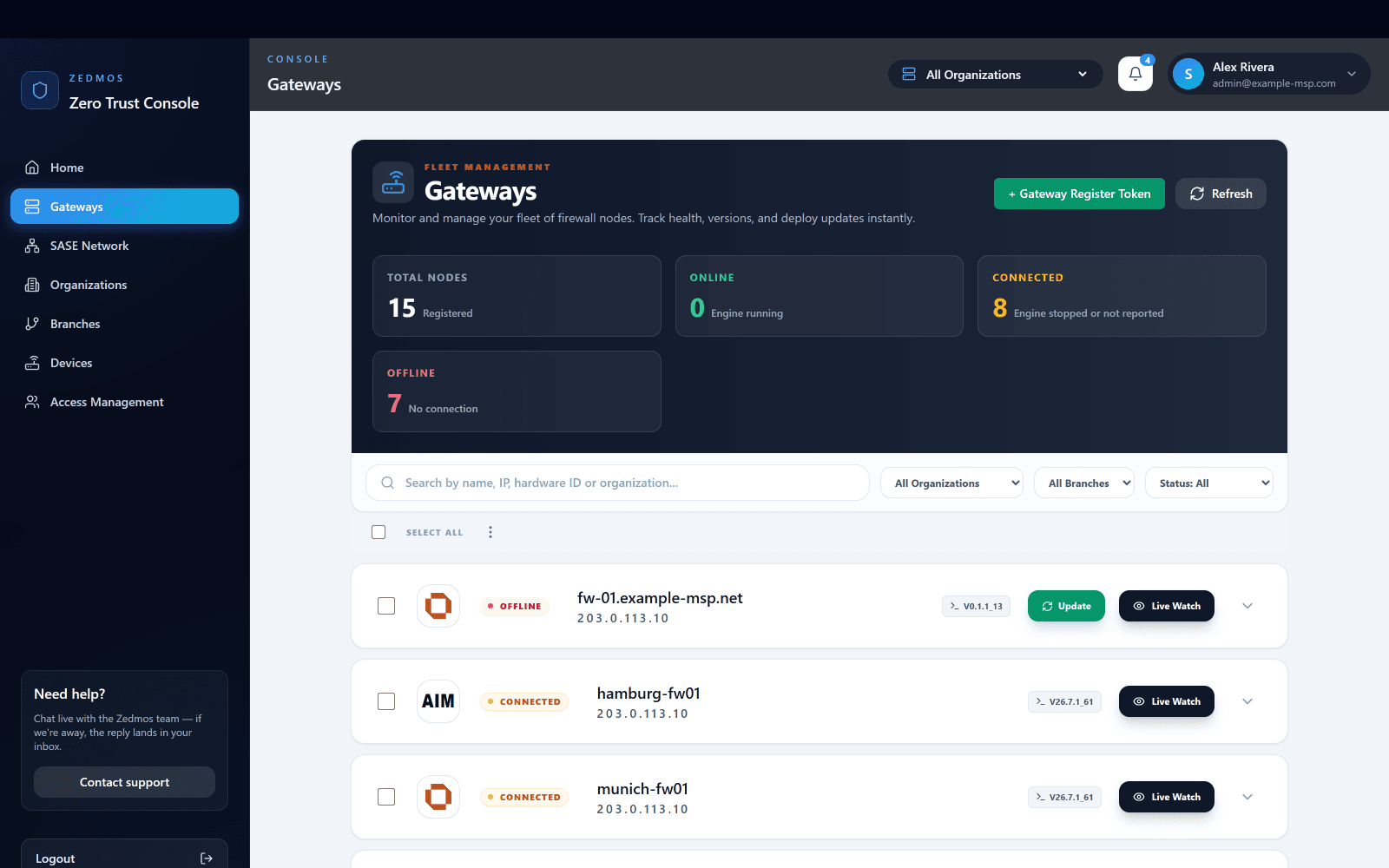
Generate a register token, put it in the installer, and the firewall registers itself into the right organisation and branch on first boot.
Registered, online, connected, offline. A firewall that stopped reporting is a number here before it is a phone call.
The same list serves one engineer looking after one customer and the person responsible for all of them.
Every firewall shows what it runs. A release is offered, not forced: a few firewalls first, then the rest, or the whole estate at once.
Open the live sessions of any firewall in the list without logging in to the firewall itself.
You
A rule for one customer sits at their organisation; one for a single site sits at that branch. A firewall added later inherits it without anyone editing anything.
You
The risk in a policy change is never the syntax — it is a correct rule that matches more than you meant. Comparing it against real traffic surfaces that before your users do.
Zedmos
Distribution is reported per device, so a partial rollout is visible rather than assumed. Three failures out of forty is a fact you are told, not one you discover.
Zedmos
Management and enforcement are separate. If the console is unreachable, every firewall keeps enforcing what it already holds — a security control that failed when a management server did would fail at exactly the wrong moment.
Every site on one map
Fleet · 1 of 9
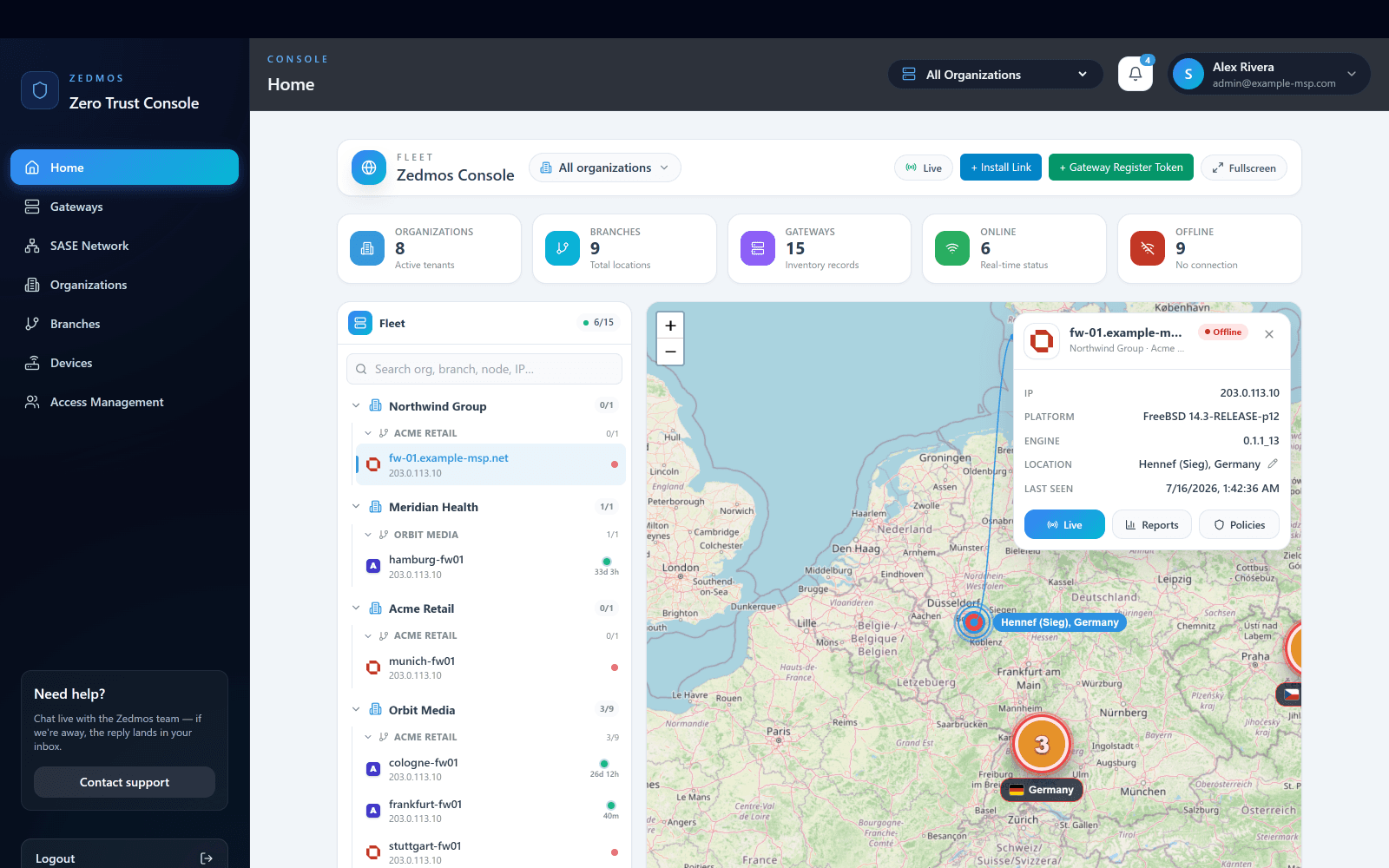
The console opens on the whole estate: organisations, branches and gateways in one tree, and every site placed on a live map with its current health.
One Docker bundle with the database, the update path and the backup script. It holds the tenancy tree, the policy sets and the counters, and nothing leaves it. Install token in, firewall registered, five minutes.
For teams that would rather not run a server: console.zedmos.com, operated by us on German infrastructure. Same features, same roles, same firewalls. Move to self-hosted later without re-enrolling anything.
Every firewall holds its own policy and applies it on the box. The console distributes changes and collects records; it is not in the packet path. If it is unreachable, nothing stops protecting.
This page makes the argument. These say how it is actually done, screen by screen and setting by setting.
How the management plane is built, what it stores, and what it never sees.
Every screen and every control in the console's SASE section, with captures: the canvas, node settings, private access, access applications, device posture, SD-WAN and the monitor.
Everything written down, in one list.
Demo & pricing: info@zedmos.com
Request a demo