Turn your OPNsense appliance into a full next-generation firewall.
Zedmos Console is a OPNsense module. Inspection, policy, identity, and logging all execute locally — on silicon you control. No cloud dependency, no telemetry egress, no external data plane.
Everything stays on the appliance
The Console deployment is deliberately simple: one appliance hosts the engine, the policy store, the event store, and the management UI. No orchestrator, no shared cloud, no cross-site overlay.
From the world map to a single firewall — central control for every site
A walkthrough of the Zedmos Zero Trust Console: how a multi-site fleet is monitored, organized and operated from a single pane.
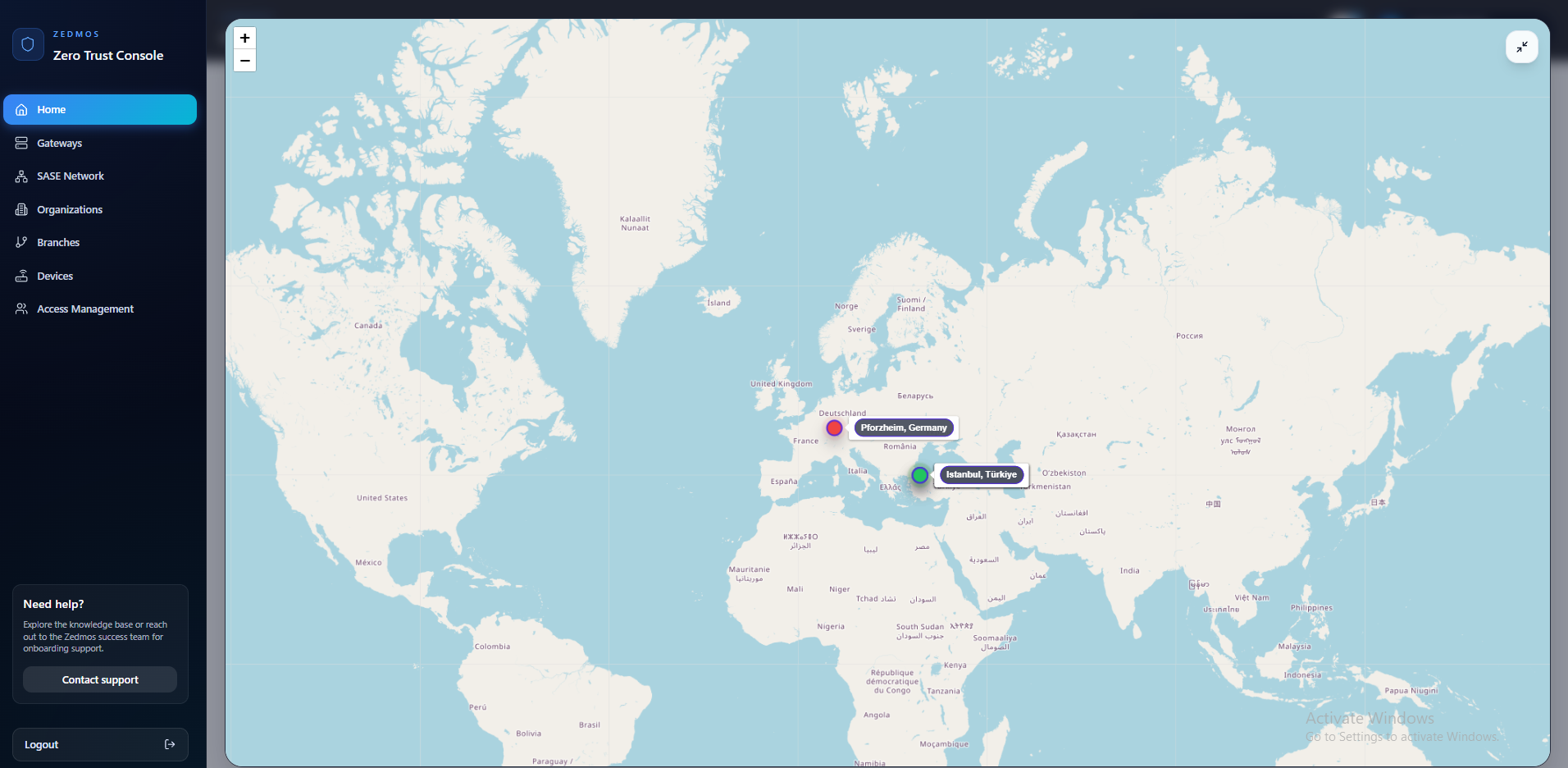
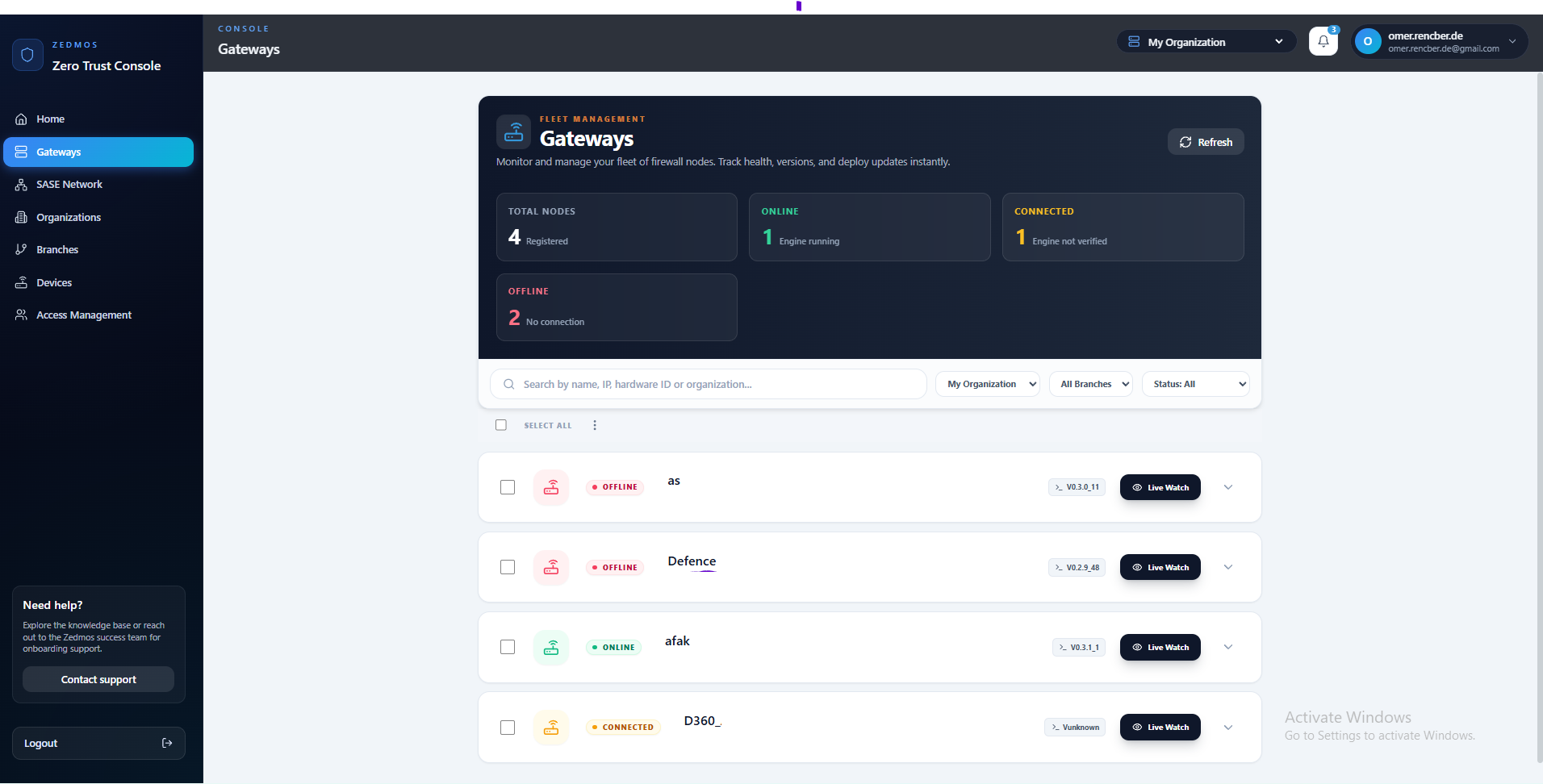
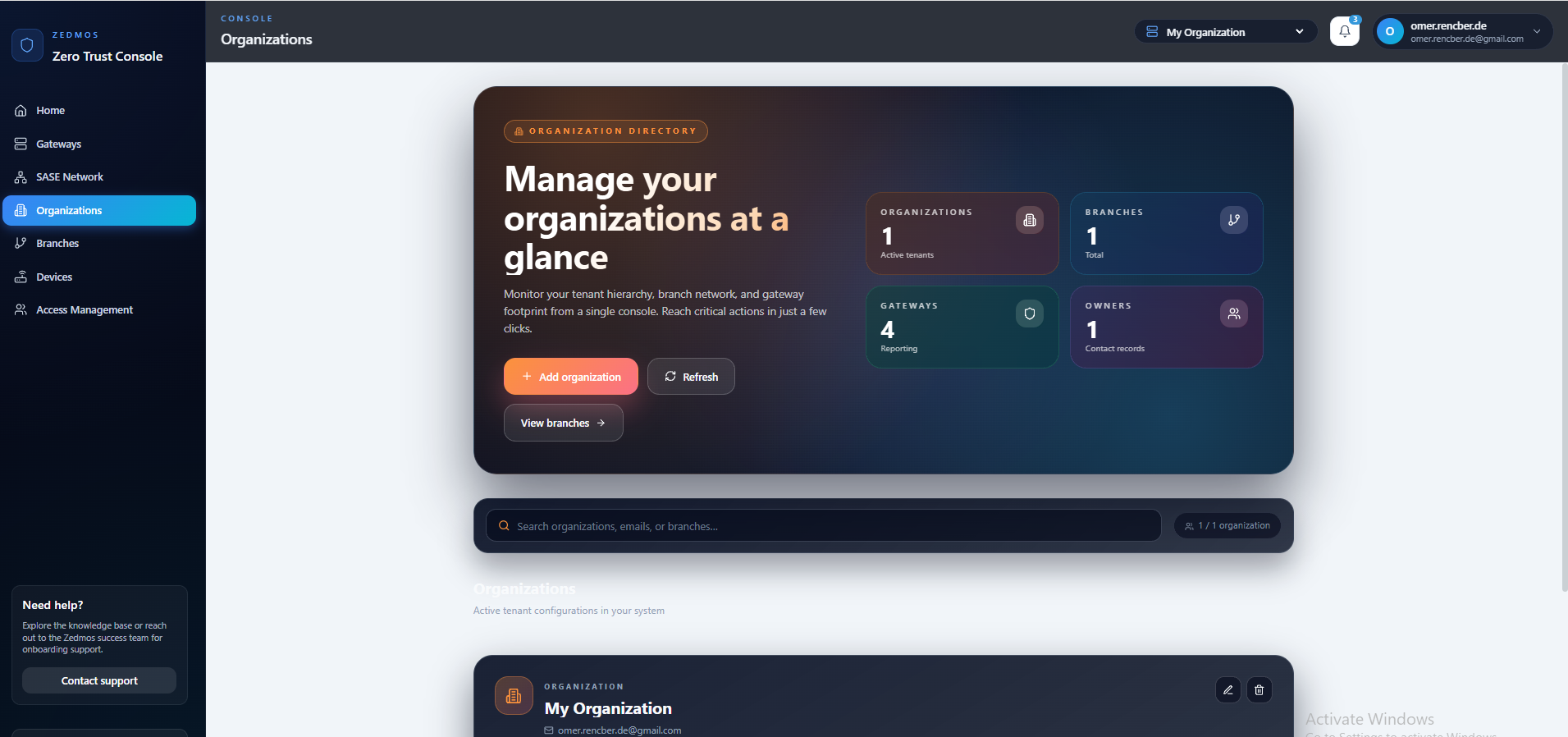
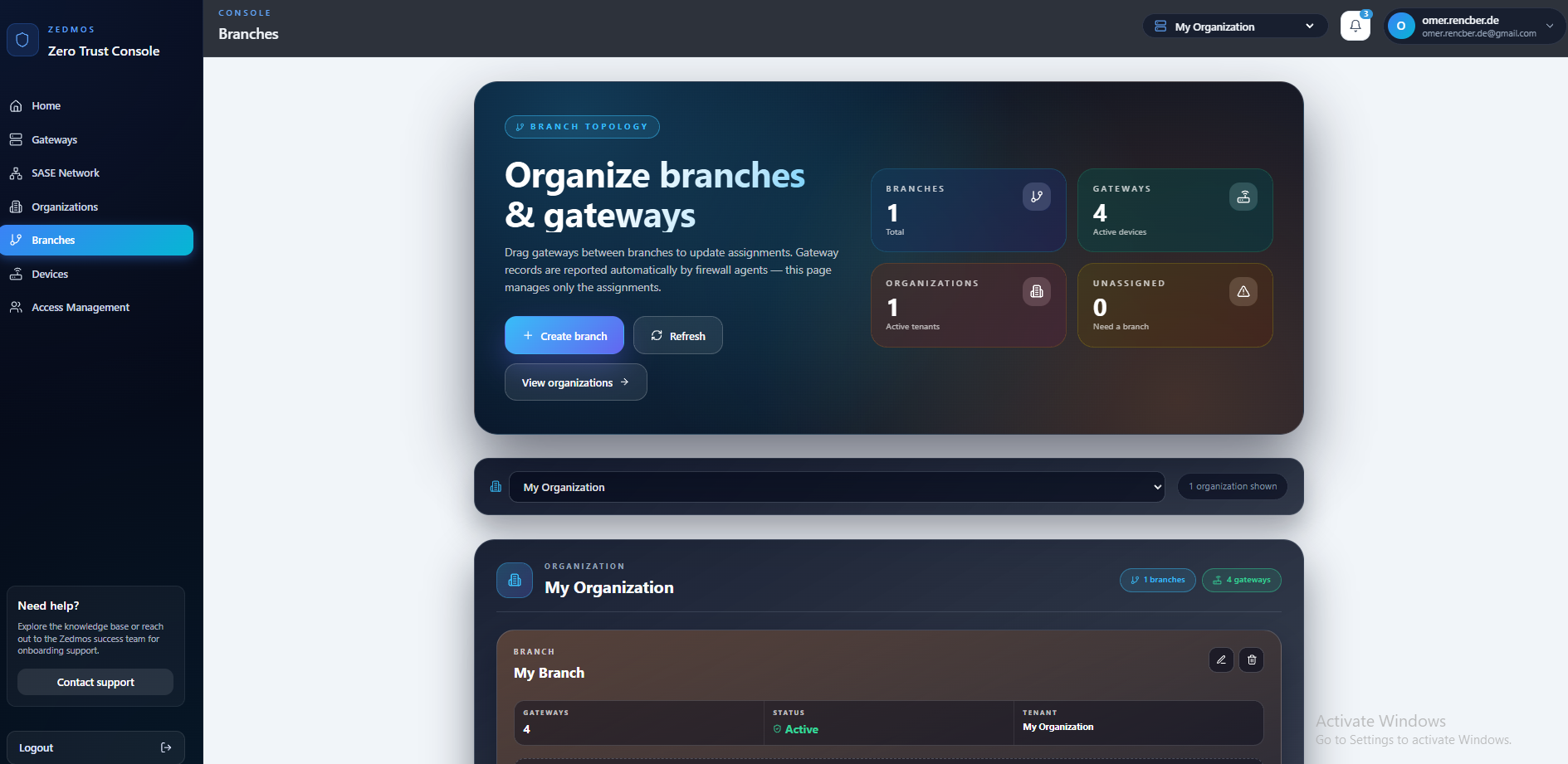
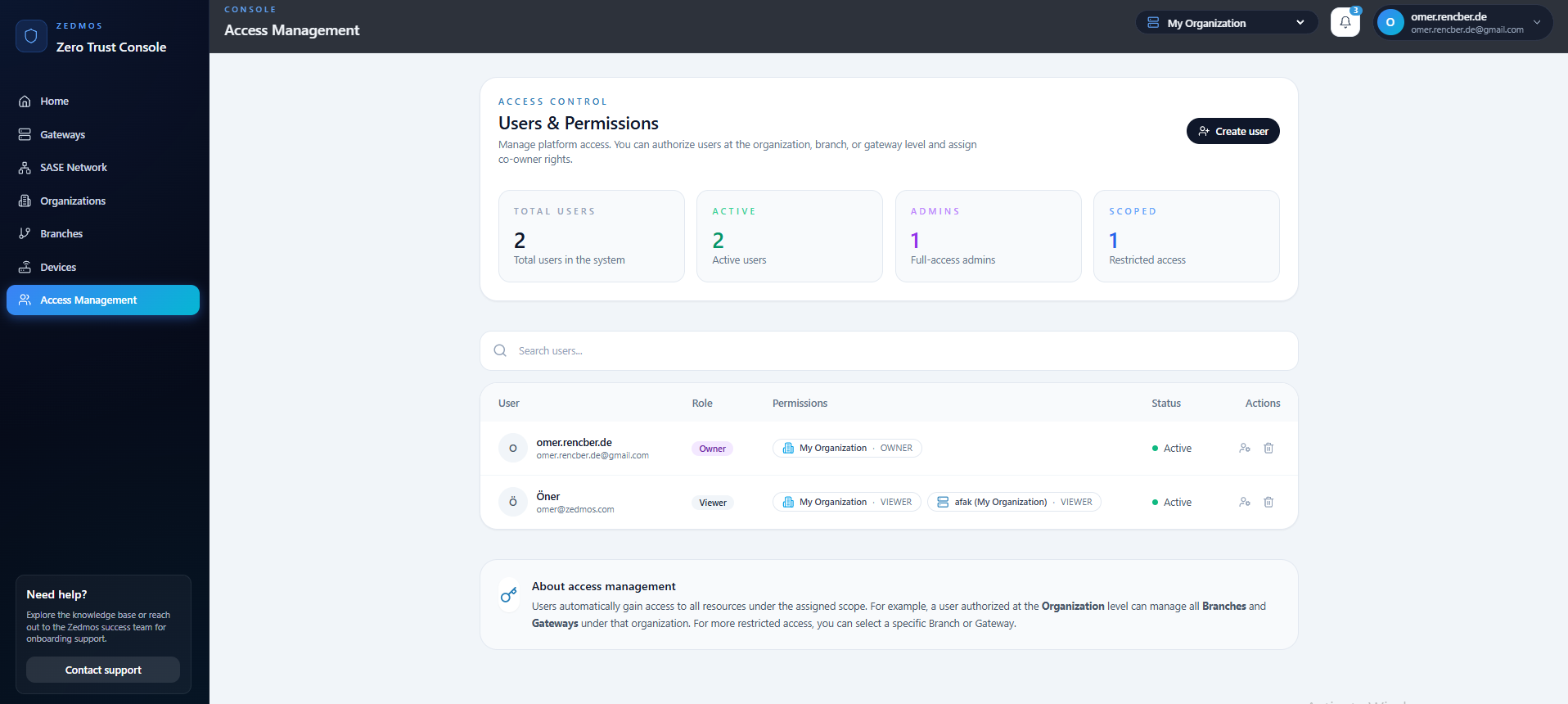
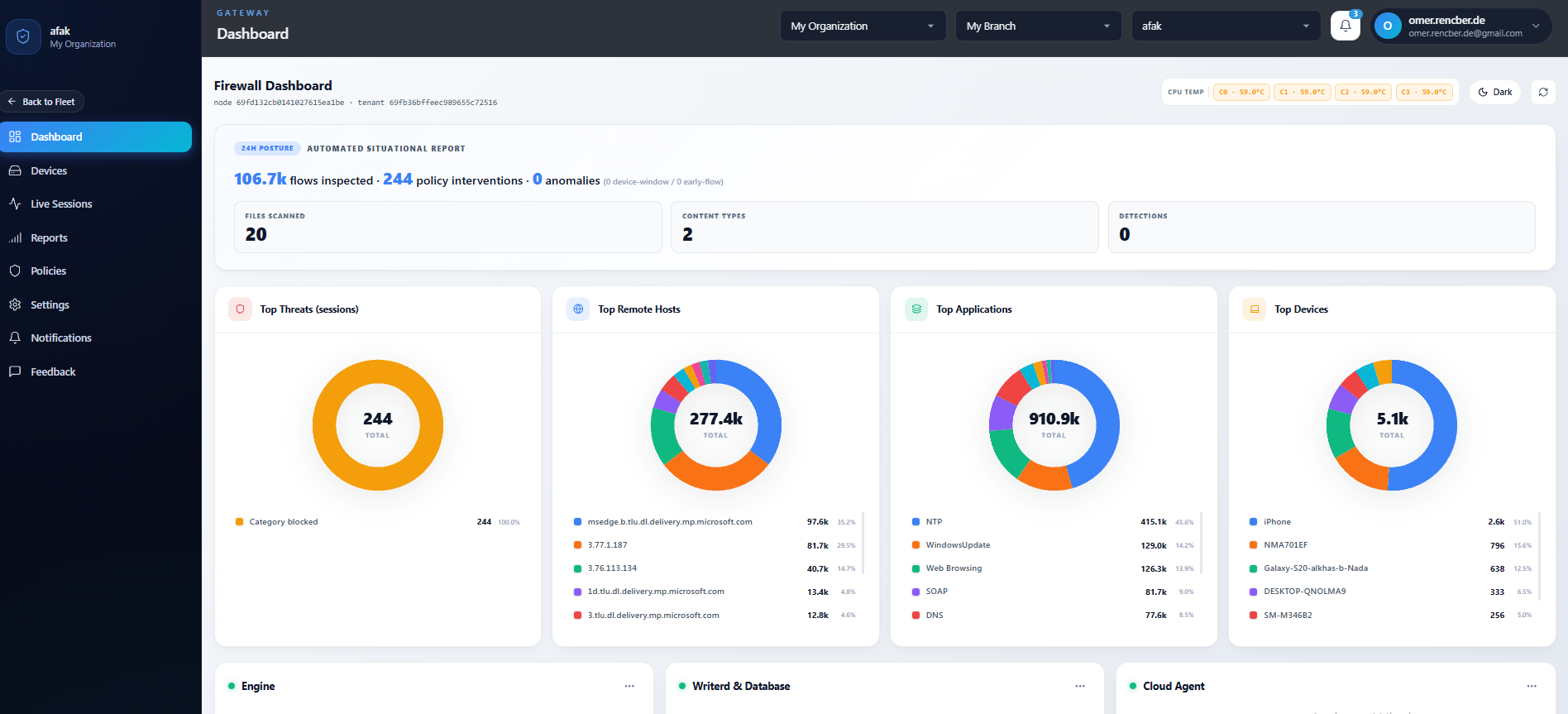
Every branch on one map
The Zero Trust Console opens on a live world map: each site is a pin, each pin reflects current branch and gateway health.
Five steps from platform validation to live enforcement
A guided adoption sequence. Every step is reversible and leaves the appliance in a known-good state.
A preflight routine inspects the target interface for fast-path capability, multi-queue support, and driver maturity. Unsupported combinations surface a clear reason and a fallback path before anything is installed.
- Automated hardware compatibility check
- Driver and kernel module validation
- Clear remediation guidance when a fallback is required
Zedmos ships as a OPNsense module that adds the engine, the log plane, the control plane, and the management UI as a single unit. Installation is unattended and fully reversible.
- Signed package, reproducible build
- Integrated engine · log plane · control socket · UI
- Clean uninstall with state preservation
Start in monitor posture to build a traffic baseline without any risk. Promote to bridge for inline enforcement, or to routed for policy-based steering. Promotion is a single setting — no re-configuration.
- Monitor · observation with zero packet modification
- Bridge · transparent inline enforcement at Layer 2
- Routed · policy-based steering at Layer 3
Policies are authored in the management UI — a structured editor with validation, diffing, and versioning. Every change is staged, reviewed, and applied as an atomic generation swap with zero packet loss.
- Match by application, category, SNI, user, device, IP, geography, or TLS fingerprint
- Fourteen action verbs from observe-only to escalation
- Validated generations, atomic apply, one-click rollback
The management UI runs on the appliance itself. Live traffic, events, threat intelligence, SLA, and device inventory all surface here. No call-home, no external console, no telemetry leaving the perimeter.
- Live flow and event dashboard
- Threat-intelligence and device-inventory views
- Structured export to the on-prem SIEM of your choice